g
5.1 F2000 operation
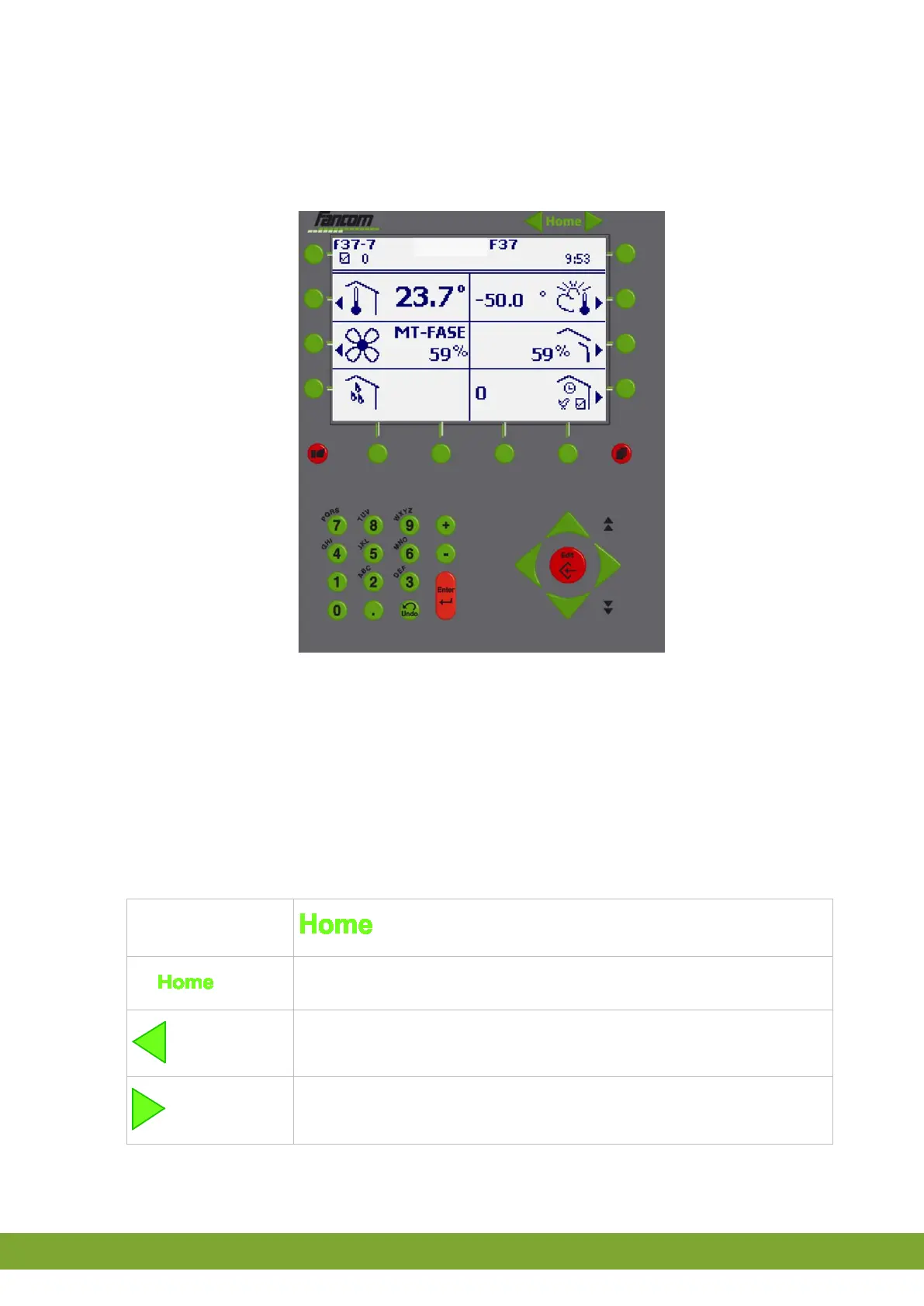
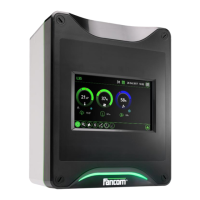
Overview F2000 operation panel
The screen as displayed above shows the user section of the controller. Operation is
virtually identical to the controller.
On this screen the user can only use the keys with the mouse. No data can be entered
with the keyboard. Each time the user clicks on a key a new page appears showing the
changed situation. The page will refresh automatically every 30 seconds, if no key has
been pressed (this function is browser dependent).
The left/right arrows and the Home key at the top of the screen have been added to the
controller keys. These functions can be used to change between controls and sections.
Browse to the previous controller (of the same type, if present).
Browse to the next controller (of the same type, if present).
Return to the main page.



 To Next Page