us-pc@fangor.cn
28
ENEN
2.Wired Connection to Smartphone/Pad
2.1 Wired Connection to iOS. (iPhone/iPad)
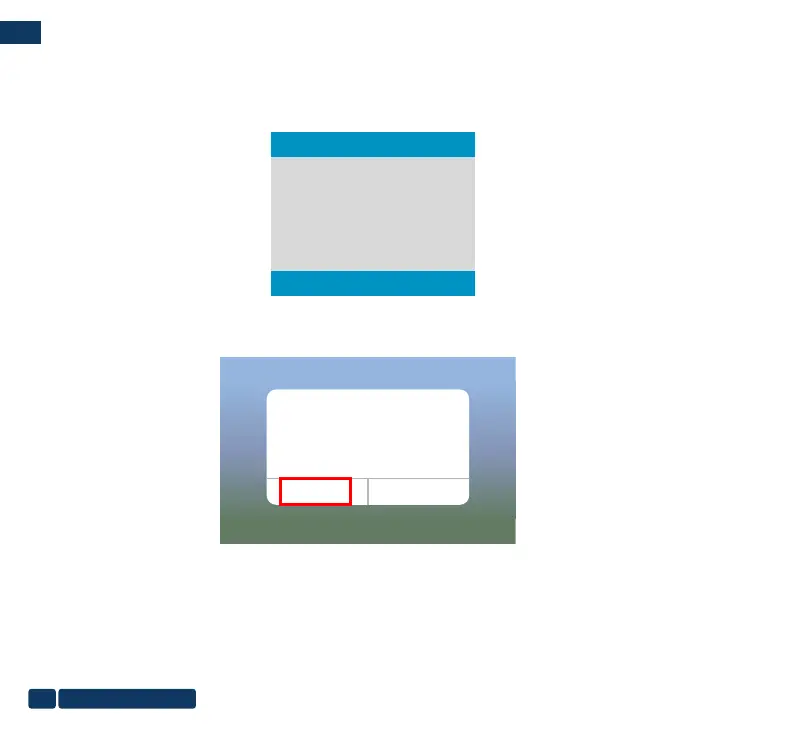
Step1: Turn on the portable monitor and pres the "source" to enter the "Mirascreen" on the portable monitor.
(Loading time 5-10 seconds)
Step2: Connect your IOS device with the portable monitor USB port via USB to Lightning Cable.
Step3: Click "Trust" and input your screen lock password. If no password, ignore it.
Step4: Then the connection is succeeded.
Trust This Computer?
Your settings and data will be
accessible from this computer when
connected wirelessly or using a cable.
Trust
Don’t Trust
Auto
Type-C
Mirascreen
HDMI


 To Next Page