EasyManua.ls Logo

Fanimation AIRE DELUXE - User Manual

Fanimation AIRE DELUXE
40 pages
Print Icon
To Next Page IconTo Next Page
Loading...
Español p. 21
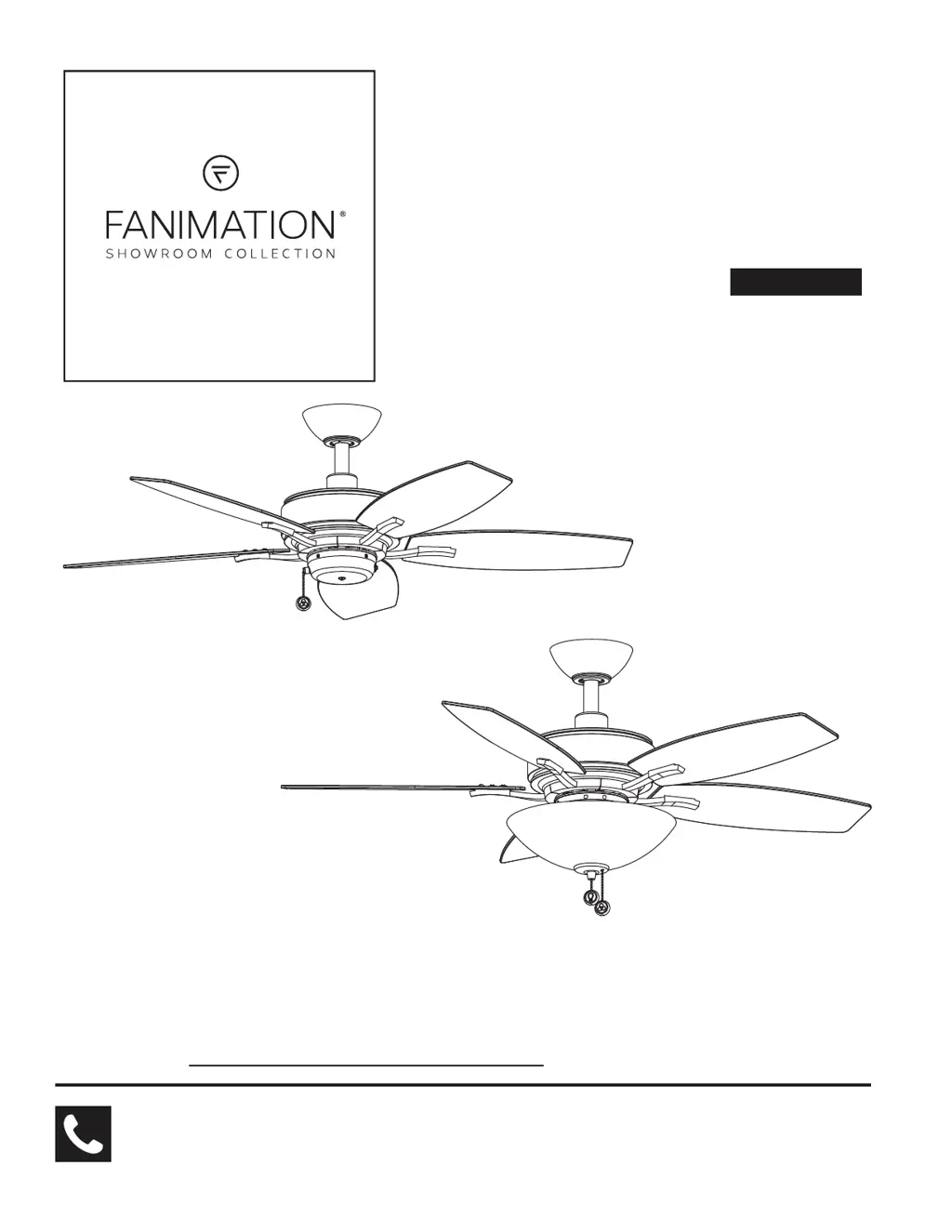
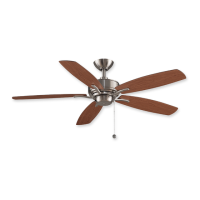
MODEL #FP6244**
MODEL #FP6245B**
AIRE DELUXE
CEILING FAN
Questions, problems, missing parts? Before returning to your retailer, call our customer
service department at 1-888-567-2055, 8 a.m.-5 p.m., EST, Monday-Friday.
ATTACH YOUR RECEIPT HERE
READ AND SAVE THESE INSTRUCTIONS
Purchase Date
FP6244** Net Weight 14.68 lbs (6.66 kg)
FP6245B** Net Weight 16.56 lbs (7.51 kg)

Questions and Answers

  • G
    gregoryparkJul 29, 2025
    What to do if my Fanimation Fan will not start?
    • S
      Sara WilliamsJul 30, 2025
      If your Fanimation Fan isn't starting, here are a few things to check: * First, examine the main and branch circuit fuses or circuit breakers to see if one has blown. * Next, ensure that the power line connections to the fan and the switch wire connections in the switch housings are secure. Remember to turn off the main power before checking! * Finally, verify that the reversing switch is fully engaged to one side and not in a neutral position.
  • D
    Dale BrownAug 5, 2025
    How to improve air movement in my Fanimation AIRE DELUXE?
    • D
      druizAug 6, 2025
      If your Fanimation Fan isn't moving enough air, consider using a longer downrod. Note that longer downrods are sold separately at fanimation.com.
  • C
    Cory PearsonAug 13, 2025
    Why is my Fanimation AIRE DELUXE Fan so noisy?
    • M
      Mrs. Claire Erickson DDSAug 13, 2025
      A noisy Fanimation Fan can be caused by several factors: 1. Loose screws in the motor housing. Make sure all screws are snug, but not over-tightened. 2. Loose screws securing the fan blade holders to the motor flywheel. Ensure these screws are tight. 3. Loose screws holding the blades to the blade holders. Tighten these screws securely. 4. Wire connectors inside the housing rattling against each other or the housing wall. Ensure wire connectors in the switch housing are not rattling against each other or against the interior wall of the switch housing. Remember to turn off the main power before checking! 5. A loose lower housing support set screw. Tighten the set screw securely. 6. Blades not attached to fan. Attach blades to fan before operating.
  • D
    Dana CobbAug 21, 2025
    How to fix a Fanimation AIRE DELUXE Fan that wobbles?
    • W
      William MackAug 21, 2025
      Excessive wobbling in your Fanimation Fan can often be corrected with these steps: * Tighten the setscrews in the downrod support securely. * Tighten the setscrew in the downrod/hanger ball assembly. * Check and tighten the screws securing the fan blade holders to the flywheel. * Ensure the fan blade holders seat firmly and uniformly to the surface of the motor housing. If they don't, loosen the screws and retighten. * Tighten the hanger bracket screws to the outlet box and ensure the outlet box is secure. * If the above steps don't work, balance the blades using the balance kit provided in the hardware bag.

Summary

Important Safety Instructions

General Safety Precautions

Key safety guidelines for preventing fire, shock, and injury during use.

Additional Safety Instructions

Installation and Usage Safety

Specific safety advice for wiring, mounting, and operating the fan.

Tools Needed for Assembly

Materials

Unpacking Instructions

Electrical and Structural Requirements

How to Assemble Your Ceiling Fan

Downrod and Hanger Ball Assembly

Steps for assembling the downrod, hanger ball, and securing them to the motor.

Finalizing Hanger Ball and Preparing Wires

Securing the hanger ball and preparing lead wires for connection.

How to Hang Your Ceiling Fan

Hanger Bracket and Fan Mounting

Securely attaching the hanger bracket and seating the fan onto it.

How to Wire Your Ceiling Fan

Electrical Connections and Grounding

Detailed steps for making wire connections, including grounding.

How to Install Your Canopy Housing

How to Assemble Your Ceiling Fan Blades

How to Assemble Your Switch Cup Assembly;Light Kit Assembly

How to Operate Your Ceiling Fan

Trouble Shooting

Common Fan Issues and Solutions

Troubleshooting common problems like fan not starting, noise, wobble, or poor airflow.

Parts List for FP6244**

Parts List for FP6245 B**

Fanimation AIRE DELUXE Specifications

General IconGeneral
CategoryFan
Model NameAIRE DELUXE
TypeCeiling Fan
Blade Span52 inches
Number of Blades5
Motor TypeAC
Motor Speed3 speeds
Reversible MotorYes
Light KitOptional
Light Kit IncludedNo
Blade MaterialWood
WarrantyLimited Lifetime
Finish OptionsMultiple
FinishBrushed Nickel

Related product manuals