EasyManua.ls Logo

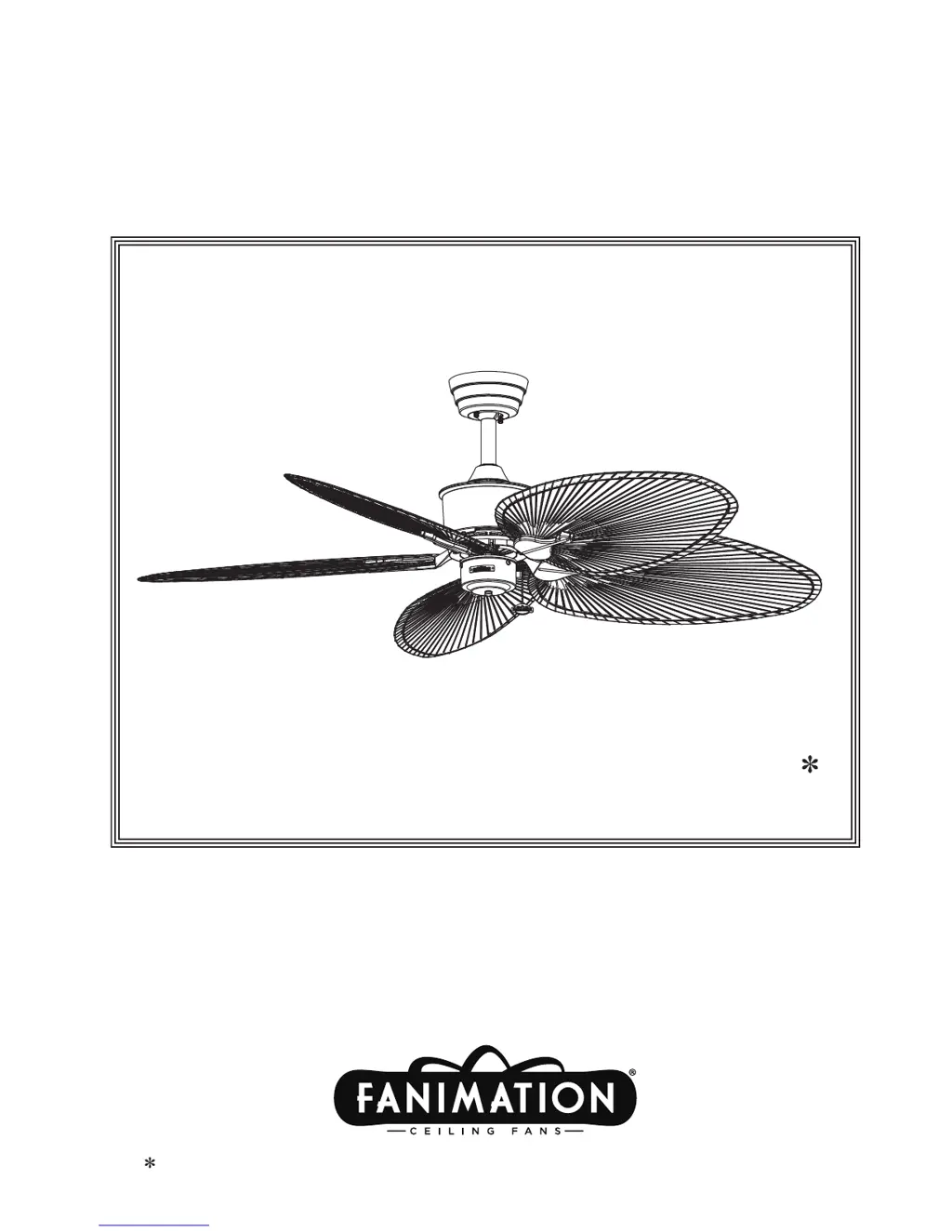
Fanimation Islander - User Manual

Fanimation Islander
28 pages
Print Icon
To Next Page IconTo Next Page
Loading...
OWNERS MANUAL
READ AND SAVE THESE INSTRUCTIONS
Model No. FP320**1
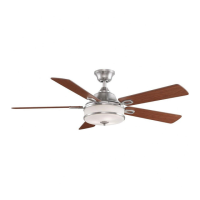
The Islander
®
Ceiling Fan
Net Weight 19 lbs.
Standard & Damp Location Models
Damp Location Model; Top of fan is marked, “Suitable For Use In Damp Locations”

Questions and Answers

  • Z
    zacharyjohnsonJul 27, 2025
    What to do if my Fanimation Fan will not start?
    • J
      Joseph HatfieldJul 27, 2025
      If your Fanimation Fan won't start, begin by checking the main and branch circuit fuses or circuit breakers. Also, check the line wire connections to the fan and switch wire connections in the switch housings, remembering to turn off the main power first. Ensure the reversing switch is fully to one side and, if using a remote, replace the battery.
  • A
    Anna KiddAug 3, 2025
    How to improve air movement from my Fanimation Islander?
    • S
      Sharon DunnAug 3, 2025
      To improve air movement with your Fanimation Fan, consider using a longer downrod, such as a 12” downrod instead of the 6” downrod that comes with your fan. You can also change your blade configuration from 5 blades to 4 blades. Another option is to consider using a narrow blade instead of the wide oval blade.
  • M
    Mary MillerAug 11, 2025
    Why does my Fanimation Islander wobble excessively?
    • T
      Tiffany BarajasAug 11, 2025
      If your Fanimation Fan wobbles excessively, make sure both setscrews in the downrod support are tightened securely. Also, tighten the setscrew in the downrod/hanger ball assembly. Check that the screws securing the fan blade holders to the flywheel are tight and that the fan blade holders seat firmly and uniformly to the surface of the motor housing. Ensure the hanger bracket screws are tightened to the outlet box, and the outlet box is secure. You can also try interchanging the position of fan blades to redistribute the weight.
  • A
    Amy SchmidtAug 18, 2025
    Why is my Fanimation Islander Fan so noisy?
    • S
      Sara MitchellAug 18, 2025
      If your Fanimation Fan sounds noisy, make sure the blades are attached to the fan. Check to ensure all screws in the motor housing are snug, but not over-tight. Confirm that the screws attaching the fan blade holders to the motor flywheel are tight. Also, check that wire connectors in the switch housing are not rattling against each other or the interior wall, remembering to turn off the main power first. Some fan motors are sensitive to signals from solid-state variable speed controls. Solid-state controls are not recommended, so choose an alternative control method. Tighten the screws holding the blades to the blade holders and the rubber flywheel set screw securely.

Summary

Important Safety Instructions

Additional Safety Instructions

Essential guidelines for safe installation and operation of the ceiling fan.

Limited Lifetime Warranty

Details the warranty coverage for the fan motor and other parts.

Assembly Preparation

Tools and Materials for Assembly

Lists required tools and included materials for fan assembly.

Unpacking Instructions

Steps to unpack and verify all components of the ceiling fan.

Installation Procedures

Electrical and Structural Requirements

Specifies electrical supply needs and structural mounting requirements.

How to Assemble Your Ceiling Fan

Step-by-step guide for assembling the fan components.

How to Hang Your Ceiling Fan

Instructions for securely mounting the fan to the ceiling outlet box.

How to Wire Your Ceiling Fan

Detailed steps for connecting the fan's electrical wiring.

Operating Instructions

Explains fan operation via pull chain and reversing switch.

Installing the Canopy Housing

Procedures for attaching the canopy housing to the hanger bracket.

Mounting the Fan Blades

Steps for attaching the fan blades to the motor assembly.

Maintenance and Cleaning

General Maintenance

Guidance on periodic cleaning and upkeep of the ceiling fan.

Blade Cleaning

Specific instructions for cleaning different types of fan blades.

Parts and Ordering Information

Parts List

A comprehensive list of all fan components with reference numbers.

How To Order Parts

Information on how to obtain replacement or additional parts.

Exploded-View Diagram

Visual Part Identification

Visual representation of all fan parts and their assembly order.

Trouble Shooting

Common Issues and Solutions

Addresses common fan problems and provides solutions.

Fanimation Islander Specifications

General IconGeneral
Blade Span52 inches
Number of Blades5
Motor TypeAC
Light Kit CompatibleYes
LocationIndoor
Light Kit IncludedNo
Reversible MotorYes
Control TypePull chain
Motor Speed3 speeds
MaterialWood

Related product manuals