EasyManua.ls Logo

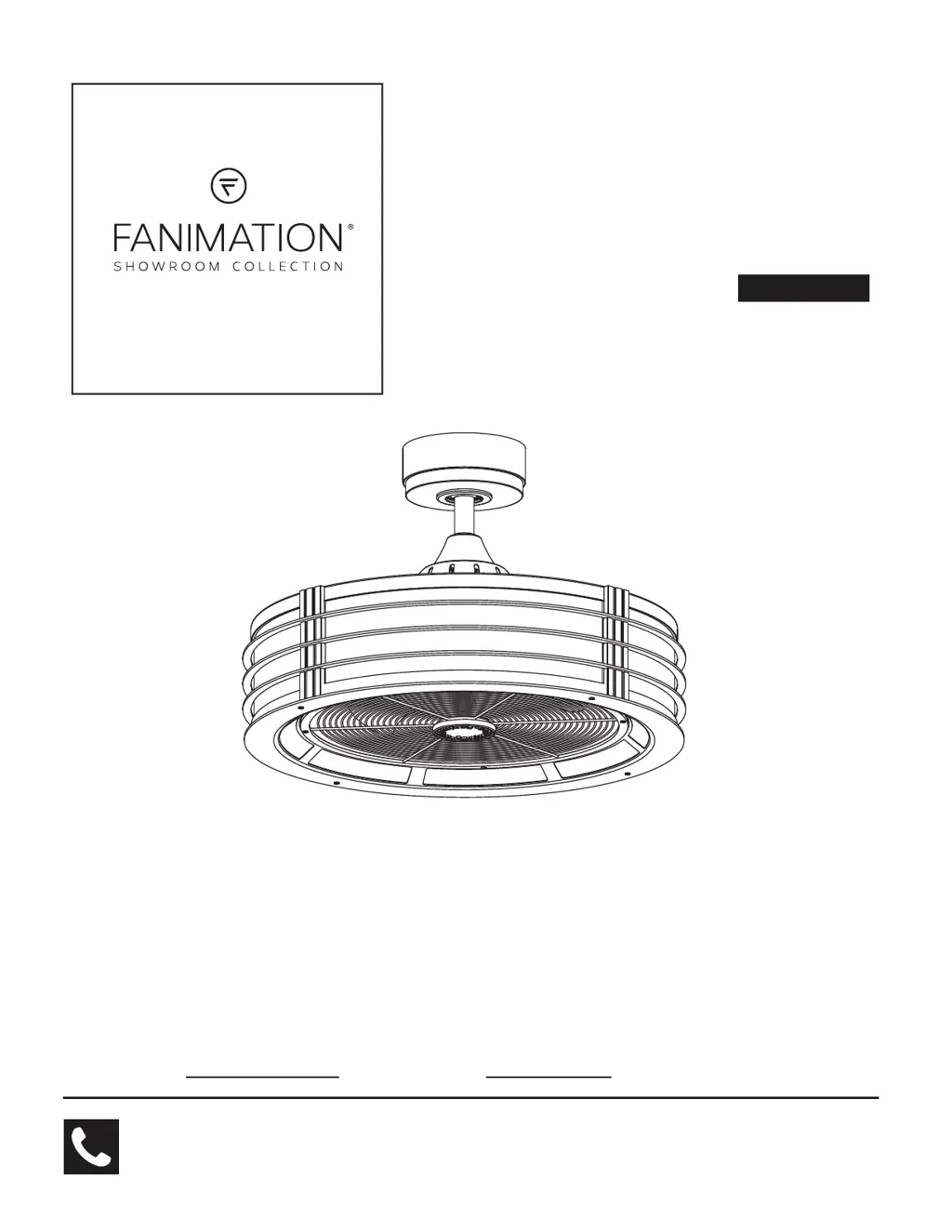
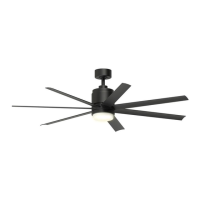
Fanimation BECKWITH FP7964BOB - User Manual

Fanimation BECKWITH FP7964BOB
37 pages
Print Icon
To Next Page IconTo Next Page
Loading...
ATTACH YOUR RECEIPT HERE AND REGISTER YOUR FAN AT FANIMATION.COM
READ AND SAVE THESE INSTRUCTIONS
Serial Number
Purchase Date
Español p. 19
MODEL #FP7964B**
CEILING FAN
Questions, problems, missing parts? Before returning to your retailer, call our customer
service department at 1-888-567-2055, 8 a.m.-5 p.m., EST, Monday-Friday.
Net Weight 27.16 lbs (12.32 kg)
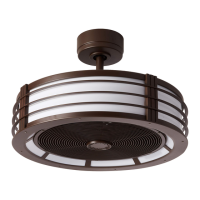
BECKWITH

Questions and Answers

  • V
    Victoria WhiteJul 29, 2025
    What to do if my Fanimation BECKWITH FP7964BOB Fan won't start?
    • J
      jenniferpageJul 29, 2025
      If your Fanimation Fan isn't starting, here are a few things to check: * First, examine the main and branch circuit fuses or circuit breakers. * Next, check the line wire connections to the fan and switch wire connections in the switch housings, remembering to turn off the main power before you do! * Also, make sure the reversing switch is fully to one side. * Finally, replace the remote control battery with a new one.
  • T
    Timothy SmithAug 8, 2025
    Why is my Fanimation BECKWITH FP7964BOB Fan so noisy?
    • S
      Seth RiosAug 8, 2025
      A noisy Fanimation Fan can be caused by several factors: * Ensure the blades are properly attached to the fan. * Check and tighten any loose screws in the motor housing, but avoid overtightening. * Make sure the screws securing the fan blade holders to the motor flywheel are tight. * Also, check that wire connectors inside the housing aren't rattling against each other or the housing's interior wall, remembering to turn off the main power first! * If you're using a solid-state variable speed control, it may be causing motor noise; consider an alternative control method. * Finally, tighten any loose screws holding the blades to the blade holders.
  • R
    Richard BaileyAug 17, 2025
    How to fix excessive wobbling in my Fanimation BECKWITH FP7964BOB?
    • T
      Todd AdkinsAug 18, 2025
      Excessive wobbling in your Fanimation Fan can often be corrected with a few adjustments: * Ensure both setscrews in the downrod support are tightened securely. * Tighten the setscrew in the downrod/hanger ball assembly. * Check that the screws securing fan blade holders to the blades are tight. * Make sure the fan blade holders seat firmly and uniformly to the surface of the motor housing; if not, loosen and retighten the screws. * Confirm the hanger bracket and/or ceiling outlet box is securely fastened. * If the blades are out of balance, use a balance kit to correct this.

Summary

Important Safety Instructions

Additional Safety Instructions

Limited Lifetime Warranty

Tools Needed for Assembly

Materials

Unpacking Instructions

Energy Efficient Use of Ceiling Fans

Choosing the Appropriate Mounting Location

Tips on selecting the best place for fan installation.

Turn Off When Not in the Room

Advice on saving energy by turning off the fan when the room is unoccupied.

Using the Ceiling Fan Year Round

How to use the fan for cooling in summer and heating in winter.

Electrical and Structural Requirements

How to Assemble Your Ceiling Fan

How to Hang Your Ceiling Fan

How to Wire Your Ceiling Fan

How to Install Your Canopy Housing

How to Install the Light Bulbs

How to Operate Your Ceiling Fan

How to Install Your Remote Control

Maintenance

To Clean Your Fan

General instructions for cleaning the fan.

To Clean Your Fan Blade

Specific steps for cleaning the fan blades.

Trouble Shooting

Parts List

How to Order Repair Parts

Exploded-View Illustration

Fanimation BECKWITH FP7964BOB Specifications

General IconGeneral
CategoryFan
ModelBECKWITH FP7964BOB
TypeCeiling Fan
Blade Span52 inches
Number of Blades5
Blade MaterialWood
Motor TypeAC
Motor Speed3 speeds
LocationIndoor
Reversible MotorYes
WarrantyLimited Lifetime
Light KitNo
FinishBrushed Oil Rubbed Bronze

Related product manuals