ENGLISH
19 / 55
- 3.1.4 Change Network Settings
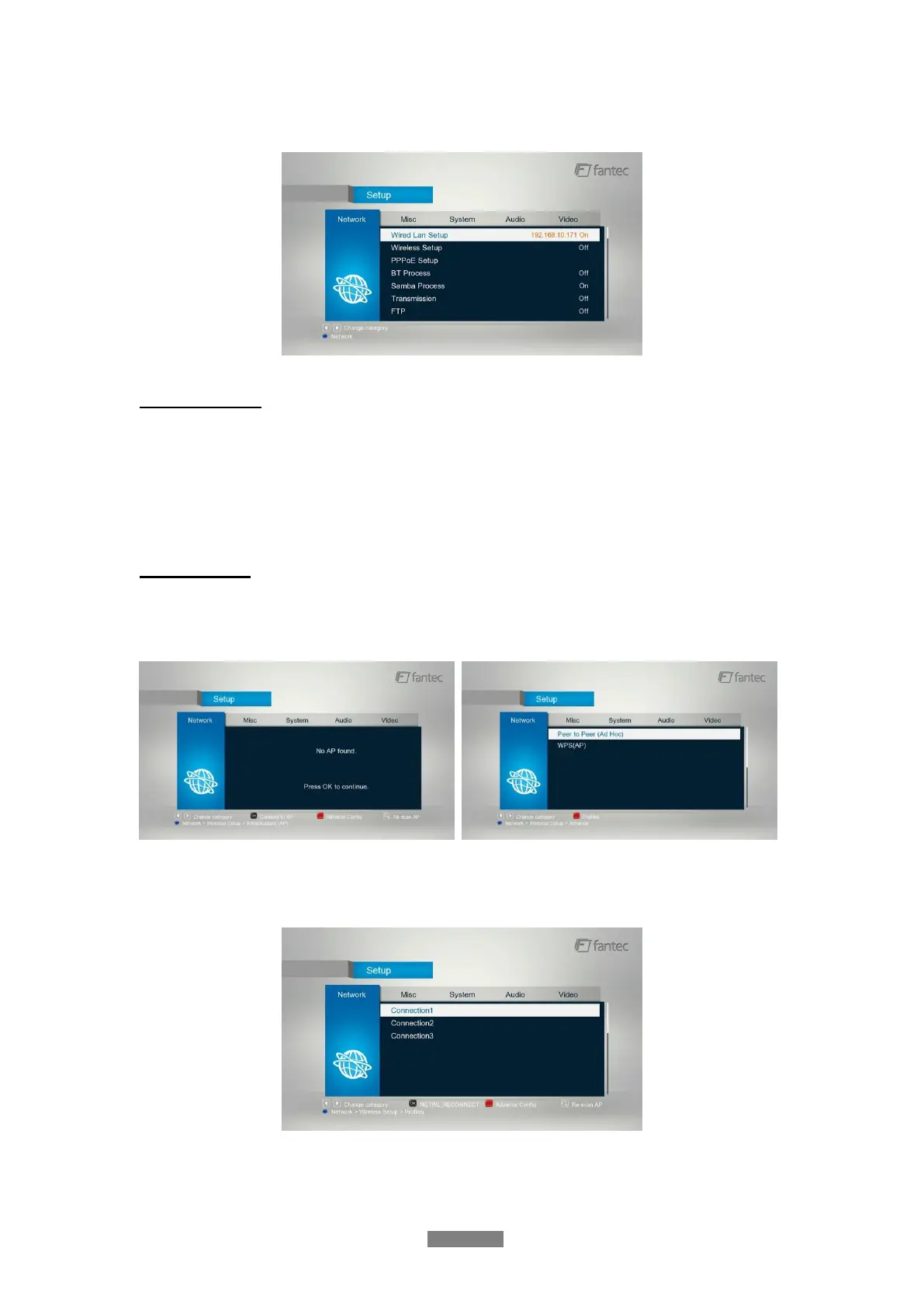
Use this menu to configure your network.
Wired Lan Setup
- DHCP IP (AUTO)
Select to obtain IP address automatically.
- FIX IP (MANUAL)
Select to manually input the IP Address, Subnet Mask, Default Gateway, and DNS Server IP
Address.
Wireless Setup
- There are 3 modes for you to select, Infrastructure (AP) and Peer to Peer (Ad Hoc) and
WPS (AP) mode. Follow the prompting message on the screen and press Red button to
choose Peer to Peer (Ad Hoc) or WPS (AP) mode.
This player can store up to three wireless network connections. Press OK to connect, press
Back to cancel, and press Zoom to modify the parameters of the connection, press Red
button to choose Peer to Peer (Ad Hoc) or WPS (AP).



 To Next Page