ENGLISH
39 / 55
The following buttons can be used under this menu.
Move cursor up / down to select station, channel, and genre.
Confirm and enter the selected menu.
Add / delete a station to / from Favorite while it is highlighted.
Begin playback after a channel has been selected.
Return to the previous menu.
Station
- All downloaded stations will be listed under this menu.
Genre
- You can search for stations by genre (pop, rock, jazz, etc.) under this menu.
Favorite
- Your favorite stations can be kept under this menu.
Search
- You can search for radio stations by Keyword. (Please visit www.shoutcast.com for
available stations)
3.9.2 BT Download
To use BT download, please make sure to have an internet connection established.
Step 1: Enter into SetupNetwork menu and connect your player to the internet.
Step 2: Enter into SetupNetwork menu and turn on Transmission.
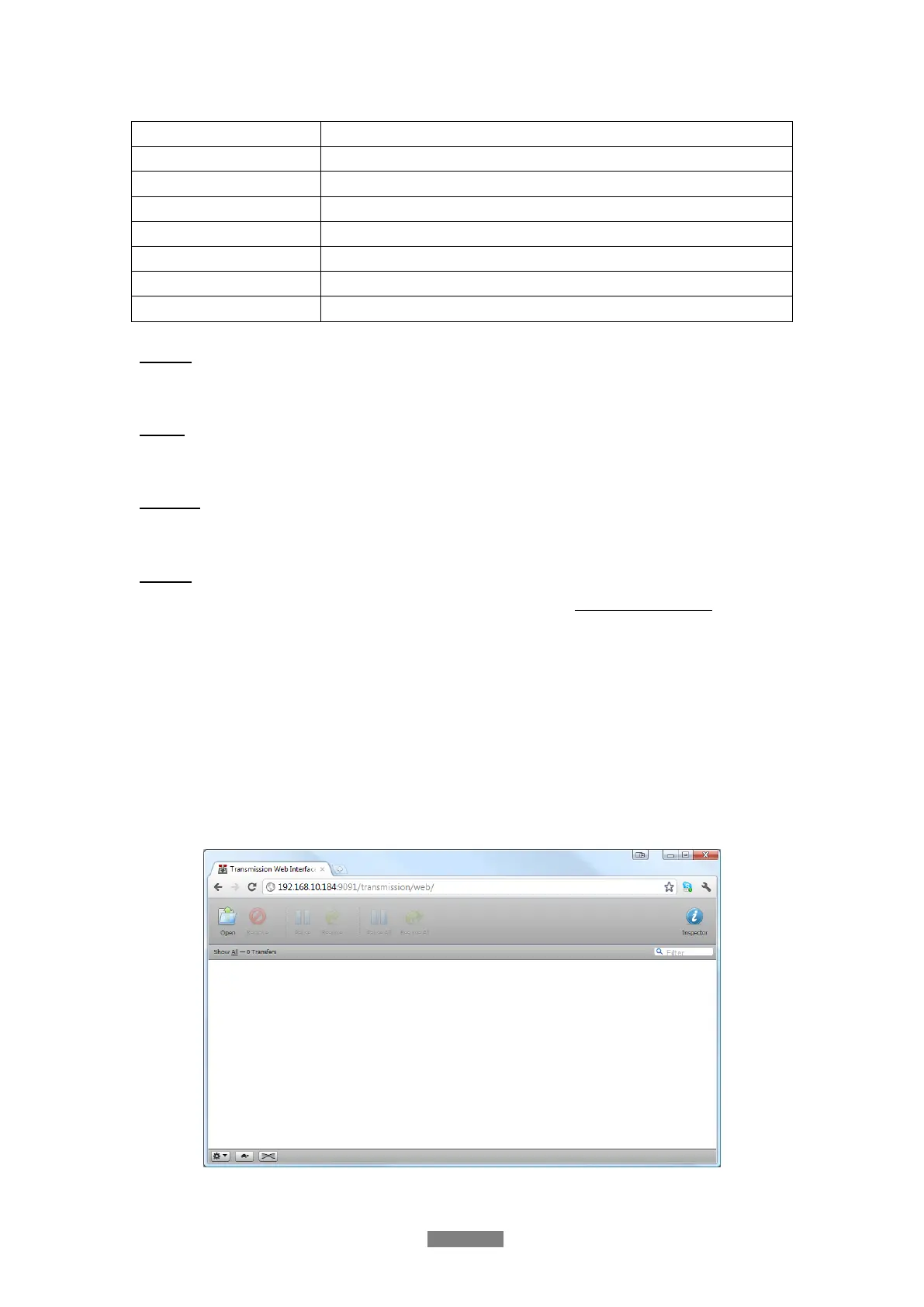
Step 3: On your PC, launch a web browser such as Internet Explorer, Firefox or Safari, and at
the address bar, key in http://192.168.10.184:9091 where 192.168.10.184 is the IP address of
your player.
Click on open icon to add a new torrent file



 To Next Page