ENGLISH
40 / 55
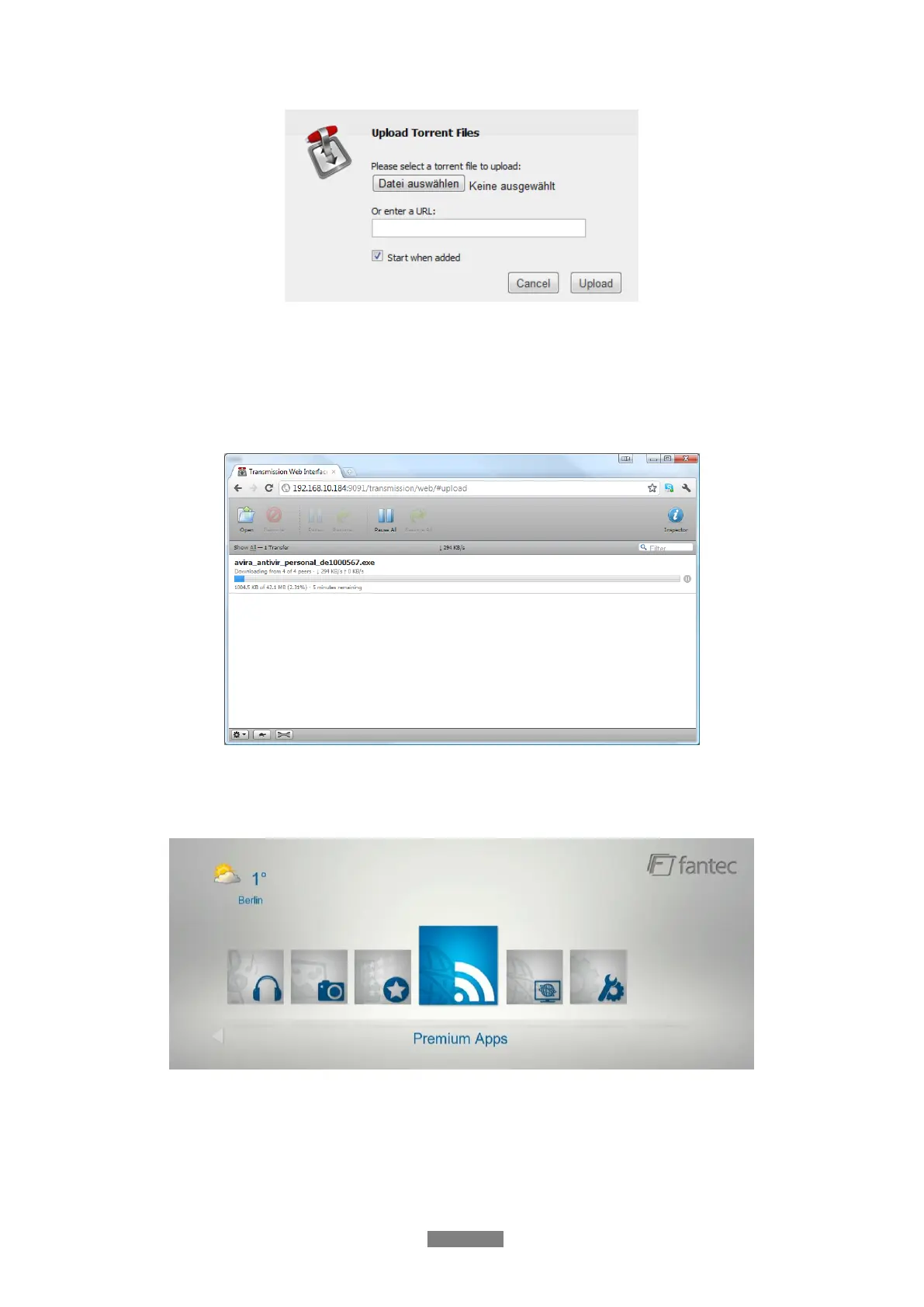
- Click Browse to upload a torrent file, and click upload to confirm.
3. 9.2.1 Managing the downloads
The BitTorrent Download page also allows you to start, stop and delete torrents, as well as
view the status of current torrents.
3.9.3 Weather at Home menu
To display the local weather information at the home menu, please follow below steps:
Step 1: Enter into SetupNetwork menu, to connect your player to internet.
Step 2: Enter into Internet Media select Accu Weather Locations/Settings, and search
the city you like to have displayed.



 To Next Page