ENGLISH
41 / 55
3.9.4 DLNA DMR
This player can work as a Digital Media Renderer bridge. It can play content received from a
digital media controller (DMC), stored on a digital media server (DMS). With it, you can
seamless stream multimedia content to your TV.
Step 1: Enter into Setup System menu and turn DLNA DMR to ON.
Step 2: Install a digital media controller on your device (iPhone/iPod/iPad/ Android phone) and
connect your device to the same network like the player. There are several DMC applications
available (e.g. iMediaShare).
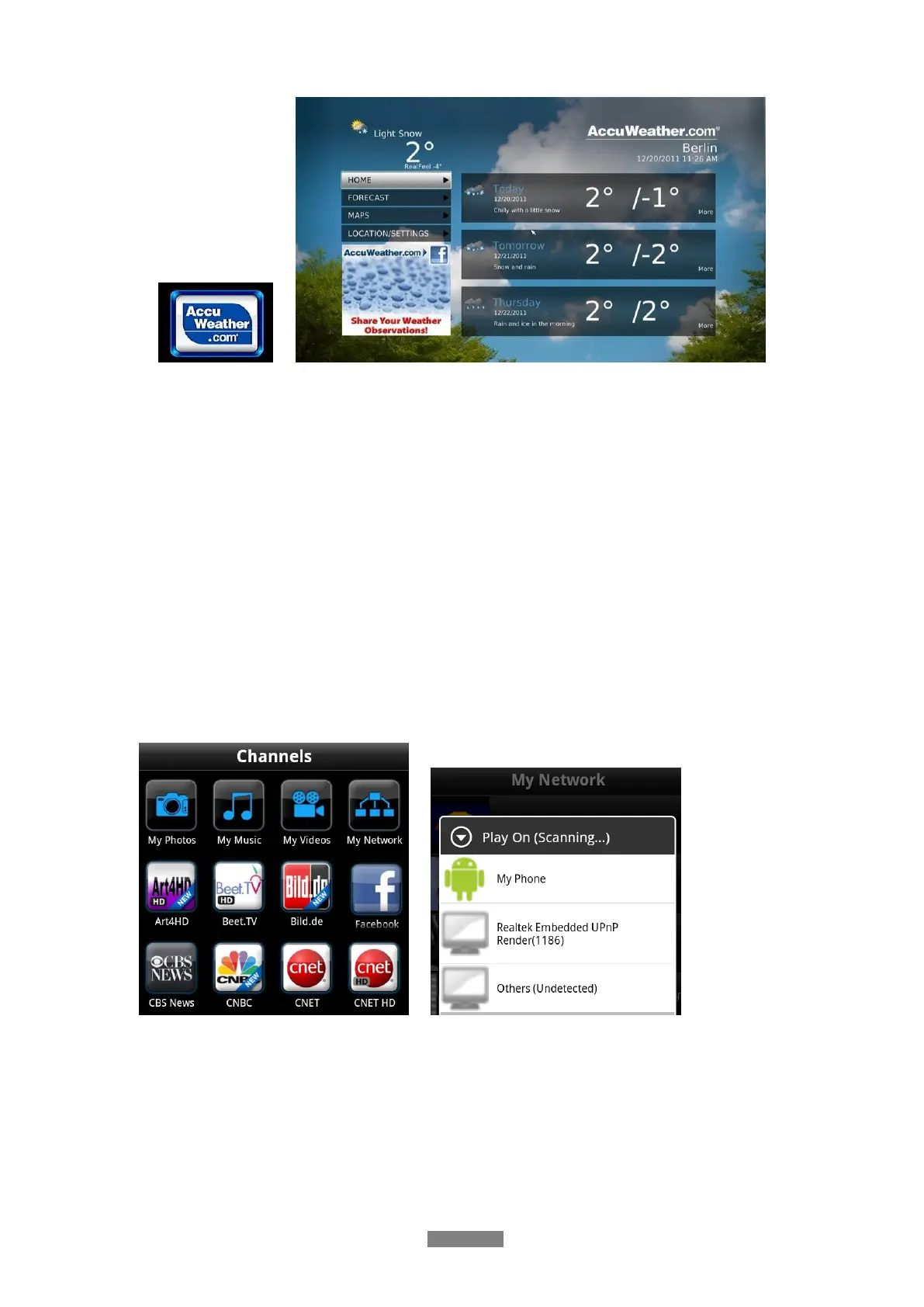
Step 3: Run iMediaShare select the media content stored on your device or other UPnP
server, even media from internetthen select a digital media renderer, and then you can
watch the media on your TV. Except the media stored on your device, you also can select
media form internet, like Picasa, Facebook or YouTube.



 To Next Page