14
5. Select exFAT from the Format drop-down list.
6. Specify the size of the partition in the Size field.
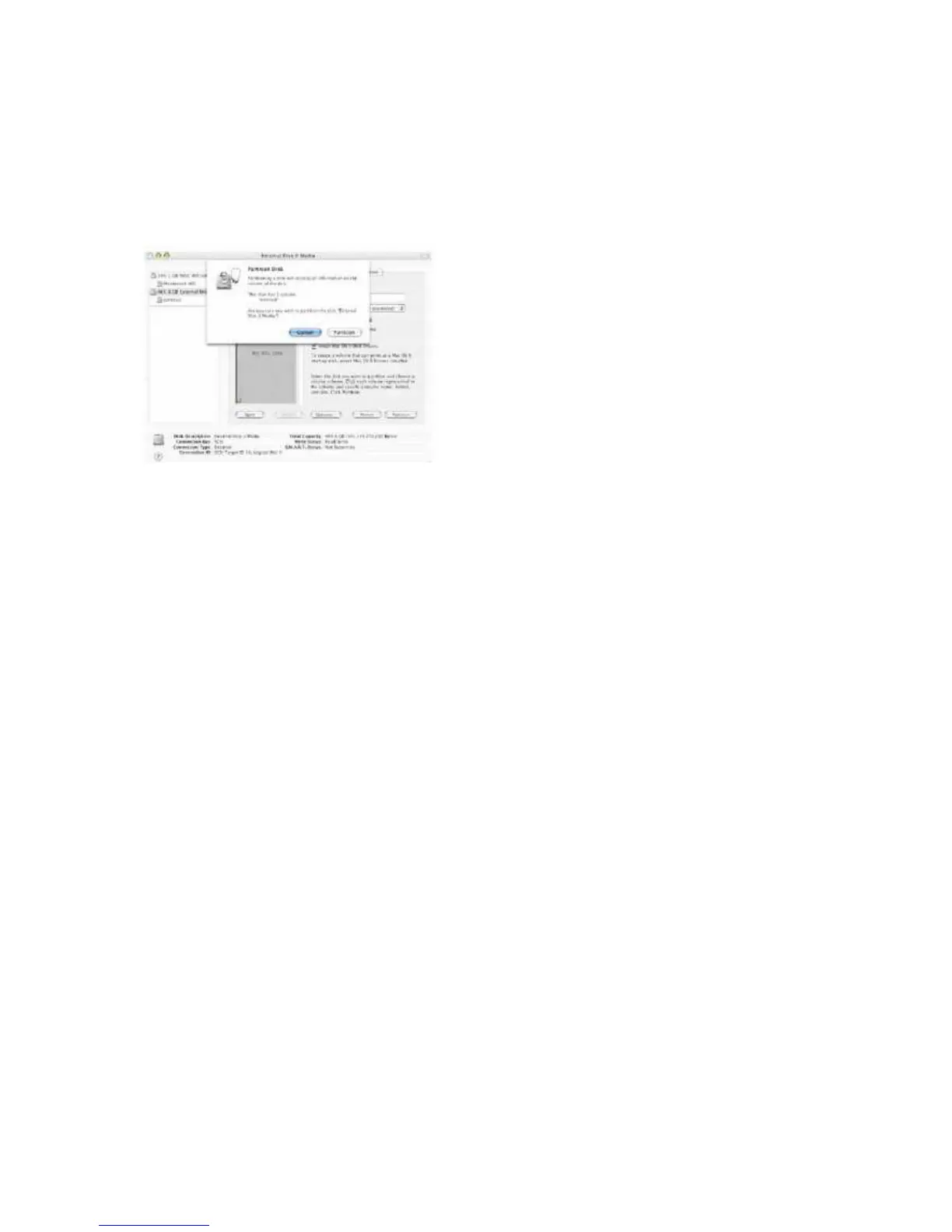
7. Click the Partition button.
8. Click Partition to acknowledge the warning.
Disk Utility mounts the created partition and represents it with an icon on the desktop.
The icon is labeled with the partition name.



 To Next Page