44
8.13. Copying/transferring file to My Device (iOS and Android)
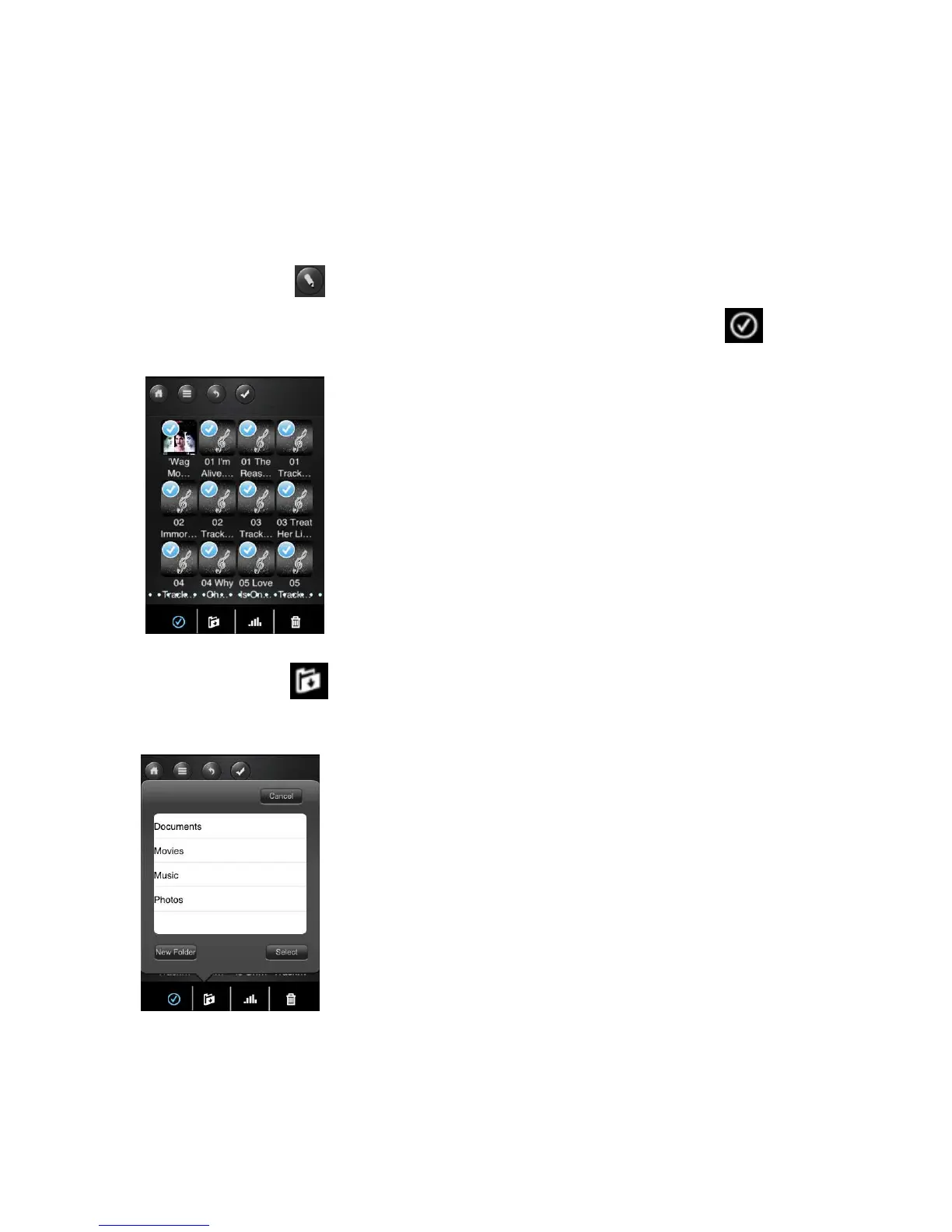
Once you get connected to the WiFi HDD, you can only copy/transfer a single file or
multiple files to the local storage (My Device).
1.
Click on the .
2.
Use your index finger to select a single file or multiple files or use the icon
to select all files that should be copied/transferred.
3.
Click on the .
4.
Select and click the folder where you want the file or files to be copied or
transferred.



 To Next Page