8
4. Hardware Installation
As far as you bought the WiFi enclosure without the internal hard drive, you have to
install the hard drive yourself.
Important Note:
Once you have closed the enclosure, it’s not possible to open it again without damaging
the cover. Please make sure to install the HDD properly!!!
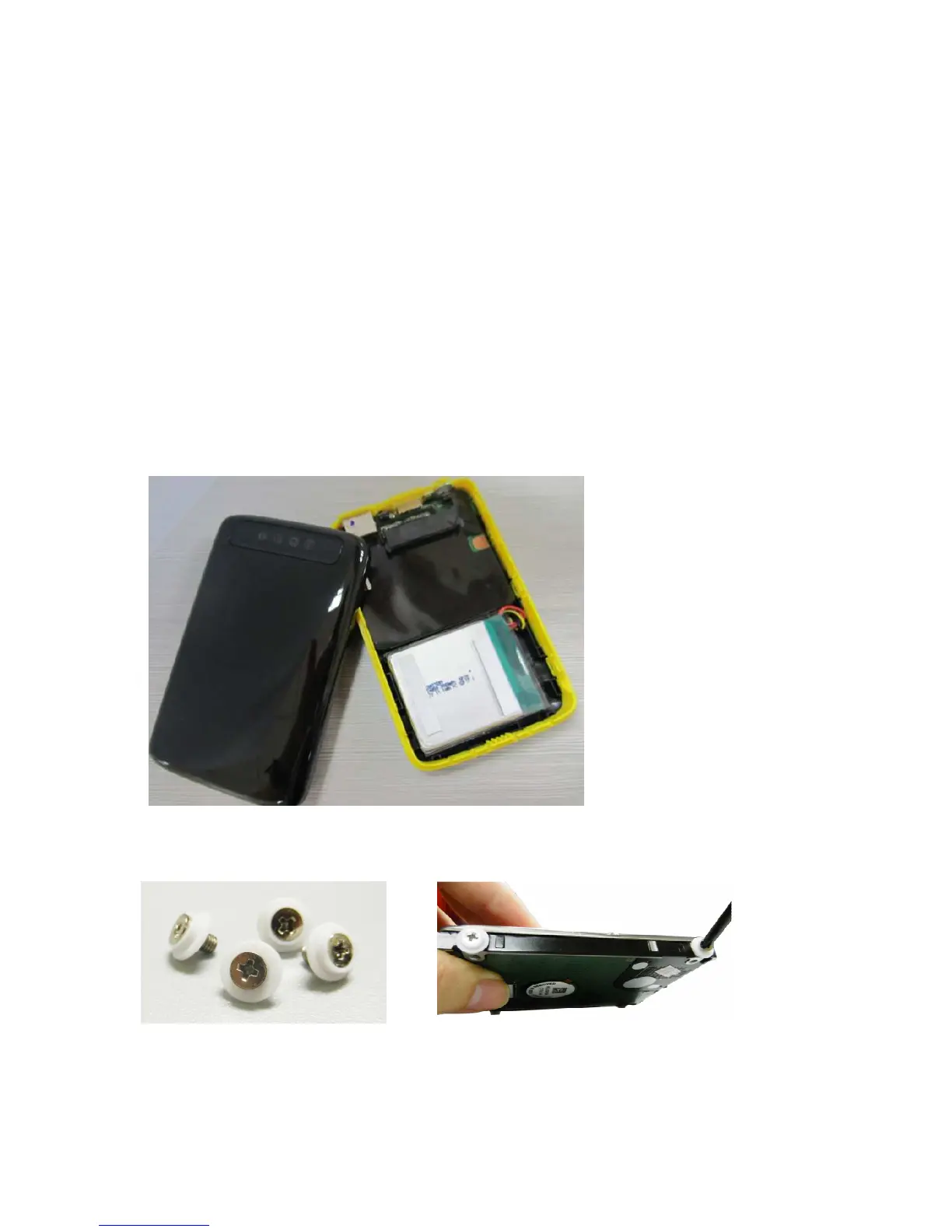
Please follow the steps for 2.5” hard drive installation:
1. Open the back cover of the device.
2. Carefully fix the included screws together with the rubber shock mounts at the
screw holes of the HDD as seen on the images below.



 To Next Page