20
7. Using Mobile Devices
7.1. iOS Client App Installation
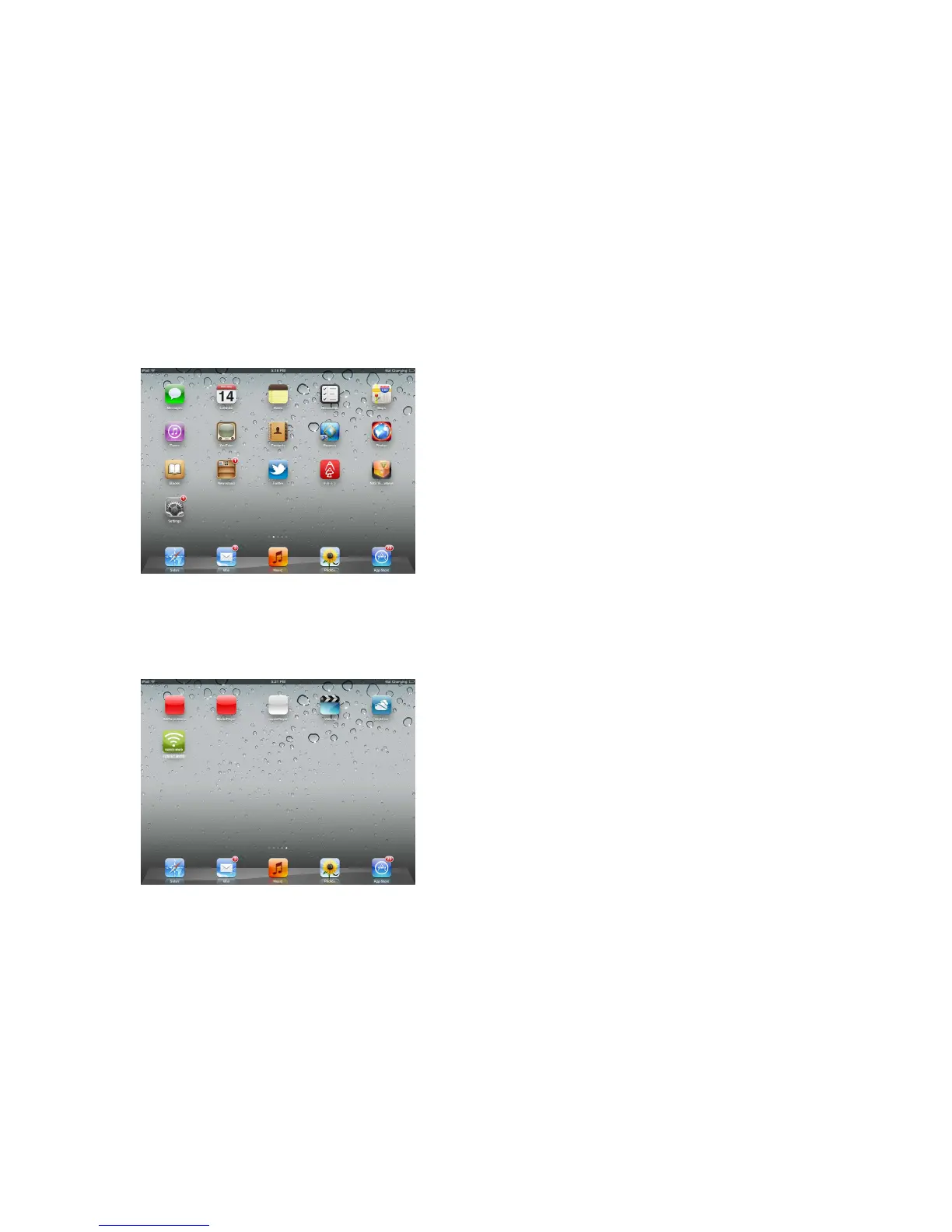
1. Click on the “App Store” icon on the desktop as seen on the image below. Search
and locate the free “FANTEC MWiD25” app and follow the on-screen installation
instructions.
2. Once the installation process has been completed, the “FANTEC MWiD” app can
be found on the desktop as seen on the image below.
7.2. Wireless connect your iPhone/iPad
1. Turn-on the WiFi HDD. Wait for few minutes to complete the initialization process.
The blue WiFi LED on the device should remain solid indicating that the initialization
process has been completed.



 To Next Page