48
8.15. Deleting/erasing a single file or multiple files (iOS and Android)
A single file or multiple files can easily be deleted/erased whether you are in “My Device”
or in “My WiDisk”
1.
To delete file or files, click on the .
2.
Use your index finger to select a single file or multiple files or click on the
icon to Select All files to delete/erase.
3.
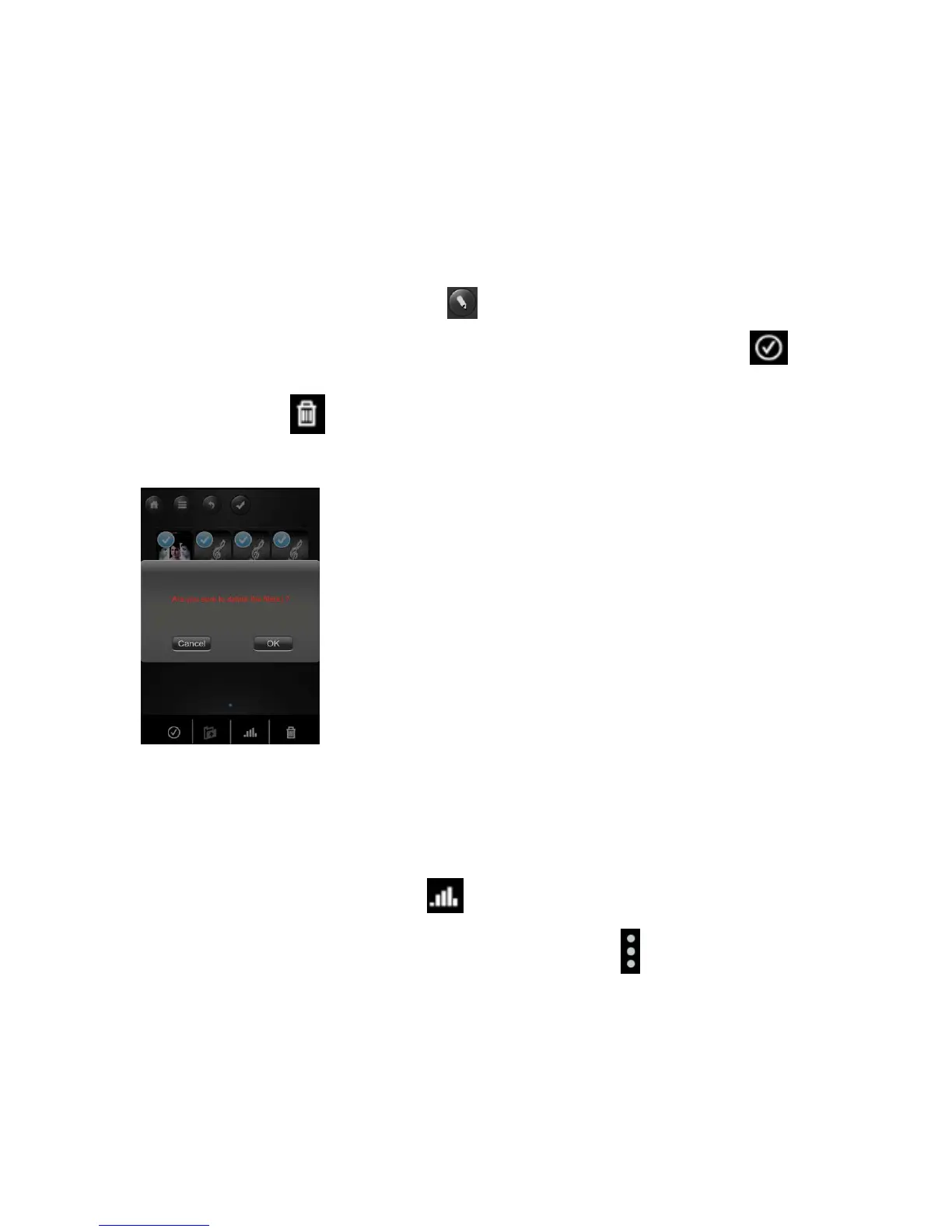
Click on the to delete or erase the selected file or files. A warning message
will appear on the screen to confirm file deletion as seen on the screenshot below.
Click OK to continue deleting files.
8.16. Upload/download history and status
If you have uploaded or download multiple files from/to the WiFi- HDD to your local
storage (My Device), simply click the to check the files on the queue or files that
were successfully copied/transferred. You can also click on the on the main screen to
check on the status.



 To Next Page