26
8. Basic Functionality
8.1. iOS Device Client
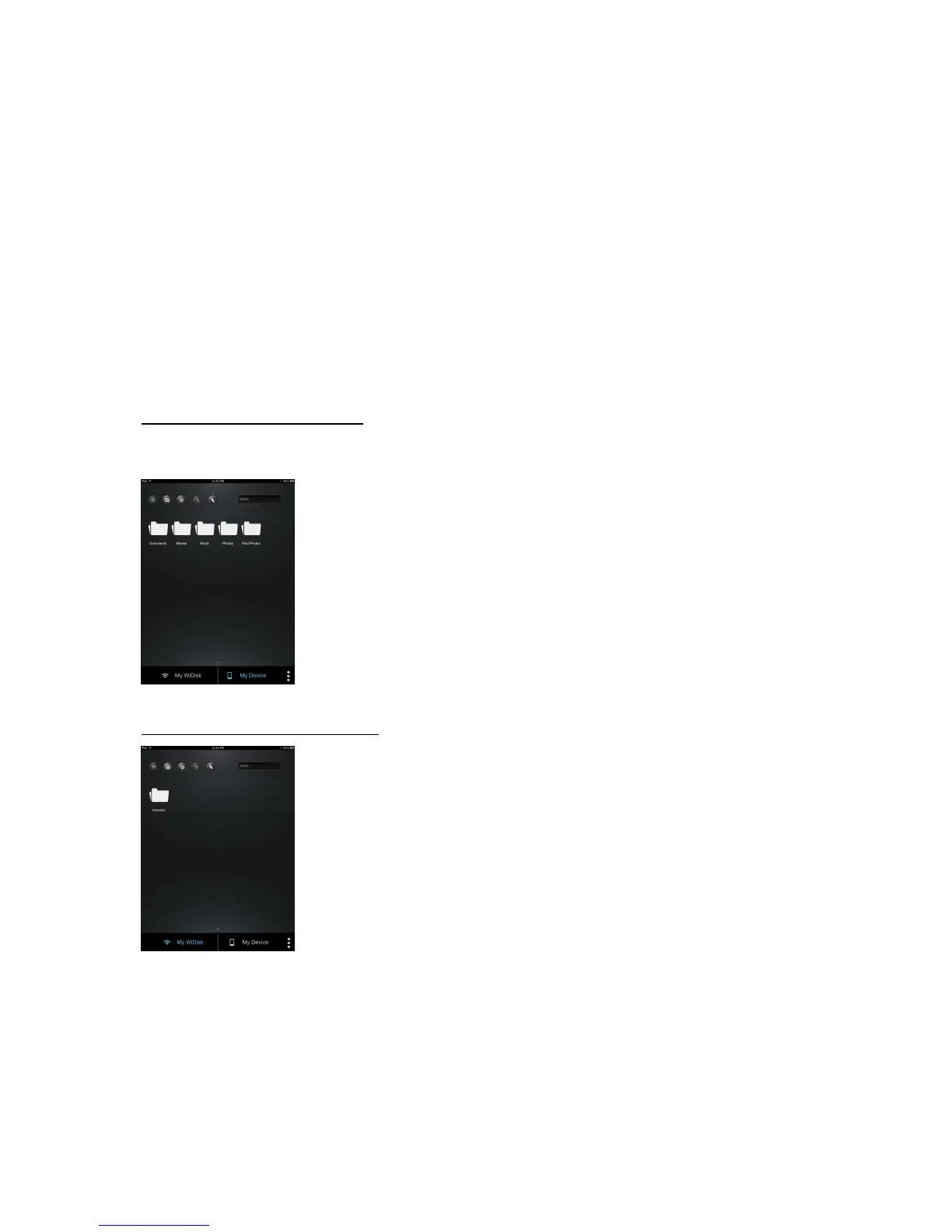
Once you have successfully connected to the WiFi HDD, by default, you will be inside the
“My WiDisk”. The “My WiDisk” is the WiFi HDD and the “My Device” is the device that you
are using to access the WiFi HDD. Following buttons that can be found inside the Main
Screen are listed below.
My Device Main Screen View – By default, the Documents folder, Music folder, Photos
Folder, Videos folders and iPad (or iPhone) folder are available to easily organize your
files inside the My Device.
My WiDisk Main Screen View –



 To Next Page