23
7.4. Android Client App Installation
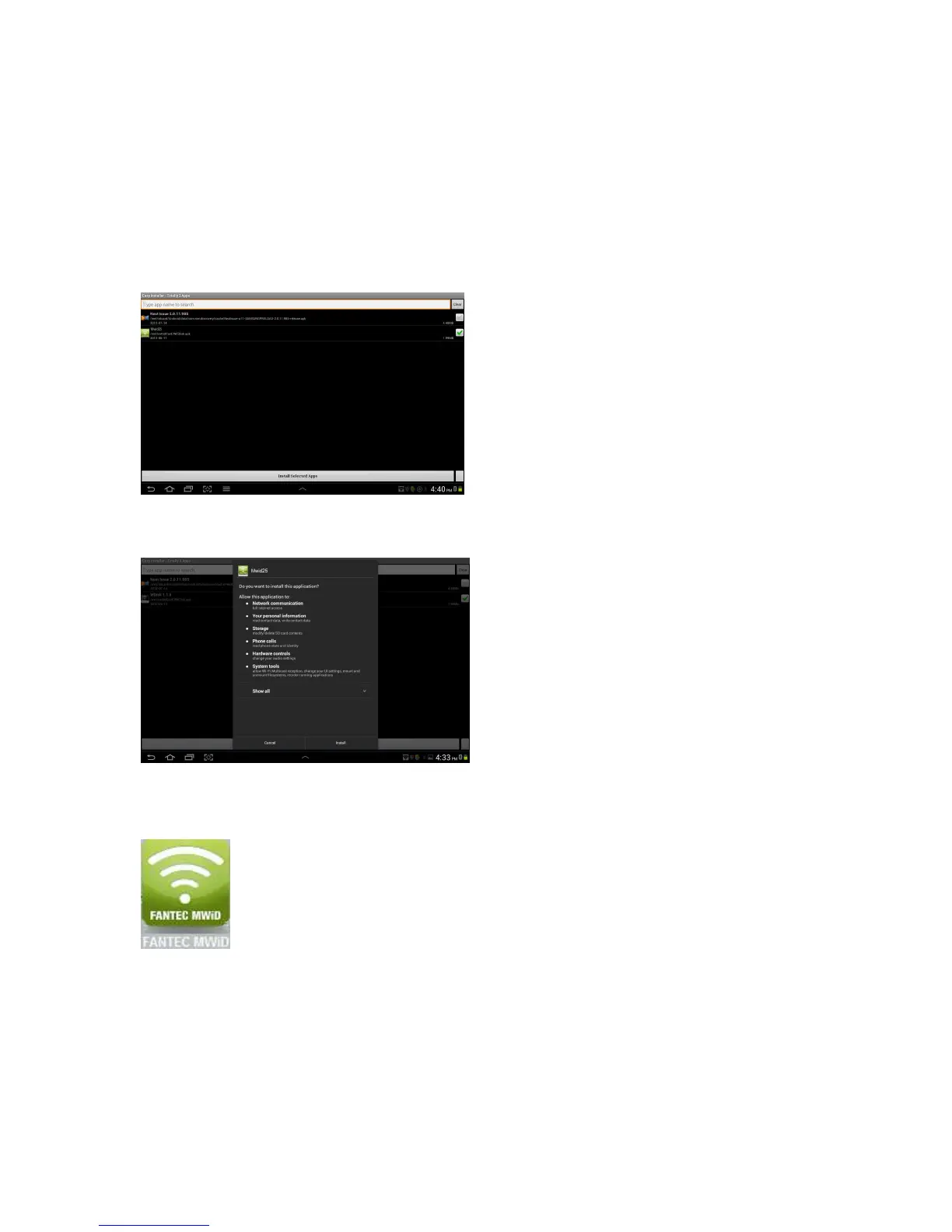
1. Download the Client App called “FANTEC MWiD25” from the official website as
seen on the screenshot below.
2. Click on the “Install” button and follow the on-screen instructions.
3. Once the Client App is successfully installed, the “FANTEC MWiD” icon can be
found on your desktop as seen on the image below.



 To Next Page