10
5. HDD Format
This section explains how to format the HDD before usage.
Refer to the operating system's documentation for further guidance.
Note: Following file formats are supported: FAT, FAT32, NTFS, exFAT
5.1. MS Windows
Important: Before reconfiguring a volume, back up your data and delete previously
defined partitions. If no hard disk drives are connected to the device, the disks appear as
"Not Initialized" with no capacity allocated to it. Do not initialize or modify that device.
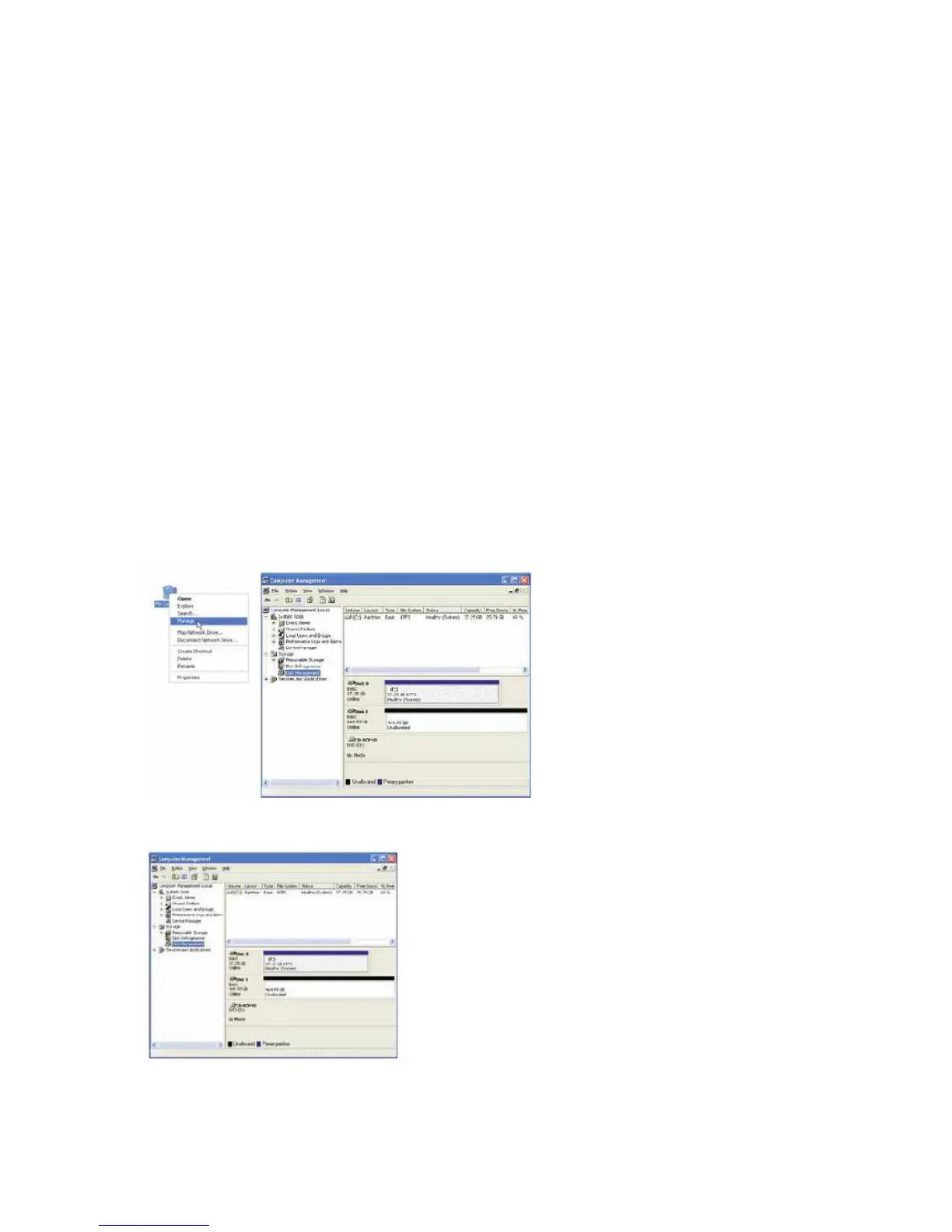
1. Please connect the device to your computer’s USB 3.0 interface. Right-click the
My Computer icon on your desktop and select Manage from the pop-up window.
2. Select Disk Management under Storage to open the Windows Disk Manager.



 To Next Page