21
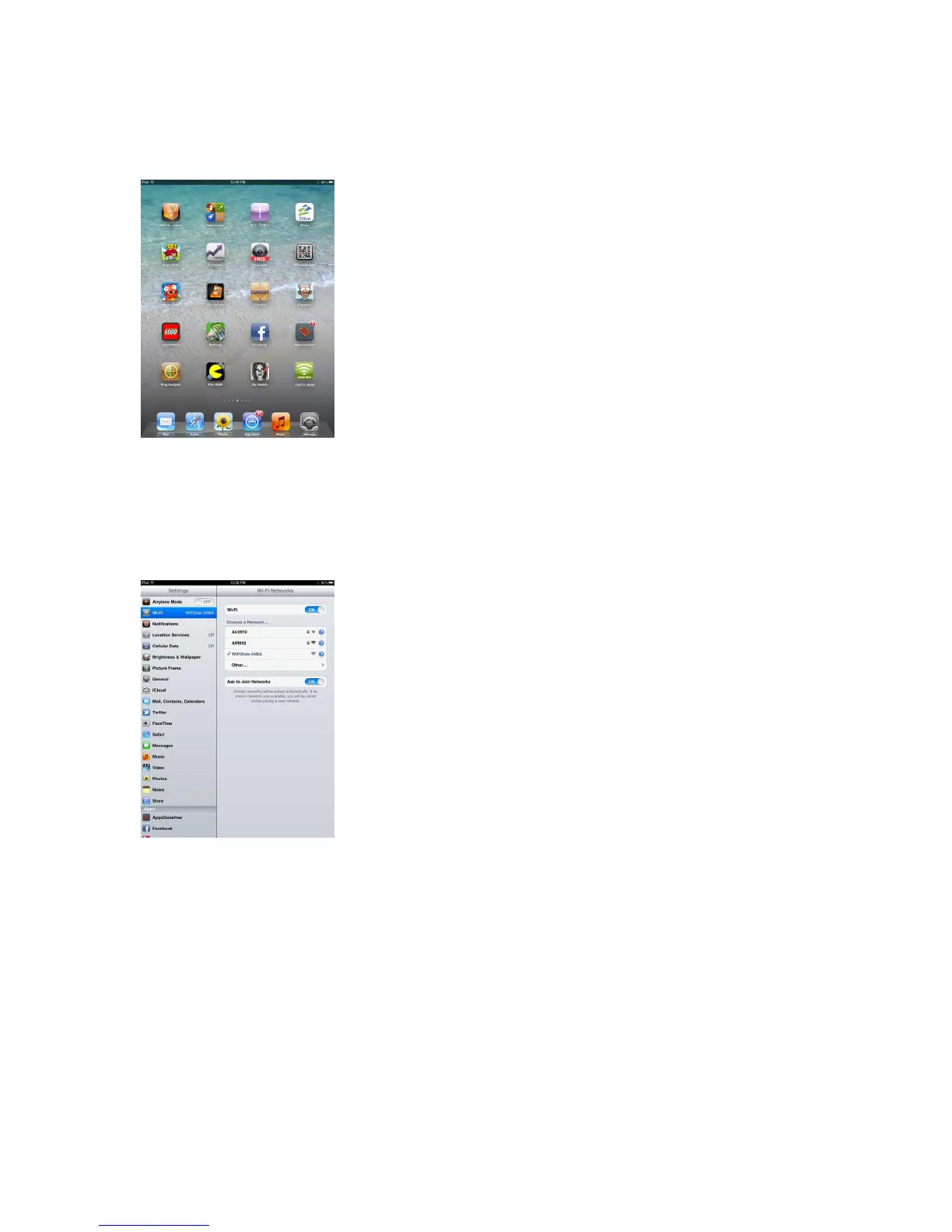
2. Click on the “Settings” icon on the desktop as seen on the screenshot below.
3. Click on the “WiFi” option. Inside of the WiFi Network, the SSID “WifiDisk-XXXX”
should appear on the list. Click on the “WifiDisk-XXXX” as seen on the image below.
The 4 characters “XXXX” represent the 4 last digits of the device’s MAC-Address.
The standard WiFi password is: 11111111
Once the “WifiDisk -XXXX” is selected, a check mark will appear before the SSID and
the WiFi logo will appear after the device’s name on the top left of the display.



 To Next Page