43
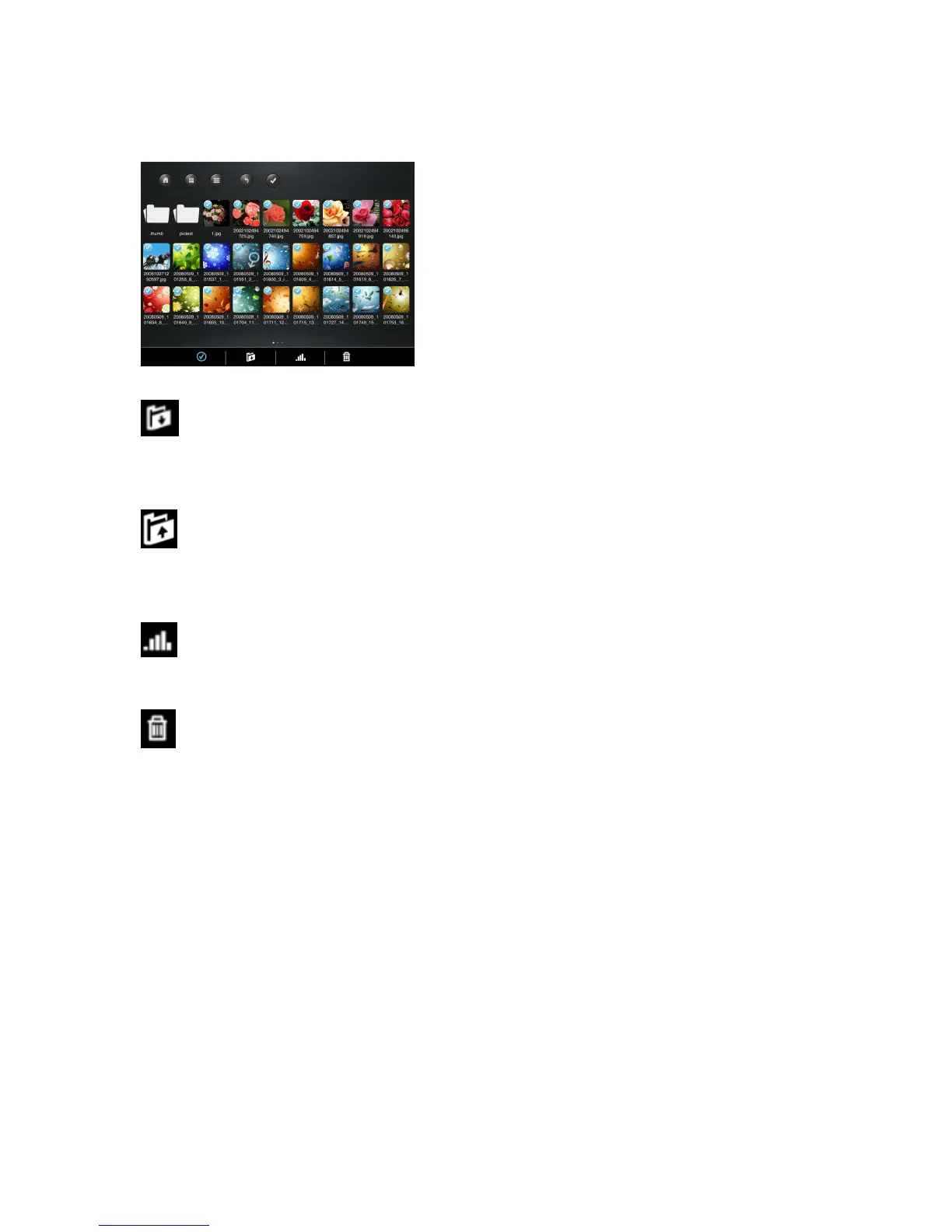
- From the My WiDisk (or My WiFi Disk), the file or files may be downloaded to the
local drive or to My Device. The down arrow indicates that you are currently in the My
WiDisk (My WiFi Disk).
- From the My Device, when clicked, the file or files may be uploaded to the remote
storage or to My WiDisk (or My WiFi Disk). The up arrow indicates that you are currently
in the My Device.
- When clicked, the list of files that are in queue for uploads/downloads will appear
as well as the list of files that were copied/transferred successfully.
- When clicked, any selected files will be deleted.



 To Next Page