32
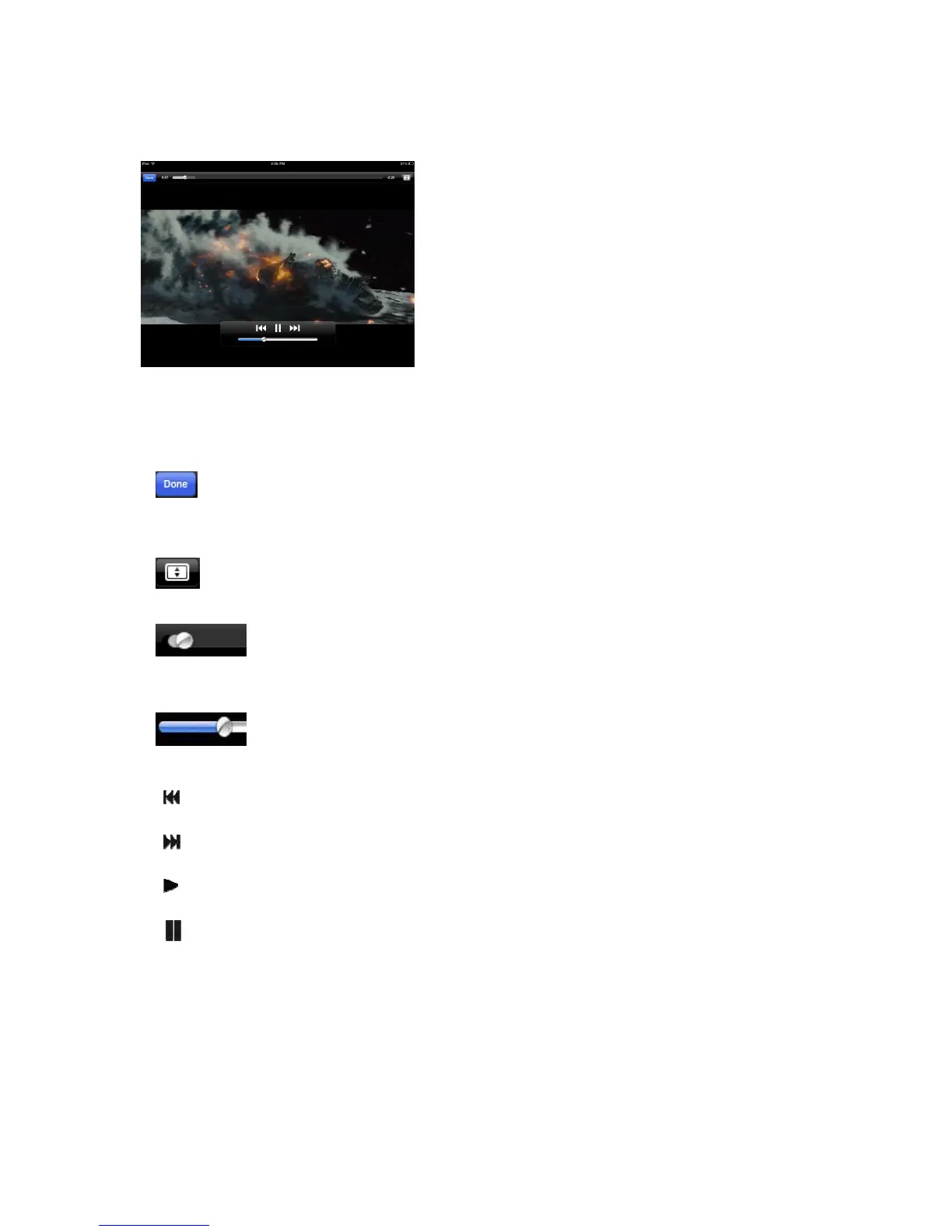
By default, the video playback is in the landscape mode. See the button functionality
below.
1. - When clicked, the movie that is currently played will stop and you exit the
Movie Player Interface.
2. - When clicked, this will scale your movie according to the screen size.
3. - Click, hold and slide the progress button to fast-forward or rewind the
movie.
4. - Click, hold and slide the volume control to increase or lower the volume.
5. Press and hold to fast-rewind the movie while playing.
6. Press and hold to fast-forward the movie while playing.
7. When clicked, it will start playing or resume playing the movie.
8. When clicked, it will pause the movie.



 To Next Page