59
9.3.5. Power Setting
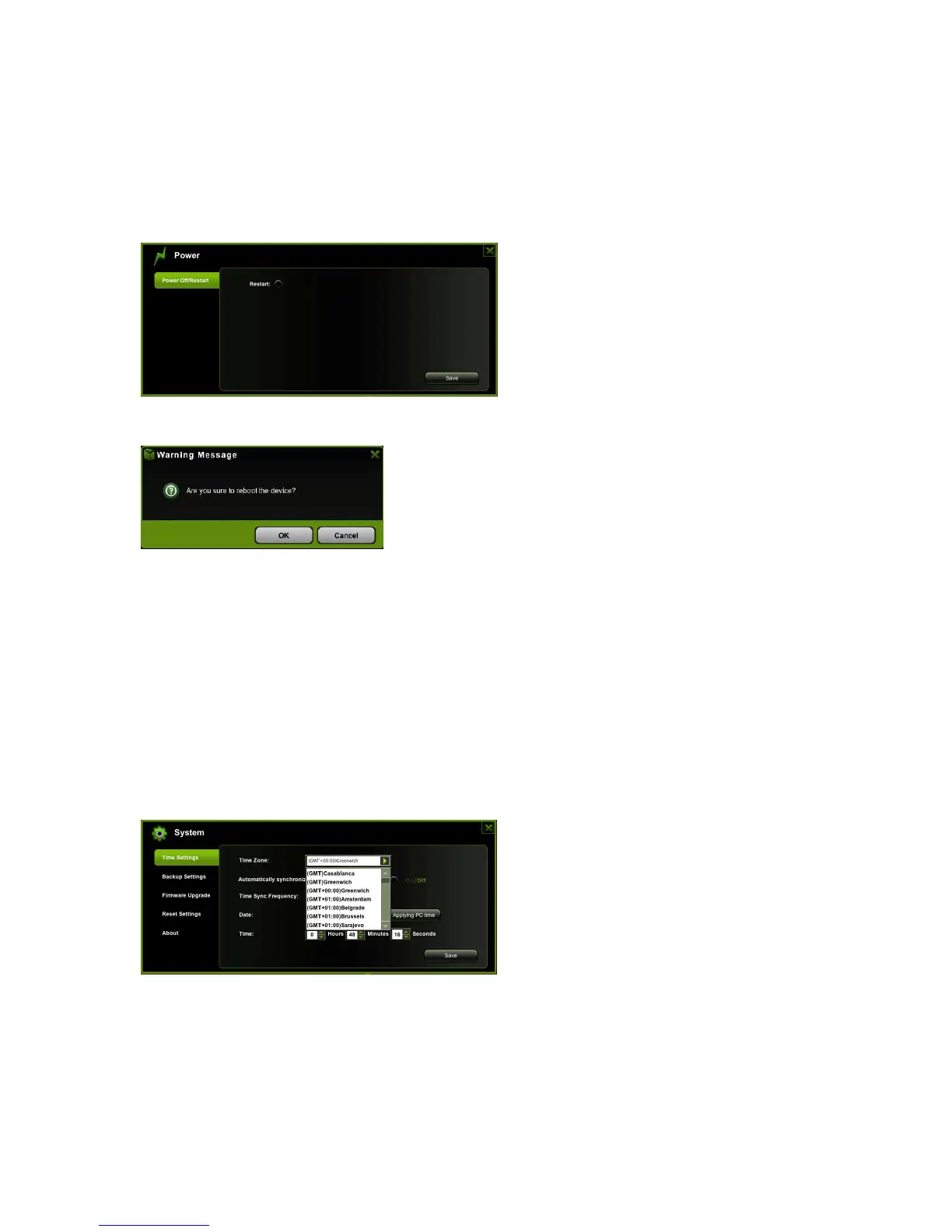
This is another way to reboot/restart the WiFi HDD device. Simply click on the radio
button and click on the “Save” button to proceed.
Click on the “OK” button to continue on rebooting the device.
9.3.6. System Settings
9.3.6.1 Time Settings
The time settings can be changed based on the region on earth you are located. You can
choose to synchronize the time with the Internet or the time on your PC.
Click on the drop-down list and select the region you are located and switch-on the
“Automatically synchronize with an Internet Time Server”. This will automatically update
the time when the WiFi HDD is connected to the internet.
The “Time Sync Frequency” can be set to everyday, every 2 days, every 3 days, up to
every 7 days.



 To Next Page