62
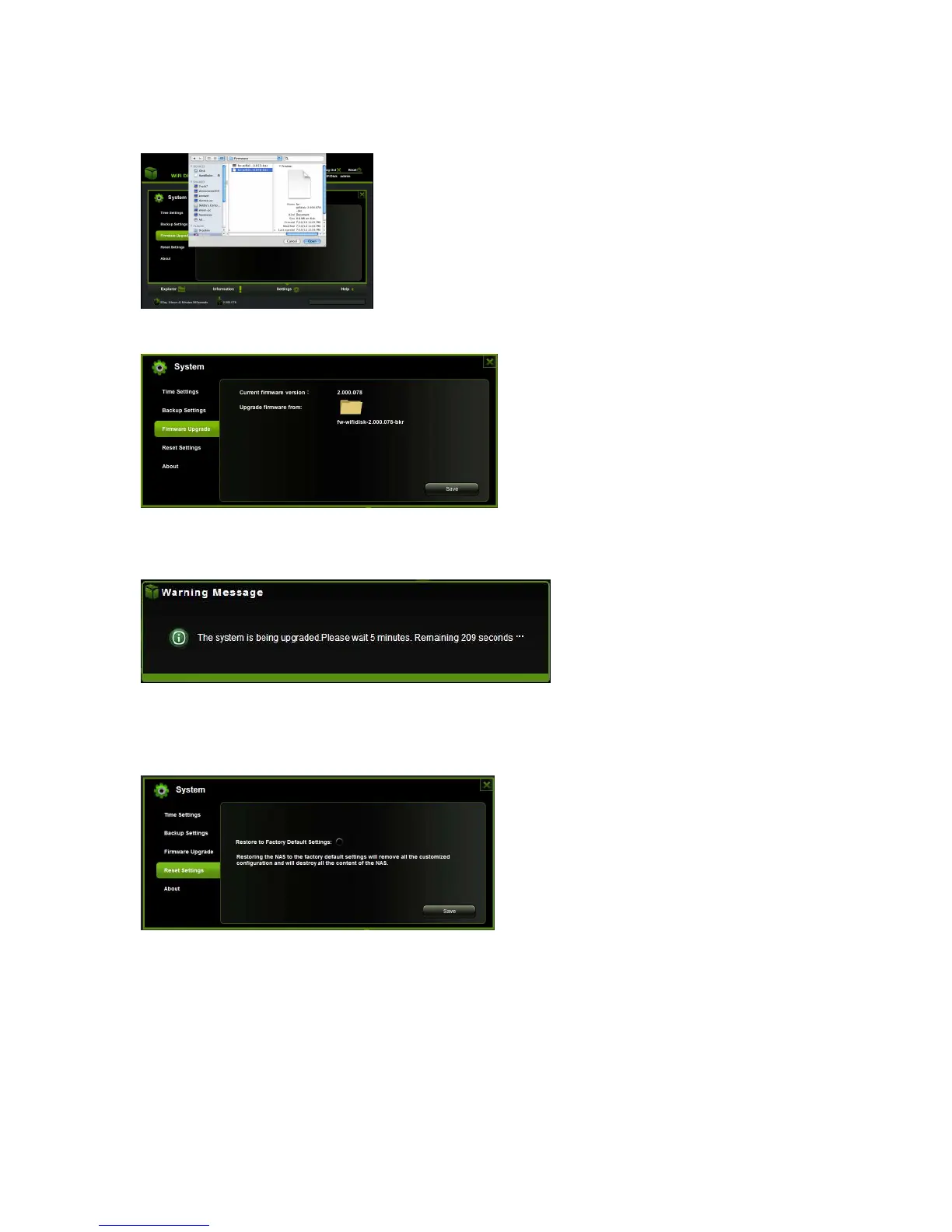
3. The latest firmware update file will appear at the bottom of the folder. Click on the
“Save” button to continue updating the firmware.
4. During the firmware updating process a warning message as seen on the screenshot
below appears and the device will reboot and go back to the login screen automatically.
9.3.6.4. Resetting to factory defaults
Resetting to factory defaults will reset all your customized settings or whatever changes
you made back to its original settings.
Click on the radio button after the “Restore to Factory Default Settings:” Click on the
“Save” button to continue.
A Warning Message window will appear. The WiFi HDD will reboot automatically. See the
screenshot below.



 To Next Page