IT
EN
DE
FR
ES
GENERAL CONTENT AND CONSULTATION
35
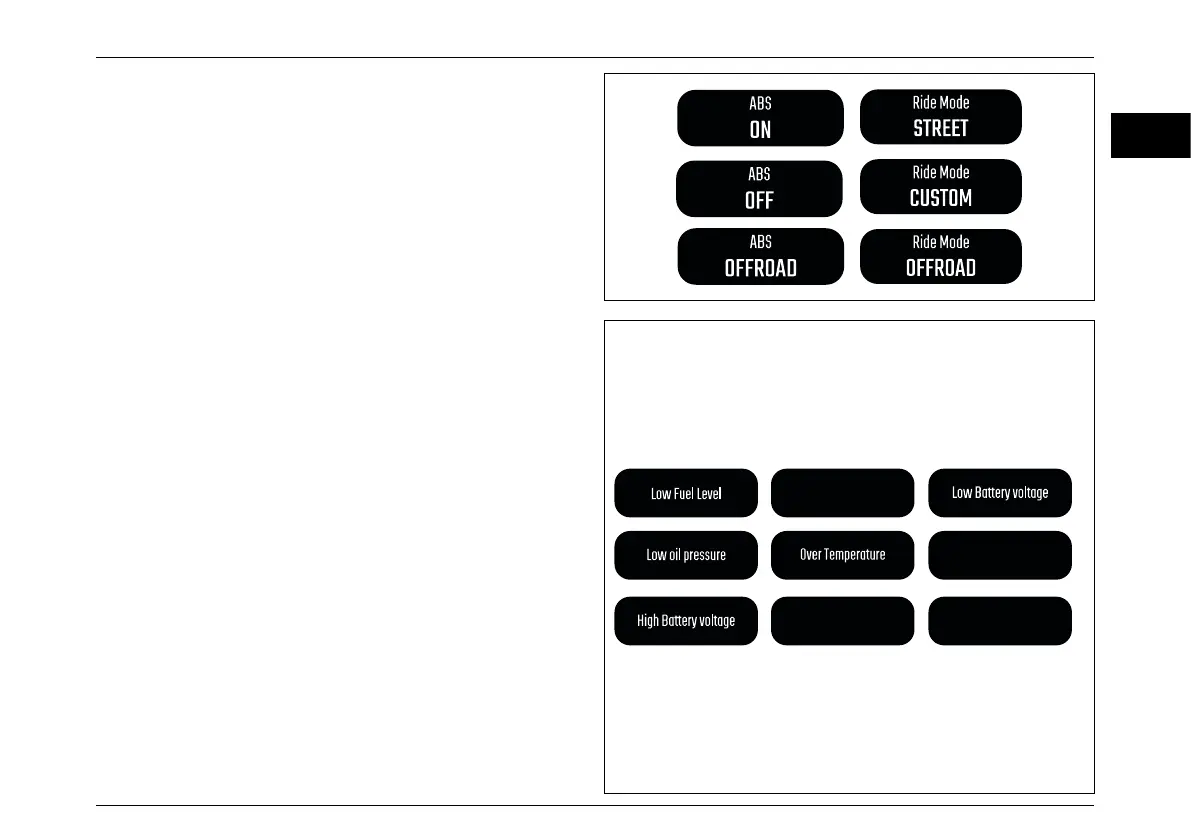
Main info window - Warning popups
Warning popup messages can appear at any moment,
replacing the basic information in the main info window.
For the warning popups there isn’t timeout; the rider will
press the “Mode Button SET” to return to the previous
information displayed.
Most of the warnings popups have a related icon that will
remain ON after the popup is closed.
They will appear at every start-up (key OFF - key ON) until
the issue is removed.
Main info window - Popups
Popup messages can appear at any moment, replacing the
basic information in the main info window.
After a timeout (4 seconds) or pressing the “Mode Button
SET”, the main info window will return to the previous
information displayed.
Turn Light diagnosis
No ABS Communication
No ECU Communication
Traction Control
Calibration needed



 To Next Page