GENERAL CONTENT AND CONSULTATION
36
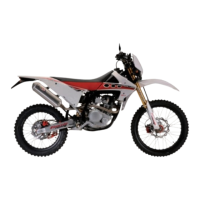
The options menu is diplayed to entire screen.
Is possible navigate the menu moving the “Mode Button
RIGHT” or “Mode Button LEFT”.
To select the desired item, press the “Mode Button SET”.
Press again for a long time the “Riding mode” button to exit
from the options menu and returns to the main info window
.
Options menu
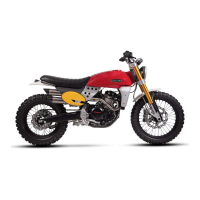
To enter in the options menu, ONLY if the vehicle is still
(speed < 1km/h), press for a long time the “Riding mode”
button.
If the speed of the vehicle exceed the 5 km/h, the options
menu closes automatically.
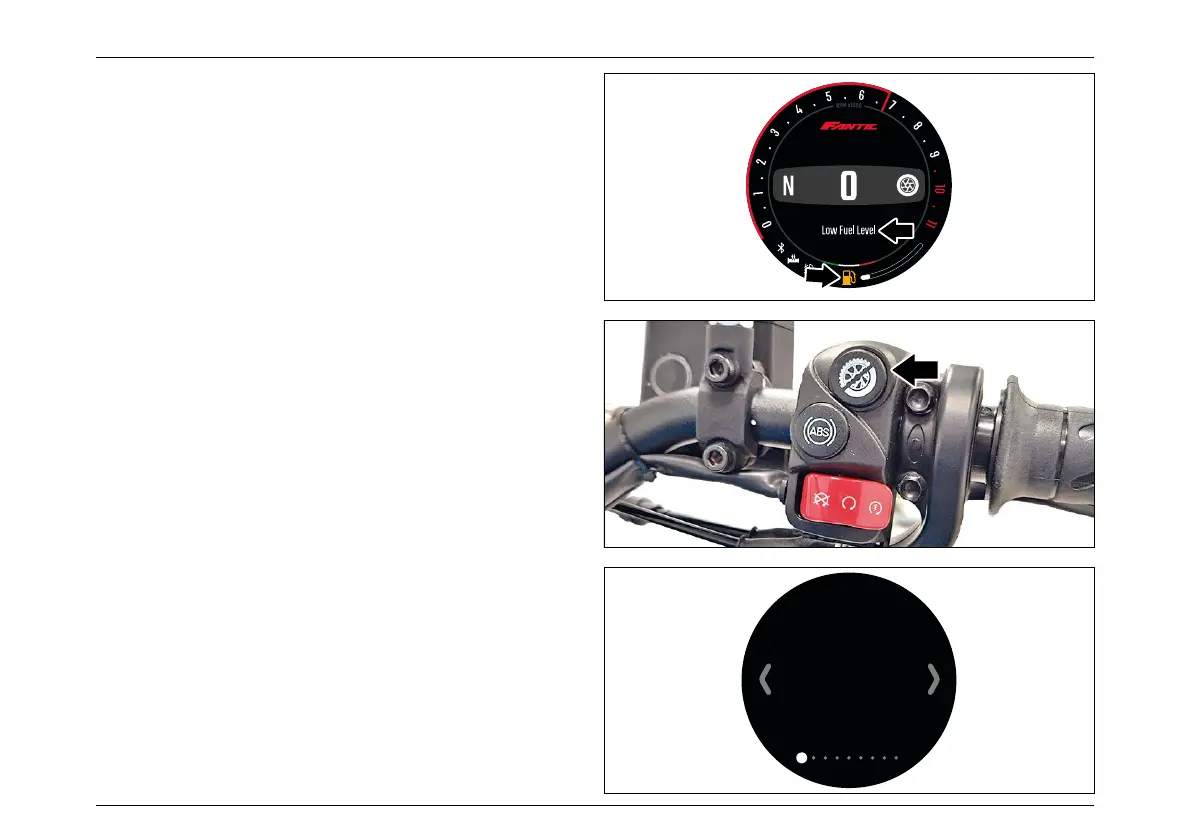
Low fuel level warning
When the fuel level is under the “low fuel” threshold, the
warning popup will appear in the main info window.
Simultaneously, the fuel pump icon on the bottom side of
the screen will turn Amber. The icon will stay amber even
after the popup is closed by the rider, until the fuel level
returns above the “low fuel” threshold.
Notification Center
Next Maintenance
99999km or dd/mm/yy
Notification 1
Notification 2
Notification 3
MPH
11:17AM



 To Next Page