GENERAL CONTENT AND CONSULTATION
40
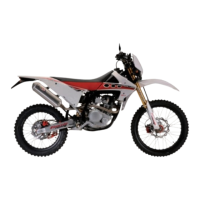
On the display in the main info window appears the warning
popup “TC Calibration Started” Calibration Needed” and the
traction control status telltale starts to blink.
In the next 60 seconds, the rider has to reach a speed of
50 km/h ± 5km/h in a straight line and mantain it until the
traction control status telltale turns completely OFF. The
procedure could require some seconds.
Traction control calibration procedure works only
on “STREET” riding mode!
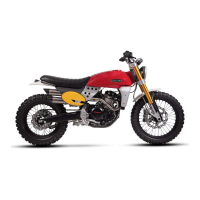
– Enter in the options menu with the vehicle still.
– Select the Item “TC calibration”
– Move the “Mode Button RIGHT” to select “Yes” .
– Short press on “Mode Button SET”.
Traction control calibration
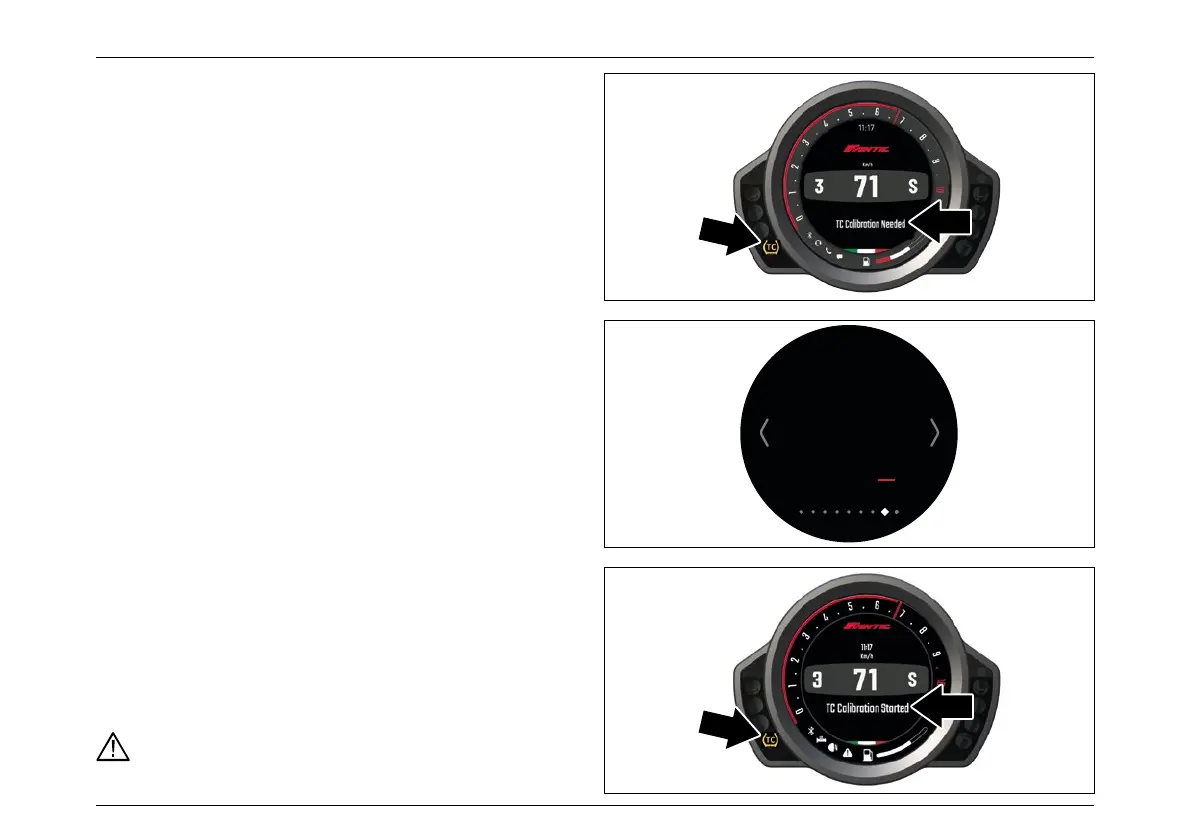
If need the traction control calibration on the display in
the main info window appears the warning popup “TC
Calibration Needed” and the traction control status telltale
is ON.
TC Calibration
Start
Calibration procedure?
No Yes



 To Next Page