GENERAL CONTENT AND CONSULTATION
44
Media player
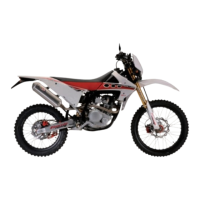
In the media player menu the user can see the name of the
current video/song and artist, and navigate using:
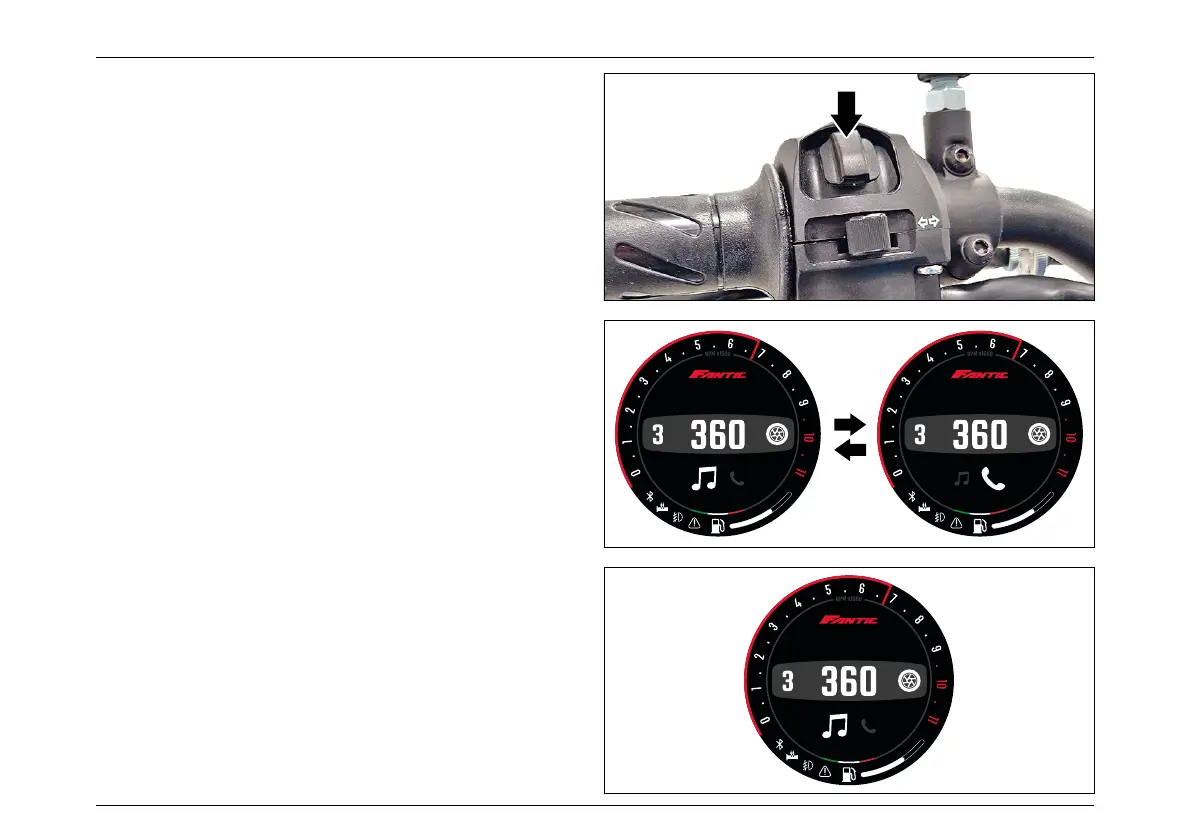
– “Mode Button SET” to play/pause
– ”Mode Button LEFT” to restart/previous song
– ”Mode button RIGHT” for the next song
A long press of the “Mode Button SET” returns to the
Multimedia Menu
User can navigate the menu with SHORT presses of “Mode
Button RIGHT” and “Mode Button LEFT”, and for enter in to
the corrisponding menu with a SHORT press of the “Mode
Button SET”.
Long press of the “Mode Button SET” returns to the standard
Main Info Window.
Multimedia menu - Navigation
During normal riding, a long press of the “Mode Button SET”
enter in the “Multimedia Menu” in the main info window of
the display.
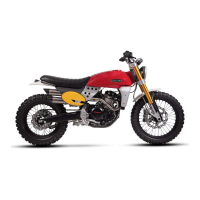
The submenu available are:
– Media player
– Call management
MPH
11:17AM
MPH
11:17AM
MPH
11:17AM



 To Next Page