IT
EN
DE
FR
ES
GENERAL CONTENT AND CONSULTATION
45
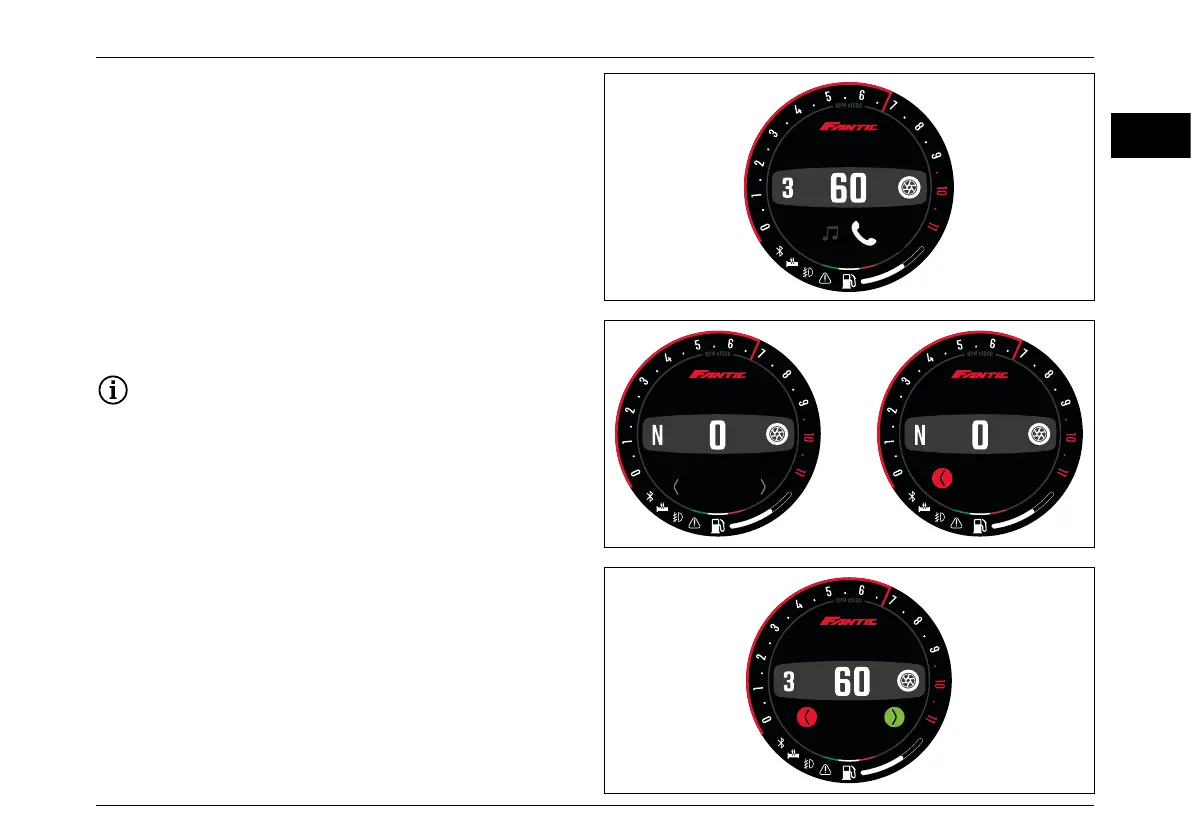
Incoming call management
– Press “Mode Button RIGHT” to ANSWER.
– Press “Mode Button LEFT” to REJECT call.
Press “Mode Button SET” to start the call of the number/
name selected.
During the selection the vehicle speed need to be < 1
km/h. In case the vehicle increase the speed and the
outcoming call is not launched the menu will close.
Press “Mode Button LEFT” to close the call.
Long press of the “Mode Button SET” to return to the
previous menu.
Call management
In the call management menu with a short press of the
“Mode Button SET” enter in the list of the recent calls.
Press “Mode Button RIGHT” or “Mode Button LEFT” to
navigate between the last 10 calls.
MPH
11:17AM
Contact name
Incoming call
MPH
11:17AM
MPH
11:17AM
Contact name/number
Recent Calls
Contact name
Calling
MPH
11:17AM



 To Next Page