EasyManua.ls Logo

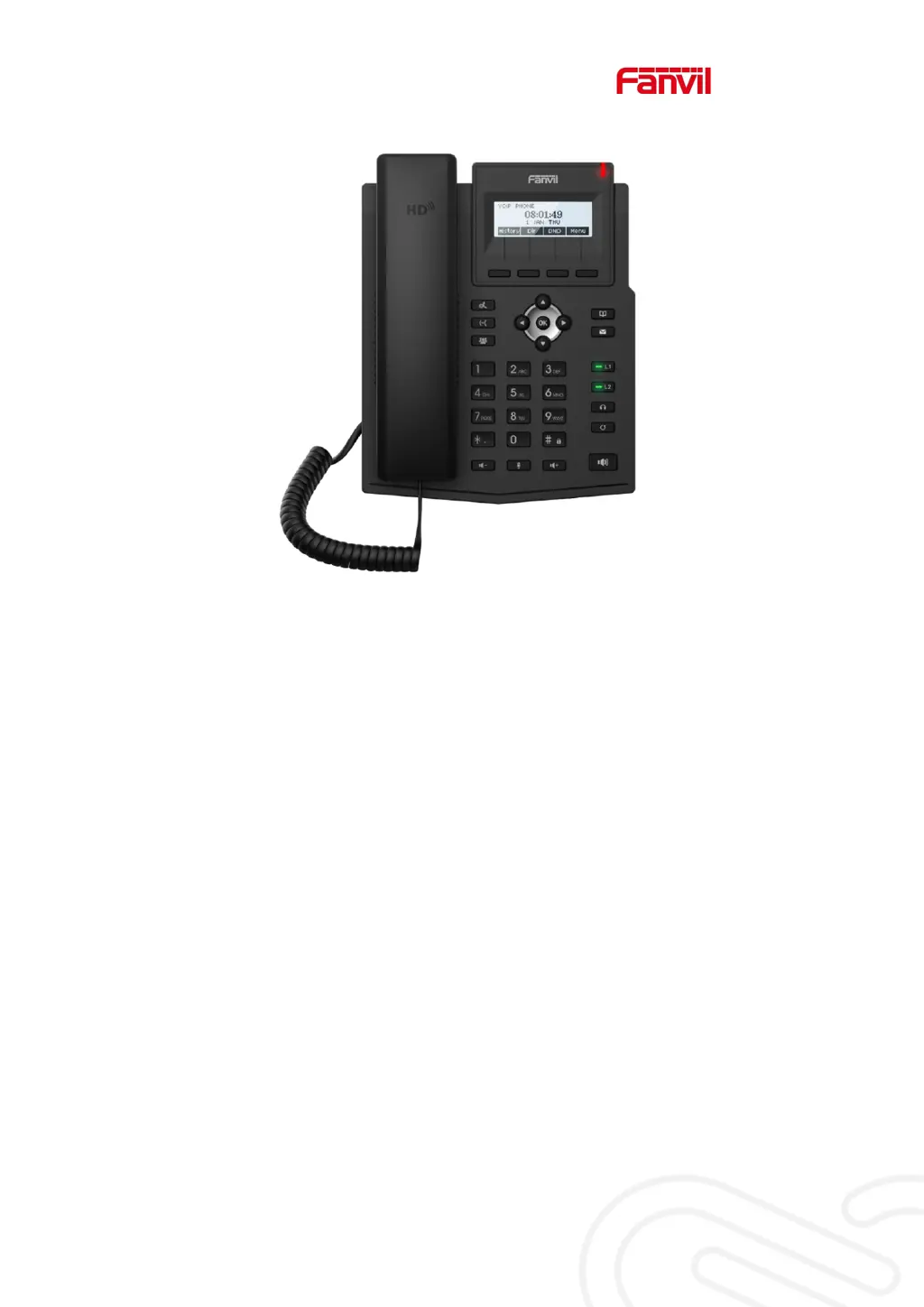
Fanvil X1S - User Manual

Fanvil X1S
110 pages
Print Icon
To Next Page IconTo Next Page
Loading...
User Manual
X1S/X1SP

Table of Contents

Other manuals for Fanvil X1S

Questions and Answers

  • J
    Jason JohnsonJul 28, 2025
    What to do if my Fanvil X1S Telephone could not boot up?
    • C
      Christopher HamiltonJul 28, 2025
      If your Fanvil Telephone does not boot up: 1. Ensure the device is properly connected to a power source using the standard Fanvil power adapter or a compliant PoE switch. 2. If “POST MODE” appears on the screen, the device system image is damaged. Contact your local technical support to restore the phone system.
  • M
    Micheal MartinAug 3, 2025
    Why is audio chopping at far-end in hands-free speaker mode on my Fanvil X1S Telephone?
    • C
      Crystal GordonAug 3, 2025
      Chopping audio at the far-end during hands-free speaker mode on your Fanvil Telephone typically results from excessive volume feedback between the speaker and the microphone. Reducing the speaker volume should resolve this issue.
  • D
    dayanthonyAug 9, 2025
    What to do if my Fanvil Telephone cannot register to a service provider?
    • T
      Tammy SpencerAug 9, 2025
      If your Fanvil Telephone fails to register with a service provider: 1. Ensure the device is properly connected to the network via the [Network] port, not the [PC] port. A flashing [WAN disconnected] icon indicates a poor connection. 2. Verify the device has an IP address by checking the system information. If it displays “Negotiating…”, check your network configurations. 3. If the network connection is stable, double-check your line configurations. If issues persist, contact your service provider for assistance.
  • R
    Robert GarzaAug 14, 2025
    Why is there no audio or poor audio in handset of my Fanvil Telephone?
    • M
      Melissa RoseAug 15, 2025
      If you experience no or poor audio in the handset of your Fanvil Telephone: 1. Verify the handset is connected to the correct Handset port and not the Headphone port. 2. The network bandwidth and delay may be unsuitable for audio call at the moment.
  • S
    Shawn SwansonAug 21, 2025
    Why is there poor audio or low volume in the headphone of my Fanvil X1S?
    • Y
      ymaloneAug 21, 2025
      If you experience poor audio or low volume in the headphone of your Fanvil Telephone: 1. Ensure you are using a Fanvil-provided headphone, or consult Fanvil regarding the correct wire sequence if using a third-party headphone, as there are different headphone wire sequences available. 2. The network bandwidth and delay may be unsuitable for audio call at the moment.

Summary

Desktop Installation

5.1 PoE And the use of external power adapters

Explains power options, including PoE and external adapters for the device.

Introduction to the User

7.5 Web Management

Describes how to access and manage the phone's settings via a web browser.

Basic Function

8.1 Making Phone Calls

Covers default line settings and methods for initiating phone calls.

8.2 Answering Calls

Explains how to receive and answer incoming calls, including talking interface.

8.8 Mute

Details how to mute the microphone during a call or mute the ringing tone.

Advance Function

Troubleshooting

13.3 Reset Device to Factory Default

Steps to perform a factory reset, erasing all configurations and restoring defaults.

13.5 Network Packets Capture

Instructions on capturing network packets for issue identification and analysis.

Fanvil X1S Specifications

General IconGeneral
SIP Accounts2
Headset PortRJ9
Audio CodecG.711, G.722, G.729, iLBC
Network10/100 Mbps Ethernet
PoEYes
MountingWall-mountable
Power SupplyPoE
ProtocolsSIP, RTP, RTCP
FeaturesCall hold, Call waiting, Call transfer

Related product manuals