EasyManua.ls Logo

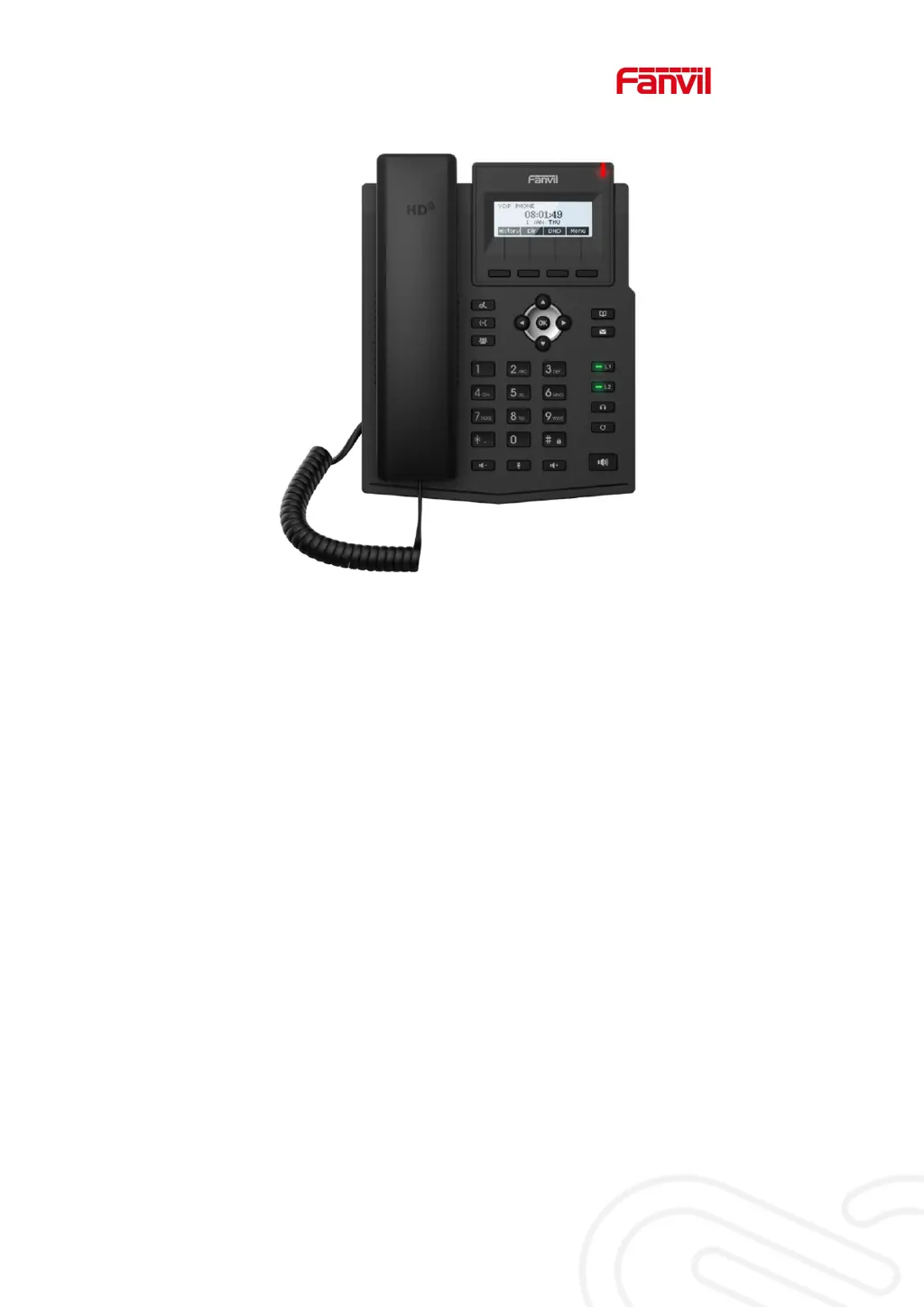
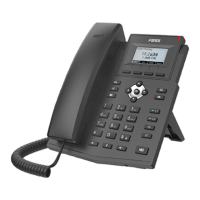
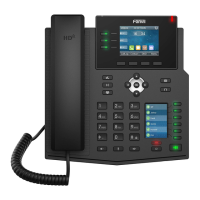
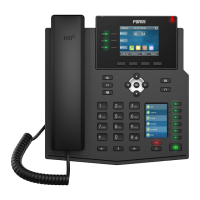
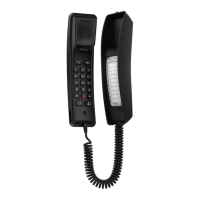
Fanvil X1SP - User Manual

Fanvil X1SP
110 pages
Print Icon
To Next Page IconTo Next Page
Loading...
User Manual
X1S/X1SP

Table of Contents

Other manuals for Fanvil X1SP

Questions and Answers

  • R
    Renee KellyAug 9, 2025
    What to do if my Fanvil Telephone could not boot up?
    • J
      Jordan PhillipsAug 9, 2025
      If your Fanvil Telephone does not boot up: 1. Ensure the device is properly connected to a power source using the standard Fanvil power adapter or a compliant PoE switch. 2. If “POST MODE” appears on the screen, the device system image is damaged. Contact your local technical support to restore the phone system.
  • R
    Raymond HughesAug 14, 2025
    Why is audio chopping at far-end in hands-free speaker mode on my Fanvil X1SP Telephone?
    • J
      jodyconnerAug 14, 2025
      Chopping audio at the far-end during hands-free speaker mode on your Fanvil Telephone typically results from excessive volume feedback between the speaker and the microphone. Reducing the speaker volume should resolve this issue.
  • J
    James KnoxAug 21, 2025
    What to do if my Fanvil Telephone cannot register to a service provider?
    • A
      armstrongjoseAug 21, 2025
      If your Fanvil Telephone fails to register with a service provider: 1. Ensure the device is properly connected to the network via the [Network] port, not the [PC] port. A flashing [WAN disconnected] icon indicates a poor connection. 2. Verify the device has an IP address by checking the system information. If it displays “Negotiating…”, check your network configurations. 3. If the network connection is stable, double-check your line configurations. If issues persist, contact your service provider for assistance.
  • R
    reevesaaronAug 27, 2025
    Why is there no audio or poor audio in handset of my Fanvil Telephone?
    • A
      Angel HoltAug 27, 2025
      If you experience no or poor audio in the handset of your Fanvil Telephone: 1. Verify the handset is connected to the correct Handset port and not the Headphone port. 2. The network bandwidth and delay may be unsuitable for audio call at the moment.
  • K
    Kelly PowellSep 2, 2025
    Why is there poor audio or low volume in the headphone of my Fanvil X1SP Telephone?
    • D
      Derek KnightSep 2, 2025
      If you experience poor audio or low volume in the headphone of your Fanvil Telephone: 1. Ensure you are using a Fanvil-provided headphone, or consult Fanvil regarding the correct wire sequence if using a third-party headphone, as there are different headphone wire sequences available. 2. The network bandwidth and delay may be unsuitable for audio call at the moment.

Summary

Safety Instruction

Desktop Installation

Introduction to the User

Instruction of Keypad

Details about the phone's keypad layout and button functions.

Web Management

How to configure and manage the phone via its web interface.

Network Configurations

Setting up the phone's network connection, including DHCP, Static IP, PPPoE.

SIP Configurations

Configuring SIP lines for telephony service on the phone.

Basic Function

Making Phone Calls

Methods for initiating phone calls, including default line and dialing options.

Auto-Answering

Enabling and configuring the automatic answering feature.

DND

Configuring Do-Not-Disturb (DND) to reject incoming calls.

Call Forward

Diverting incoming calls to another number based on conditions.

Call Transfer

Transferring calls using blind, attended, or semi-attended methods.

Conference

Setting up local and network conferences for group calls.

Hotline

Setting up automatic dialing to a specific number after a delay.

Emergency Call

Configuring and making emergency calls, especially when the keypad is locked.

Advance Function

BLF (Busy Lamp Field)

Monitoring the status of subscribed extensions and picking up calls.

Configure the BLF Functionality

Steps to configure BLF function keys on the phone and web interface.

BLF List

Configuring and managing lists of subscribed extensions for BLF monitoring.

Record

Enabling call recording via server or SIP INFO.

Server Record

Setting up call recording to a network server.

Agent

Configuring agent functions for shared use of the phone.

SCA (Shared Call Appearance)

Enabling and configuring Shared Call Appearance for multiple line access.

Phone Settings

Network Settings

Advanced network configuration, including IP mode, QoS, and VLAN.

Network Settings

Configuring IP modes (IPv4, IPv6) and connection types.

VPN

Configuring VPN connections (L2TP, OpenVPN) for secure access.

Set The Secret Key

Setting up keypad lock passwords and advanced settings password.

Maintenance

Device maintenance tasks like auto-provisioning and rebooting.

Firmware Upgrade

Updating the phone's software firmware.

Factory Reset

Restoring the phone to its default factory settings.

Web Configurations

Network >> Basic

Line >> SIP

Configuring SIP line service parameters on the web page.

Phone settings >> Features

Phone settings >> Advanced

Phonebook >> Contact

Phonebook >> Cloud phonebook

Function Key >> Function Key

Function Key >> Softkey

Function Key >> Advanced

Application >> Manage Recording

Security >> Web Filter

Security >> Firewall

Trouble Shooting

Reset Device to Factory Default

Restoring the phone to its default factory settings.

Network Packets Capture

Get Log Information

Common Trouble Cases

Fanvil X1SP Specifications

General IconGeneral
Handset typeWired handset
Product typeIP Phone
Product colorBlack
Display resolution128 x 48 pixels
Call historyYes
Lines quantity2 lines
Phonebook capacity- entries
Number of VoIP accounts-
Voice codecsG.722, OPUS
Number of handles included- pc(s)

Related product manuals