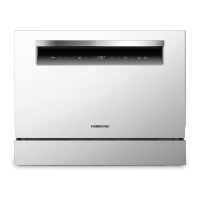
9
IMPORTANT
OPERATION INSTRUCTIONS
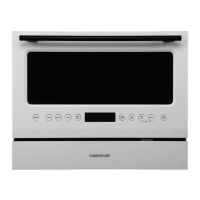
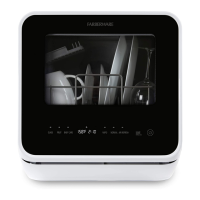
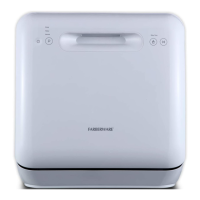
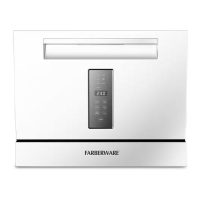
CONTROL PANEL
OPERATION (Button)
To get the best performance from your dishwasher, read all operating instructions
before using it for the first time.
1. Power
Press this button to turn on your dishwasher.
2. Extra Drying
For better drying result. (It can only be used with Heavy, Normal, ECO, Baby care, Glass)
3. Lock
This option allows you to lock the buttons on the control panel, so children cannot accidentally
start the dishwasher by pressing the buttons on the panel. Only the Power button remains active.
To lock or unlock the buttons on the control panel, press the button for 3 seconds.
4. Delay-/+
Press the “+”button to add the delay time or press the “-”button to decrease the delay time, maxi-
mum 24 hours delay can be defined.
5. Start/Cancel
To start the selected washing program or cancel it when the dishwasher is working.
6. Cycles
Press the buttons to select the appropriate washing program.
8
5
4
3
1
2
6
7


 To Next Page