18 Section 3: Getting Started
4250/4225 Card Printer UserÕs Manual
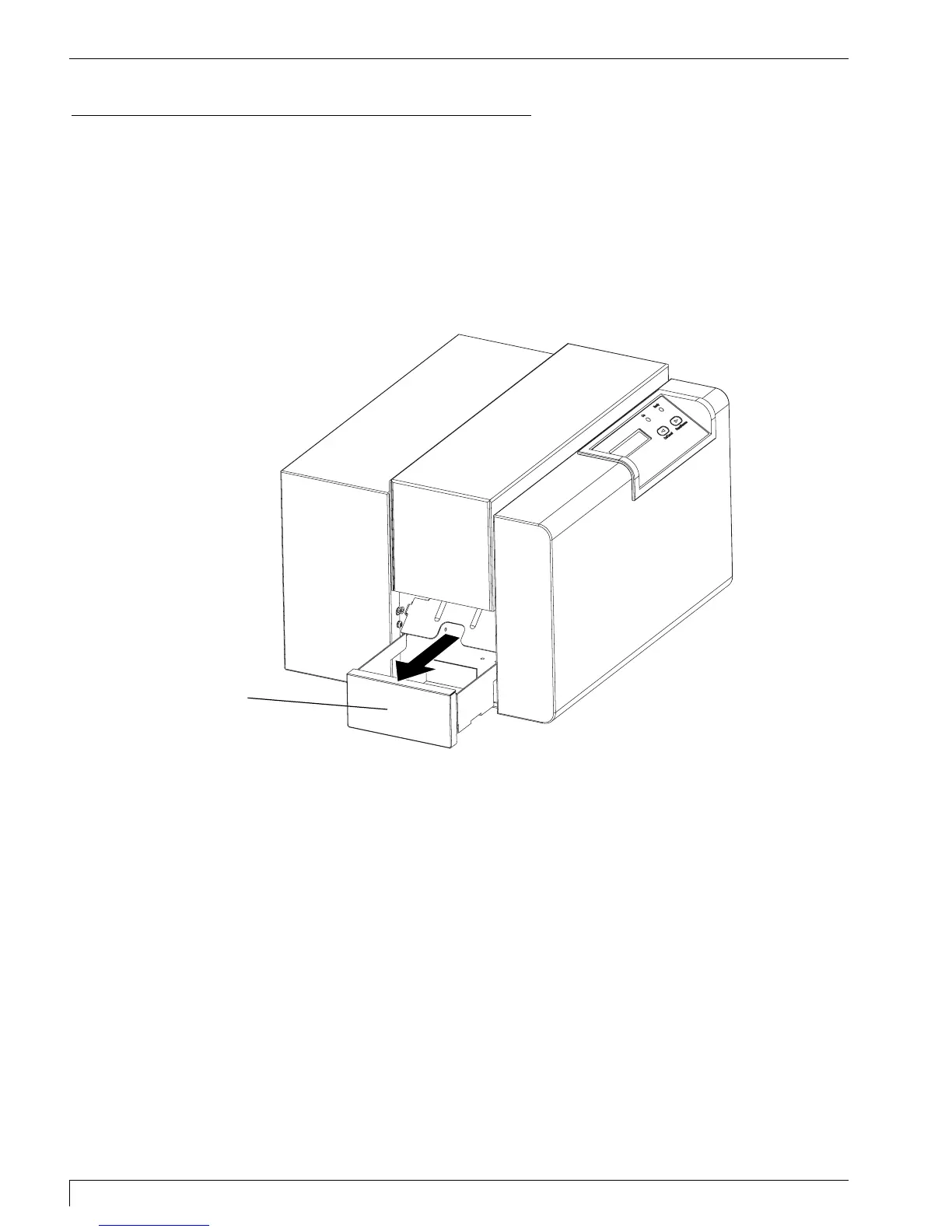
G. EXTENDING THE CARD OUTPUT DRAWER
The printer has a Card Output Drawer which, when extended, will catch the cards
after they are printed. If the Card Output Drawer is not extended, the cards will
simply be ejected onto the desktop. To extend the Card Output Drawer, simply
grasp the top, center of the Card Output Drawer and pull the drawer out until it
stops.
Card
Output
Drawer
510291_card printer 11/24/98 12:18 PM Page 18












 To Next Page