26 Section 4: Ribbons and Cards
4250/4225 Card Printer UserÕs Manual
4. Release the Pause/Resume button. The self test will begin printing
approximately 5 seconds after the Pause/Resume button has been released.
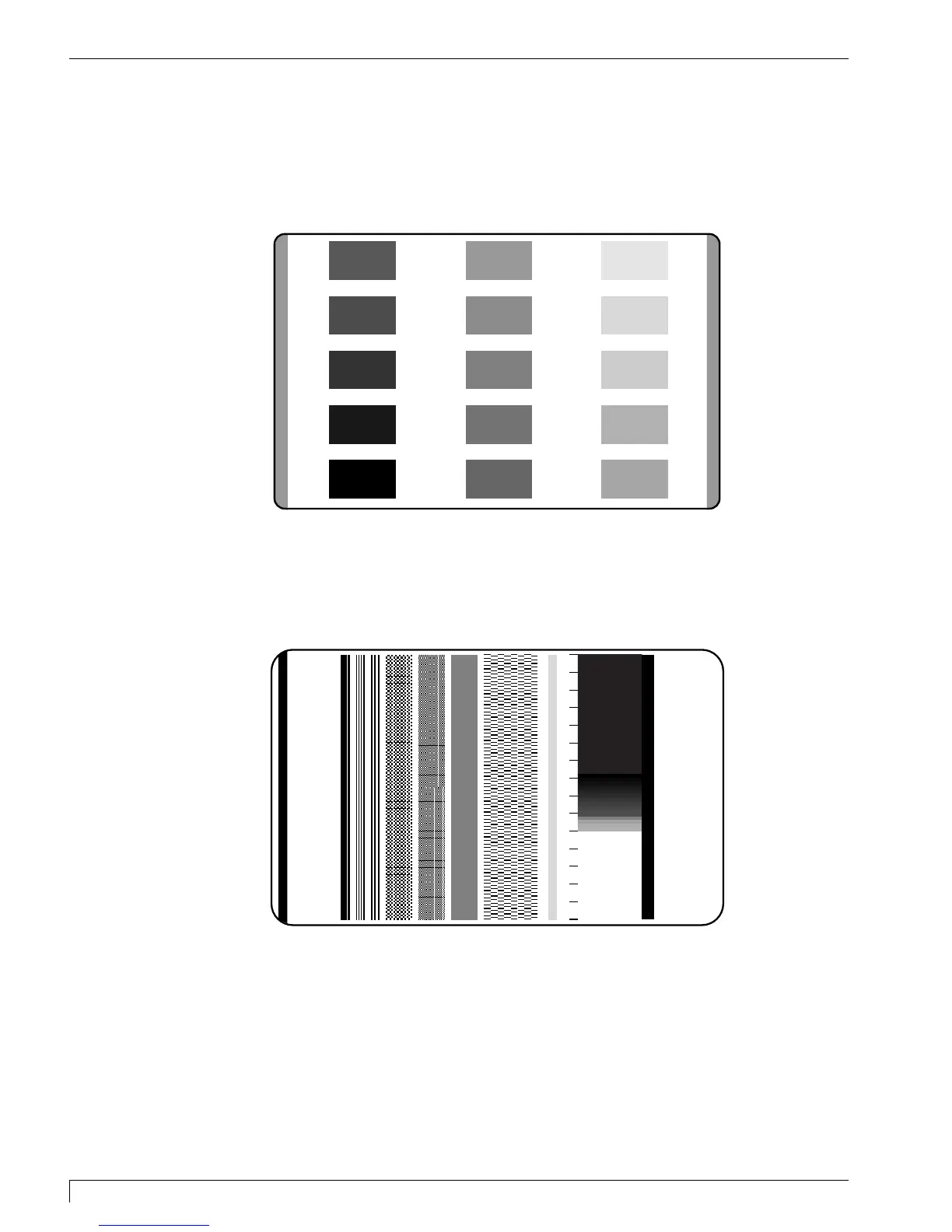
4250 Self Test Example: (Actual size)
4225 Self Test Example: (Actual size)
510291_card printer 11/24/98 12:18 PM Page 26












 To Next Page