28 Section 5: Using Your 4200 Series Card Printer
4250/4225 Card Printer UserÕs Manual
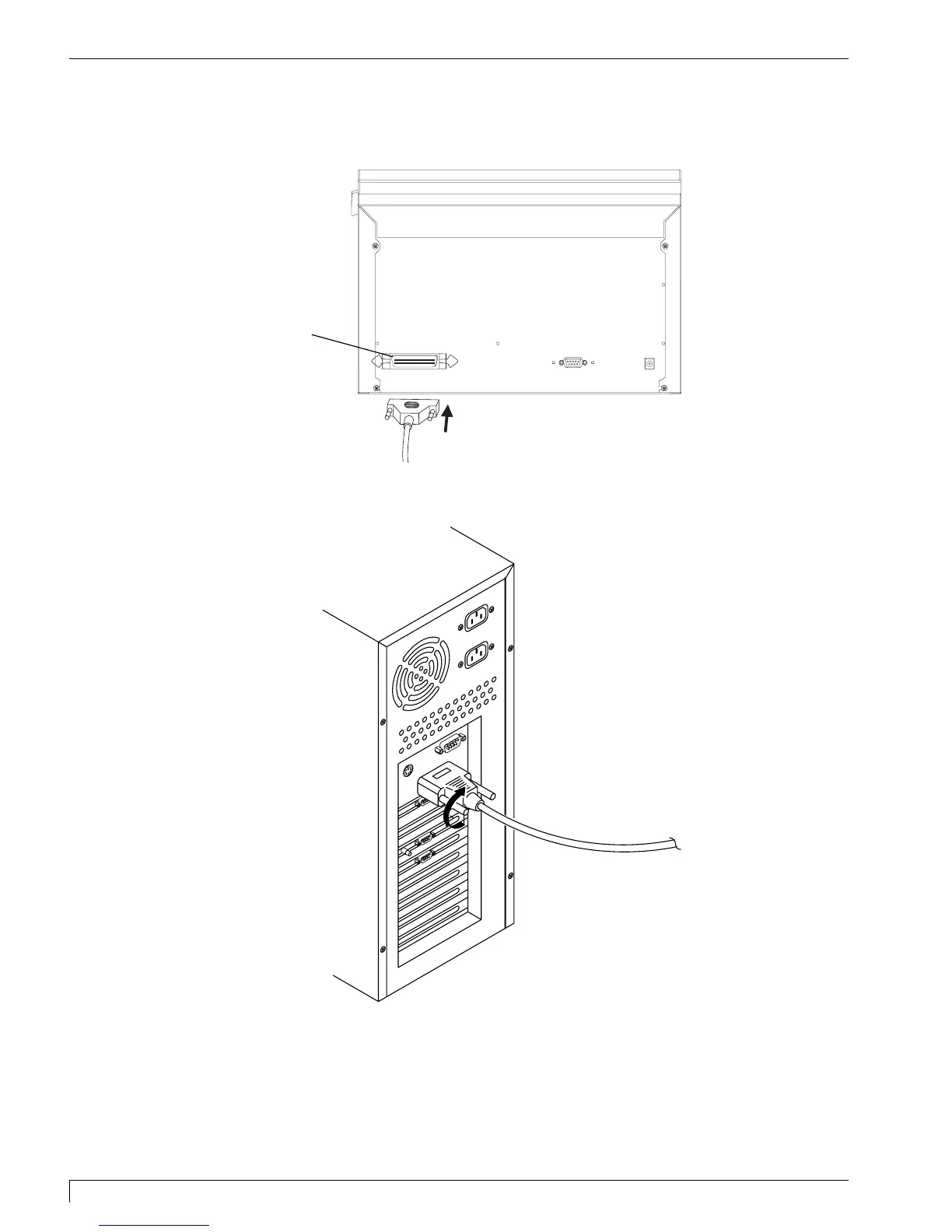
1. Connect the Centronics-type parallel side to the printer. Snap the fastening clips
into place.
2. Connect the other side to the back of your PC at the PARALLEL connector.
The printer must have its Ready LED light illuminated to receive data. If the light is
not ON, press the Pause/Resume button.
Parallel Port
510291_card printer 11/24/98 12:18 PM Page 28












 To Next Page