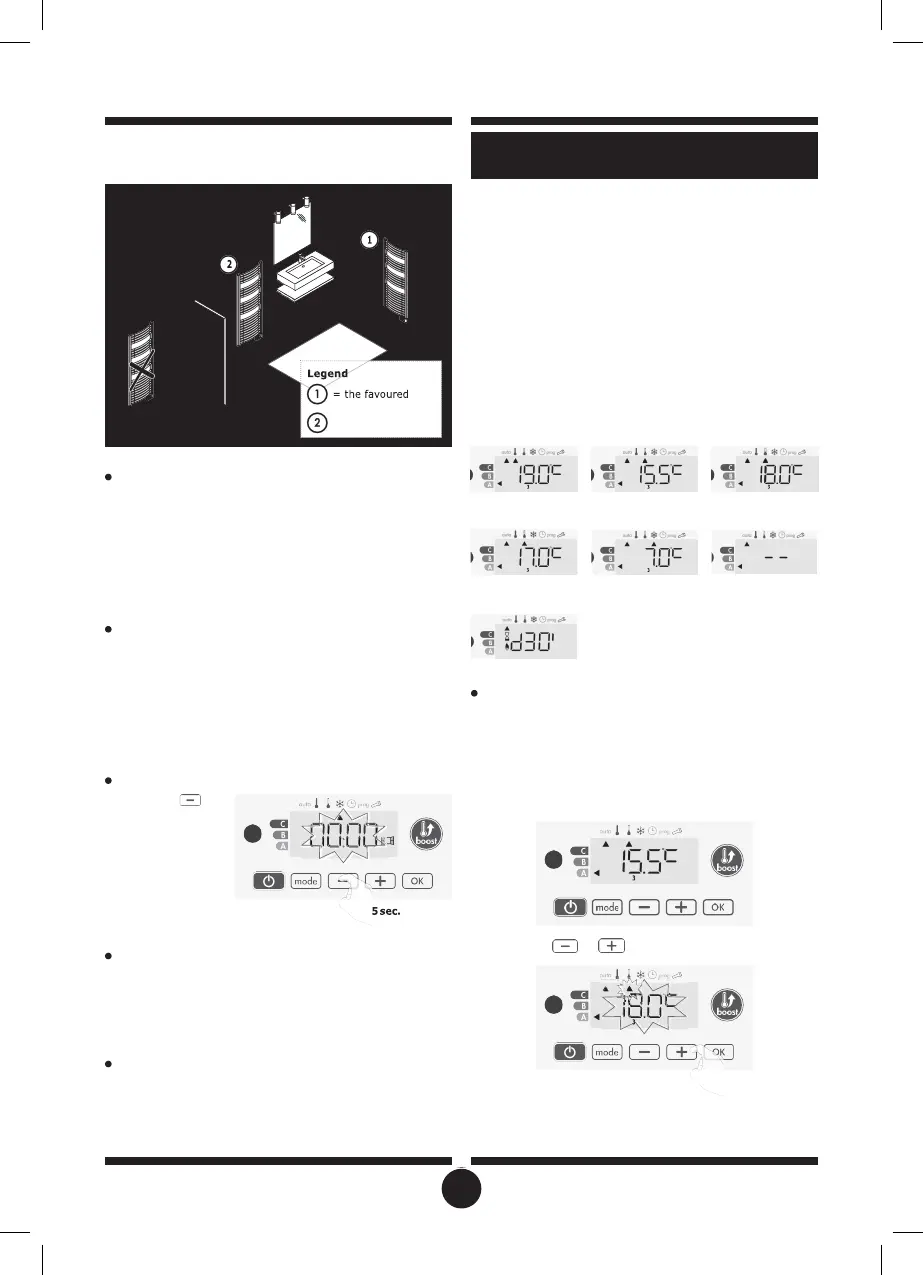
open window detection (see page 14). You can, however, use
the manual activation (see below).
•
Overview
Your device can be controlled by a central control unit through
a pilot wire, in which case the different operating modes will be
remotely enabled by the programmer.
You can only control the device by pilot wire in the Auto mode.
In the other modes, the orders transmitted by the pilot wire will
not be executed.
In general, a pilot wire control system makes it possible to im-
pose externally a lowering of the temperature setpoint, com-
bined with the internal programming.
If several lowering requests appear simultaneously, priority is giv-
en to the lowest temperature setpoint, thus maximizing savings
(see information on priorities for different modes on page 10).
When a signal is sent from the pilot wire, the self learning optimi-
zation function is suspended.
Below the different views of the display for each order sent by
pilot wire:
Overview
Lowering temperature cycle by setting frost protection dur-
ing ventilation of a room by opened window. You can access
the open window detection from the Comfort, Eco and Auto
modes. Two ways to enable the detector:
- Automatic activation, the lowering temperature cycle starts as
soon as the device detects a temperature change.
Pilot wire = Comfort Pilot wire = Eco
Comfort - 3,5°C
Pilot wire = Eco - 1
Comfort - 1°C
- Manual activation, the cycle of lowering temperature starts by
pressing a button.
Automatic activation (factory settings)
To disable this mode, see page 14.
The device detects a temperature fall. An opened window, a
door to the outside, can cause this temperature fall.
Pilot wire = Eco - 2
Comfort - 2°C
Pilot wire = Boost
Pilot wire = Frost
protection
Pilot wire = Stop
(Standby mode)
Note: The difference between the air from the inside and the
outside must cause a significant temperature fall to be percep-
tible by the device.
This temperature drop detection triggers the change to Frost
Protection mode.
Manual activation
By pressing
for
more than 5 seconds,
the device will switch
on Frost protection
mode.
Exemption to an order coming from a pilot wire
external programmer
This feature allows you to modify temporarily the setting temper-
ature until the next order sent by the central control unit or the
transition to 00:00.
Example:
1-
The device is in Auto mode. The central control unit sent an
Eco order 15,5°C.
Frost protection digital meter
When the device performs a lower temperature cycle due to
opened window, a meter appears on the display to show the
cycle time.The counter is automatically reset at the next time
to Frost protection by opened window (automatic or manual
activation).
Stop the Frost protection mode
By pressing one button, you stop the Frost protection mode.
Note: if a temperature rise is detected, the device may return
to the previous mode (active mode before the open window
detection).
2-
By pressing
or
, you can change temporarily the
desired temperature up to 18°C for example.
Note: The cursor corresponding to the operating mode, i.e Eco
mode in our example, is blinking during the duration of the tem-
porary derogation.
INFORMATION ABOUT REMOTE CON-
location
= another location
17


 To Next Page