29
Changing a Student Channel
If enabled by an administrator using the EnableChannelSelect utility, a teacher can change student
channels from the console.
Remove Students From Class
Temporarily disables the Insight soware on selected students’ machines. e soware is activated
when a student next logs into that machine, or through the Add Selected Student Back into Class option
on the teacher machine.
A student’s machine that is disabled still appears in the list and displays a stop sign icon on the computer
screen. is is a reminder to the teacher that this student is not controlled by Insight.
Update Insight on Selected Students
Insight can be updated across multiple student workstations. For more information see Update Student
Workstations earlier in this guide.
Options
Select options to configure the Insight teacher options. For more information see Configuring Teacher
Options later in this guide.
View
Thumbnails
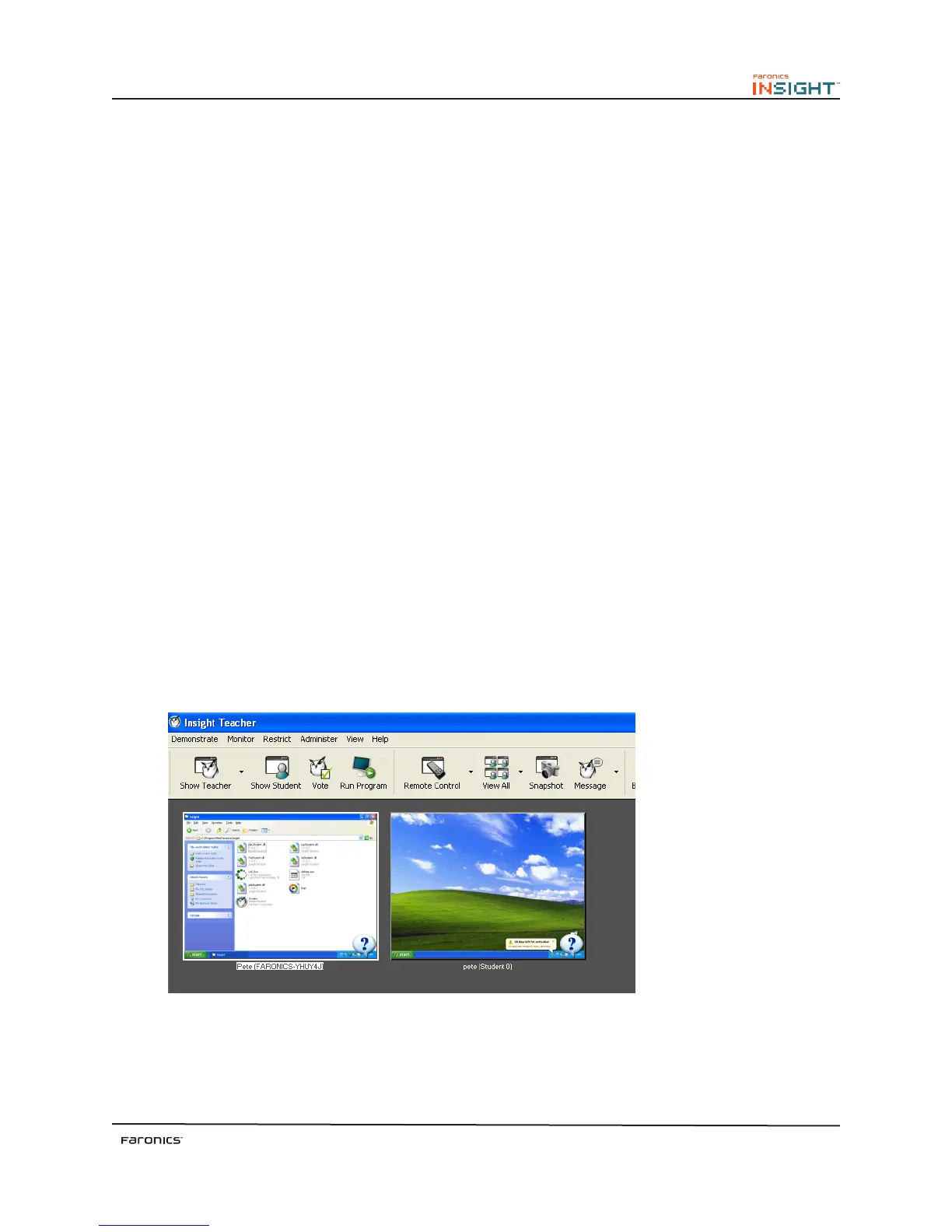
Displays student workstations in the classroom in one of four thumbnail sizes. e teacher can arrange
each thumbnail size in a layout reflecting the shape of the classroom, and this layout is automatically
saved. e thumbnail views are updated every few seconds.
Pausing the mouse over a thumbnail image displays the student’s login name, computer name and
enlarges the thumbnail. Right-clicking a thumbnail displays a menu of options to control that student’s
workstation.
e student name is displayed instead of the login name, if the student name is available in the Active
Directory.
umbnail View (Windows)



 To Next Page