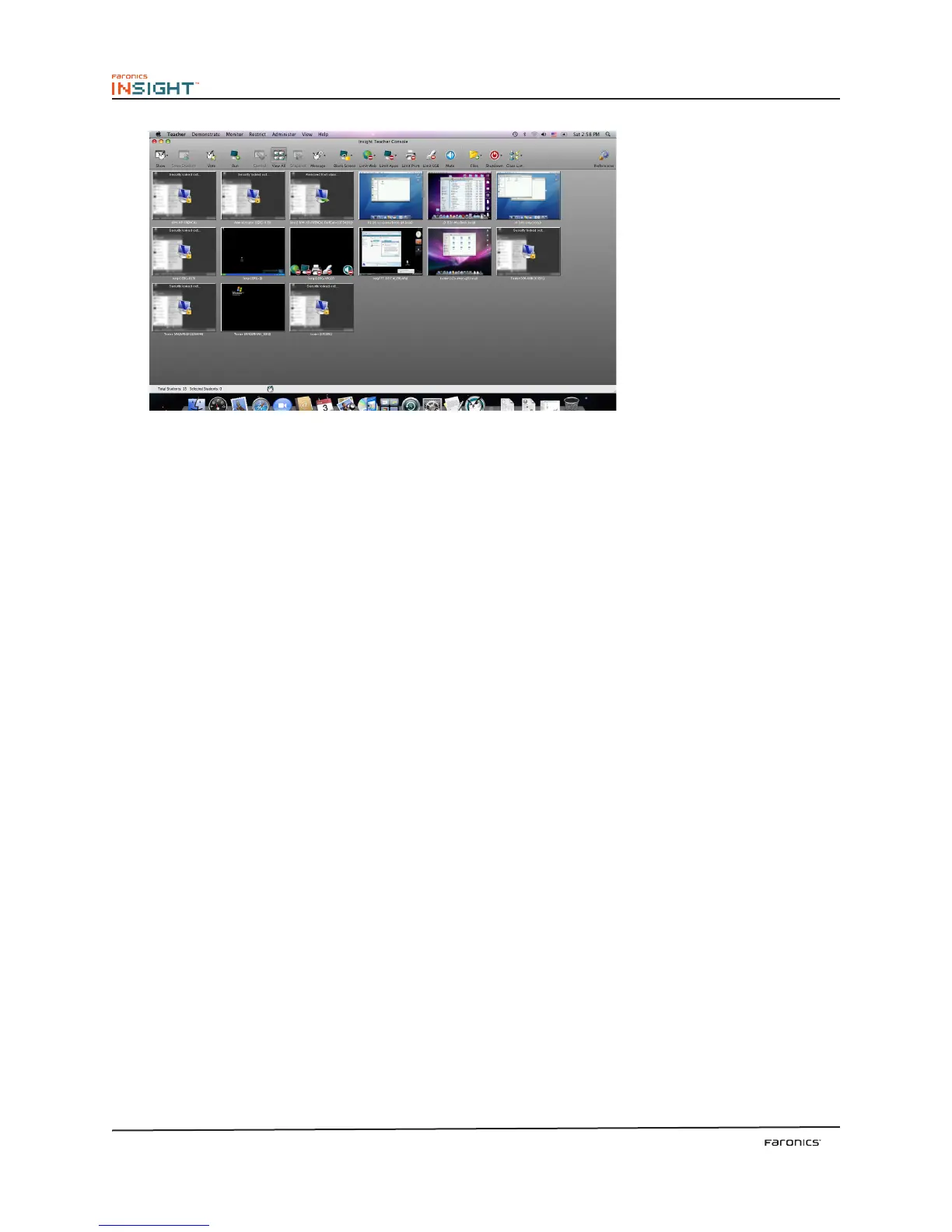
30
umbnail View (Mac)
Classroom Layout Improvements
Snap to Grid makes it easier to arrange the thumbnails in the Classroom Layout view. Classroom
Layouts can now be locked so the thumbnails will not move and tools tips can be turned off.
Windowed broadcast remembers the size of the student window
In the past, if a student resized the windowed broadcast, that size would be lost. Insight now remembers
the size of the Windowed broadcast on the student computer.
Insight Properties Page
e properties page is a useful troubleshooting tool if you need to know what teacher is taking action
on a particular student. It also shows the %’d of power remaining in the battery and its A/C status.
Notebook battery monitoring
Insight monitors the battery state. If the charge drops below 50% a yellow warning battery icon is
displayed. If the charge drops below 20% a red critical battery icon is displayed. e percentage
remaining and A/C status is also available from the new Properties menu.
Enhanced Security Monitoring Utility
e old security monitoring tool was converted into a Windows application. It now will log all traffic
and allow you to filter based on the type of messages and who they are coming from. is allows
administrators to find and stop inappropriate use of Insight even quicker.



 To Next Page