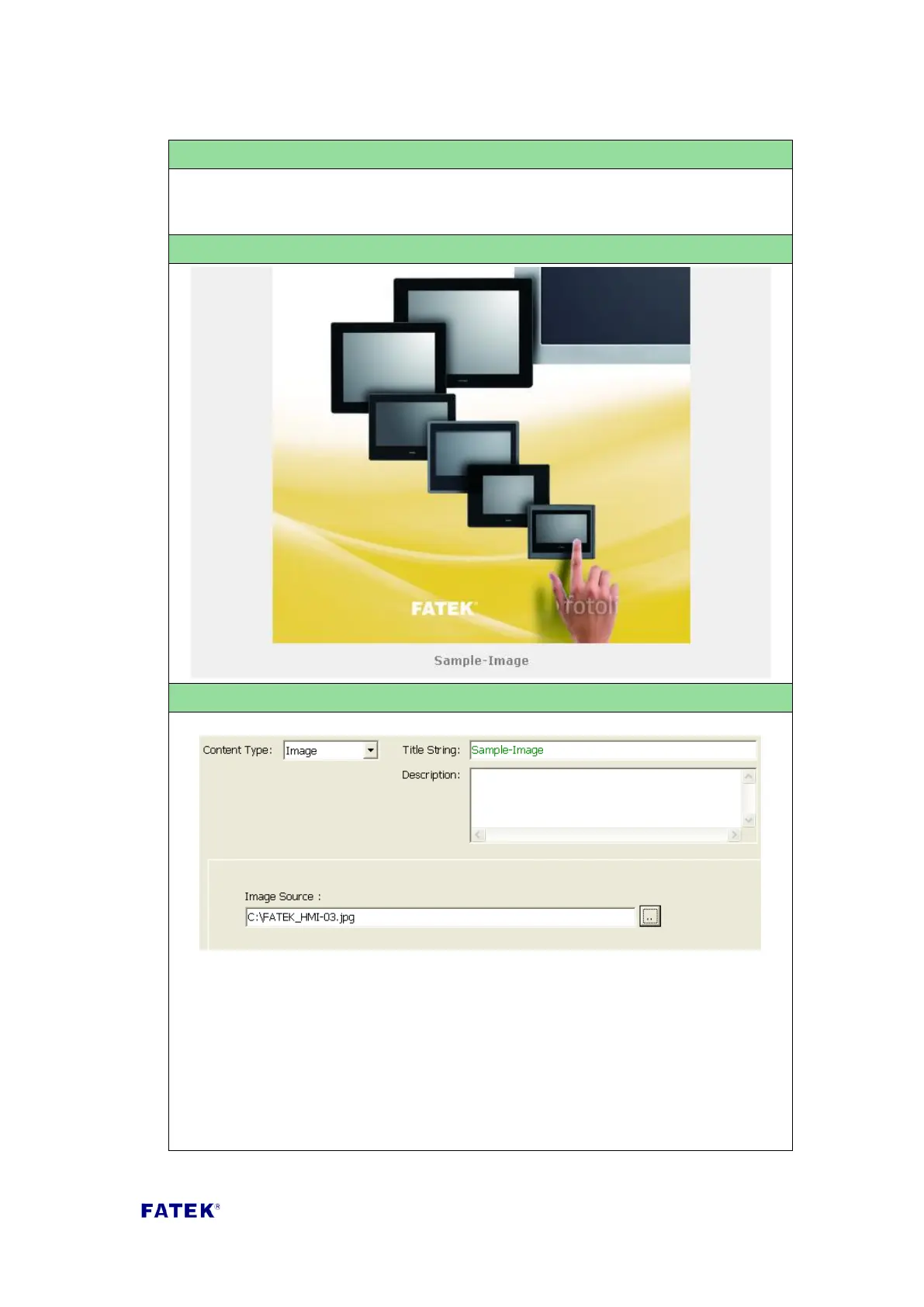
Content Type: Select “Image”.
Title String: The title description of this control item, such as the text displayed
in the Sample Screenshot “Example-Image”; displays below the image.
Image Source: Select the file path or image URL of the picture to display in the
web page. When this field starts with http:// it means that the image source is
a URL.



 To Next Page