Appendix -4
〝H〞 indicates hexadecimal
↓
※ WX、WY、WM、WS can display one item only but each
pressing status is available.
↑ ↑
Y15 Y0
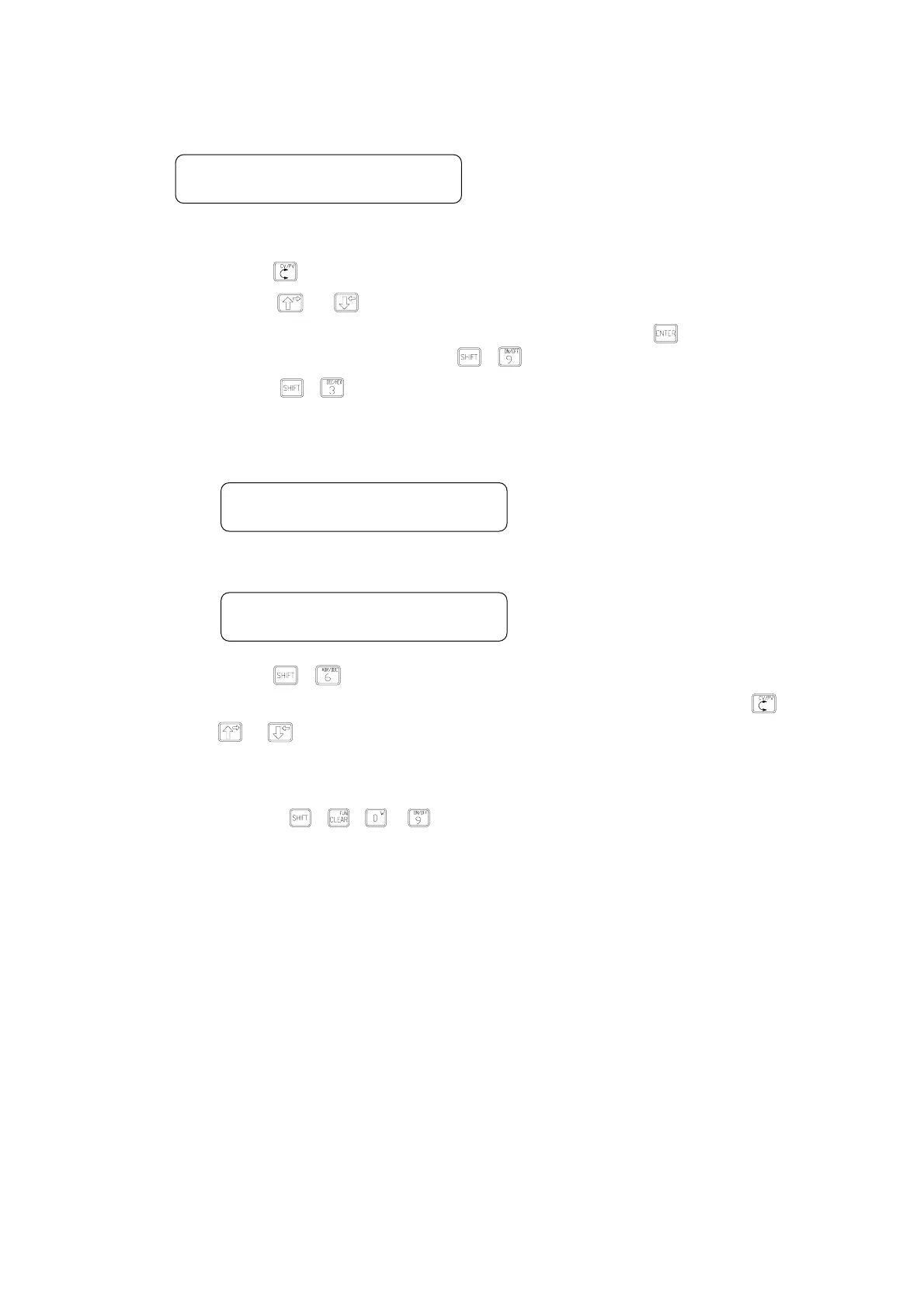
Note:1、Pressing
can move the cursor up and down or switch between CV or PV.
2、Pressing
or can decrease or increase the monitored item number.
3、For a monitored item value, input a new value directly and then press
. The status of the
contacts can be changed by pressing
+ .
4、Pressing
+
can change the means to display a value (either with decimal or hexadecimal
system).
2、 DOC monitoring
← DOC of T10
← Current value
↑
Contact status
← Register DOC
← Value
Note:1、Pressing
+ can switch the monitoring of ADR and DOC.
2、The display switch between CV (current value) and PV of the timer (counter) can use
.
3、
or can be moved up or down to next monitored item with DOC.
3、 Speed monitoring FUN keys(FUN KEY 0~9, totaling 10 keys)
【Pressing keys】:
+(
~
)
B Direct display of a monitored item set by the client.
Note:1、Items to be monitored can be set from the following “FUN functions”.
2、Items to be monitored can be displayed with general or DOC means.



 To Next Page