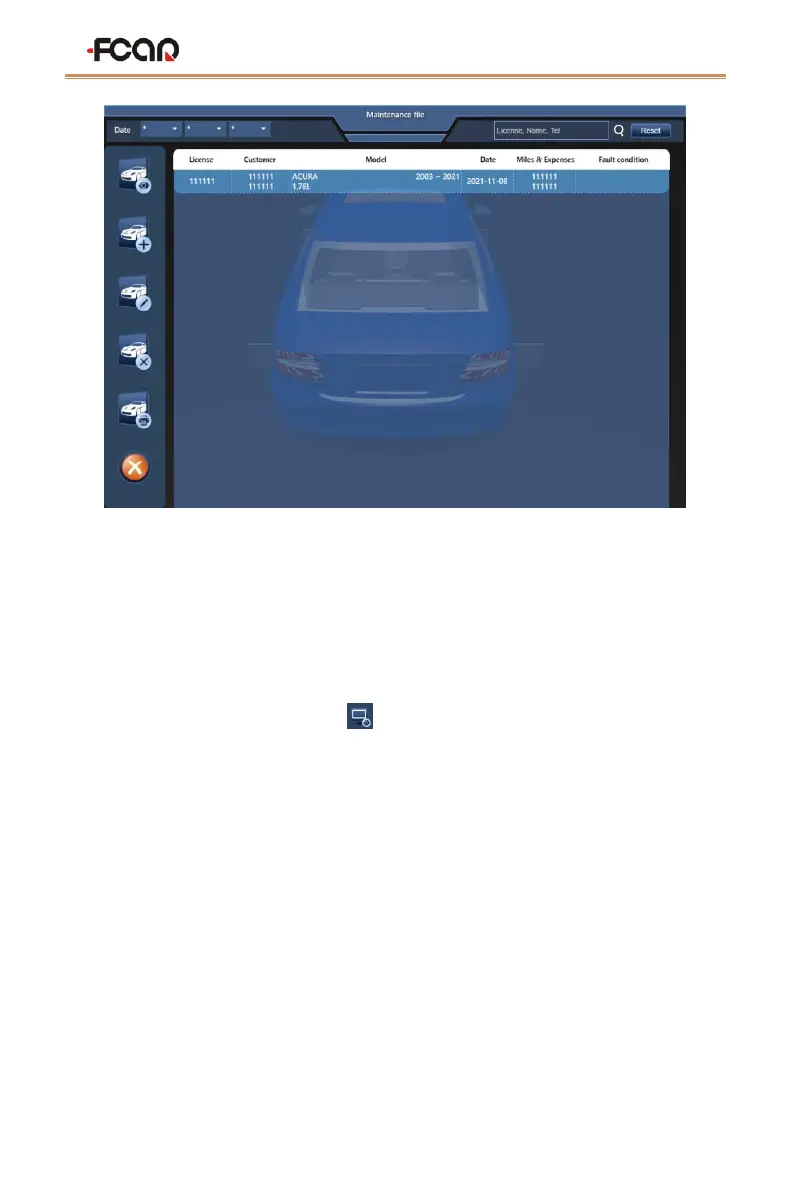
To print a four-wheel alignment test report, users need to install the printing device,
keyboard, mouse, monitor and the printer driver on the host computer through the USB
port or the corresponding port.
6 System setting
Select the system settings Icon[ ]on the main function interface to view store
information, language settings, synchronization settings, model rendering settings, print
settings, and more.


 To Next Page