4. Manual Scan
Use [◄] / [►] keys to scan manually.
1. In VFO mode frequency increments according to preset
step amount (see item # 13).
2. In MR mode frequency increments by programmed
memory channels.
3. Press PTT switch to exit scan mode.
5. Backlight
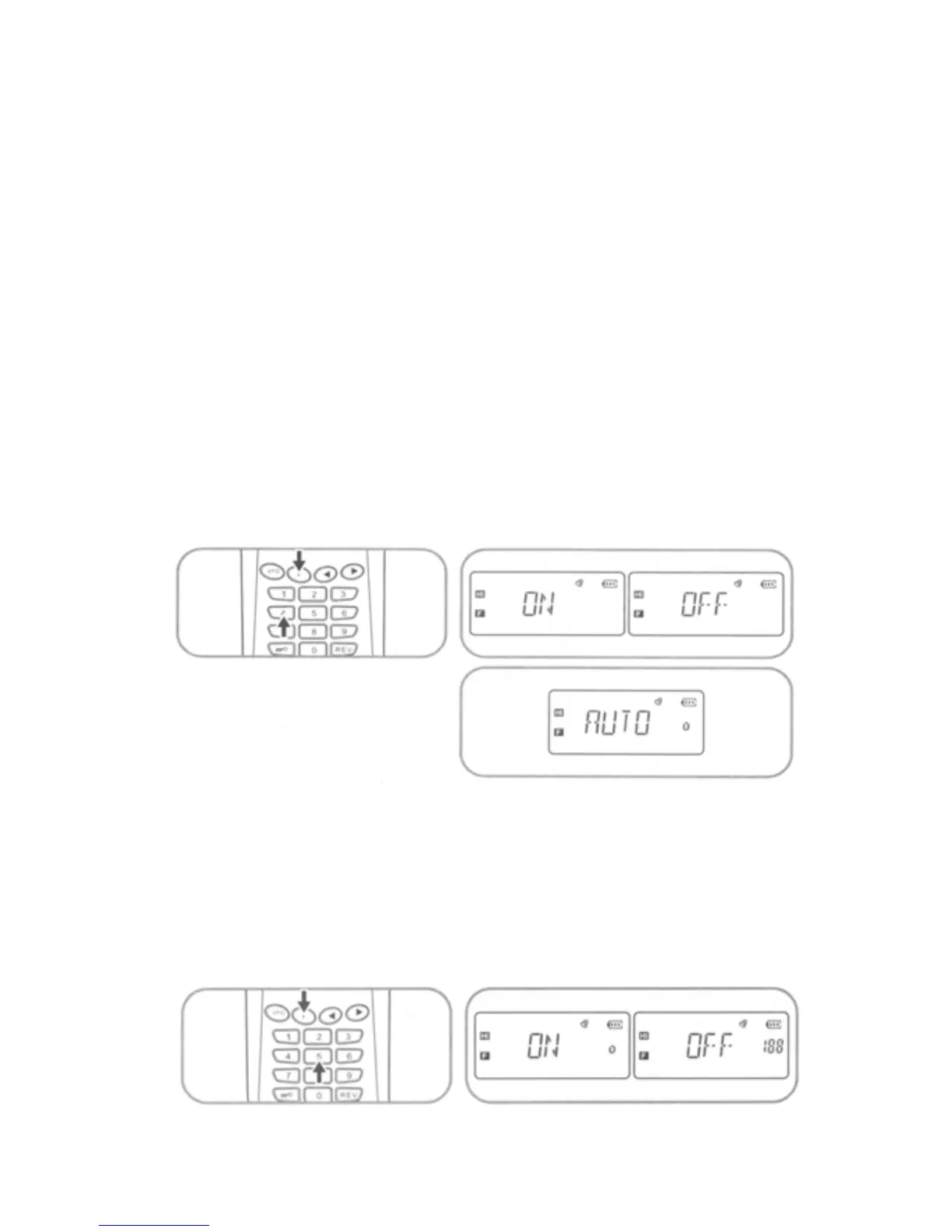
Press [F] + [4] key sequence to view backlight setting, use [◄] /
[►] keys to select desired backlight setting ON / OFF / AUTO.
Press PTT switch to accept selected setting and exit.
6. Beep
Press [F] + [5] sequence to view Beep setting. Use [◄] / [►] keys
to select either ON or OFF. Press PTT switch to accept
selected setting and exit.
13



 To Next Page