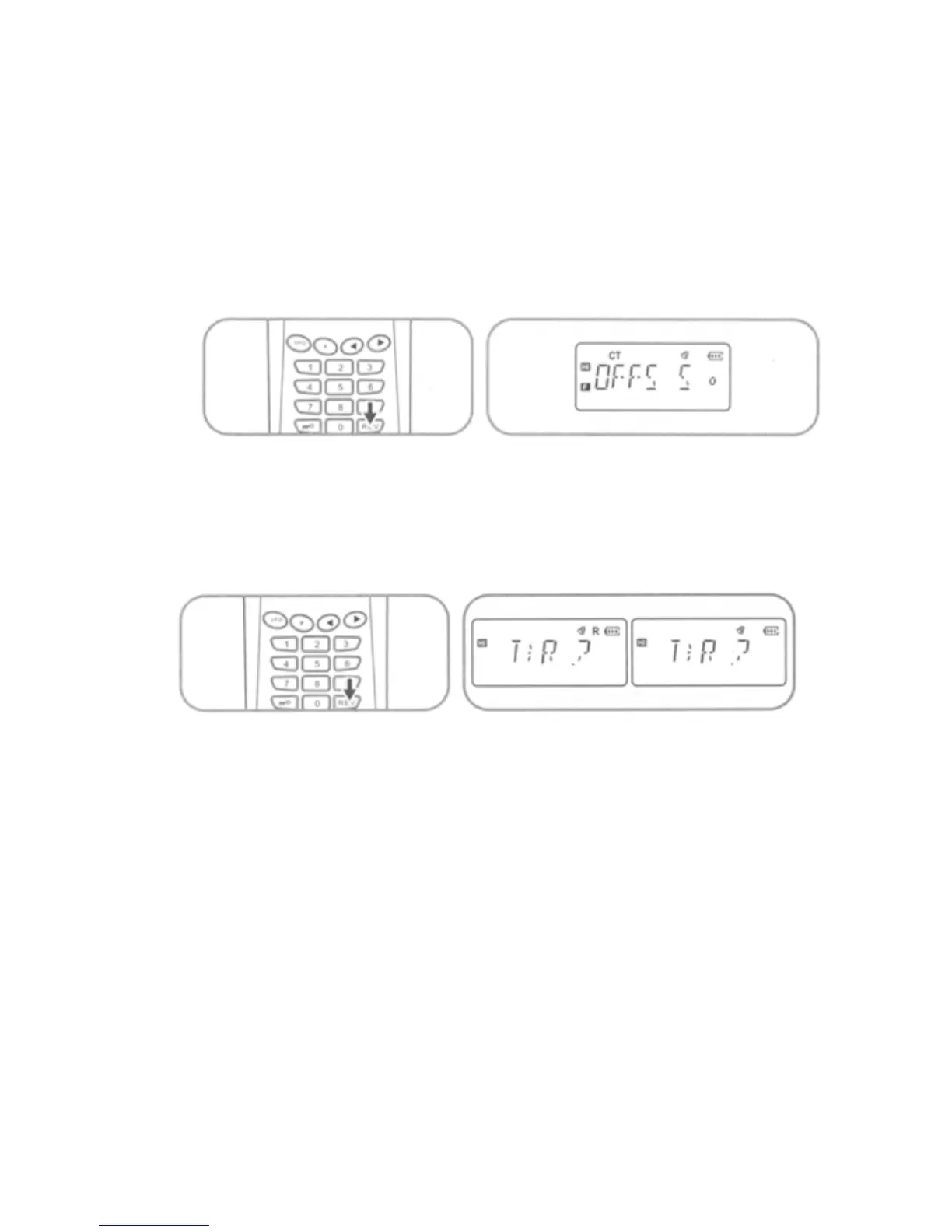
Press [F] + [REV] key sequence to view settings for currently
displayed frequency. Use [◄] / [►] keys to select either “S”
simplex operation, or for duplex operation select either “+” for
positive offset or “-“for negative offset. Press PTT to accept
selected setting and exit. (See item #9 for offset value. E.g.
00.600MHz)
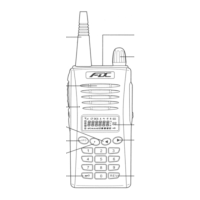
15. Duplex Reverse Frequency
Press and hold [REV] key for 2 sec. to interchange TX and RX
frequencies.
17



 To Next Page