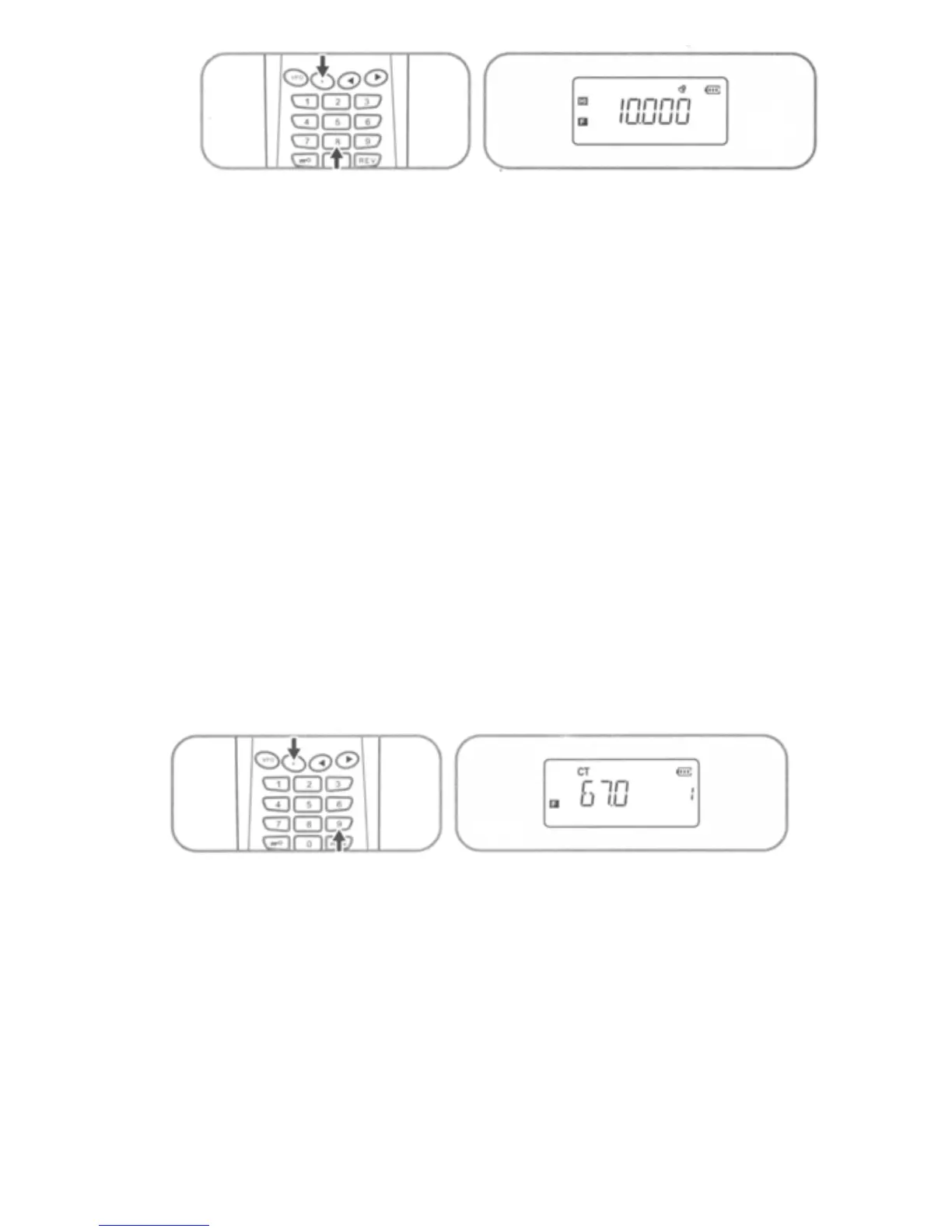
10. CTCSS/DCS Receive
a) For CTCSS coding press [F] + [9] key sequence to view the
setting for the current frequency. Use [◄] / [►] keys to select
the CTCSS frequency value desired. Press PTT switch to
accept selected setting and exit. (See table at end of
document for CTCSS values)
b) To use DCS coding Press [F] + [9] + [F] sequence to view
the setting for the current frequency. Use [◄] / [►] keys to
select the DCS frequency value desired then press [VFO]
key to set DCS Normal/Inverse option. Press PTT switch
to accept selected settings and exit. (See table at end of
document for DCS values)
11. CTCSS/DCS Transmit
a) For CTCSS coding press [F] + [0] key sequence to view the
setting for the current frequency. Use [◄] / [►] keys to select
the CTCSS frequency value desired. Press PTT switch to
accept selected setting and exit. (See table at end of
document for CTCSS values)
15



 To Next Page