15
Display Denitions
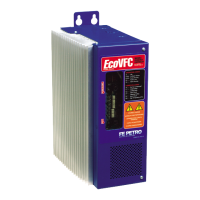
The EcoVFC is equipped with a display that indicates several operating parameters of the EcoVFC as well as
indicates an error code when a fault is detected. When the EcoVFC is in an error condition, the alarm code will
be displayed. The alarm code denitions and proposed troubleshooting methods are in the Troubleshooting
section of this manual.
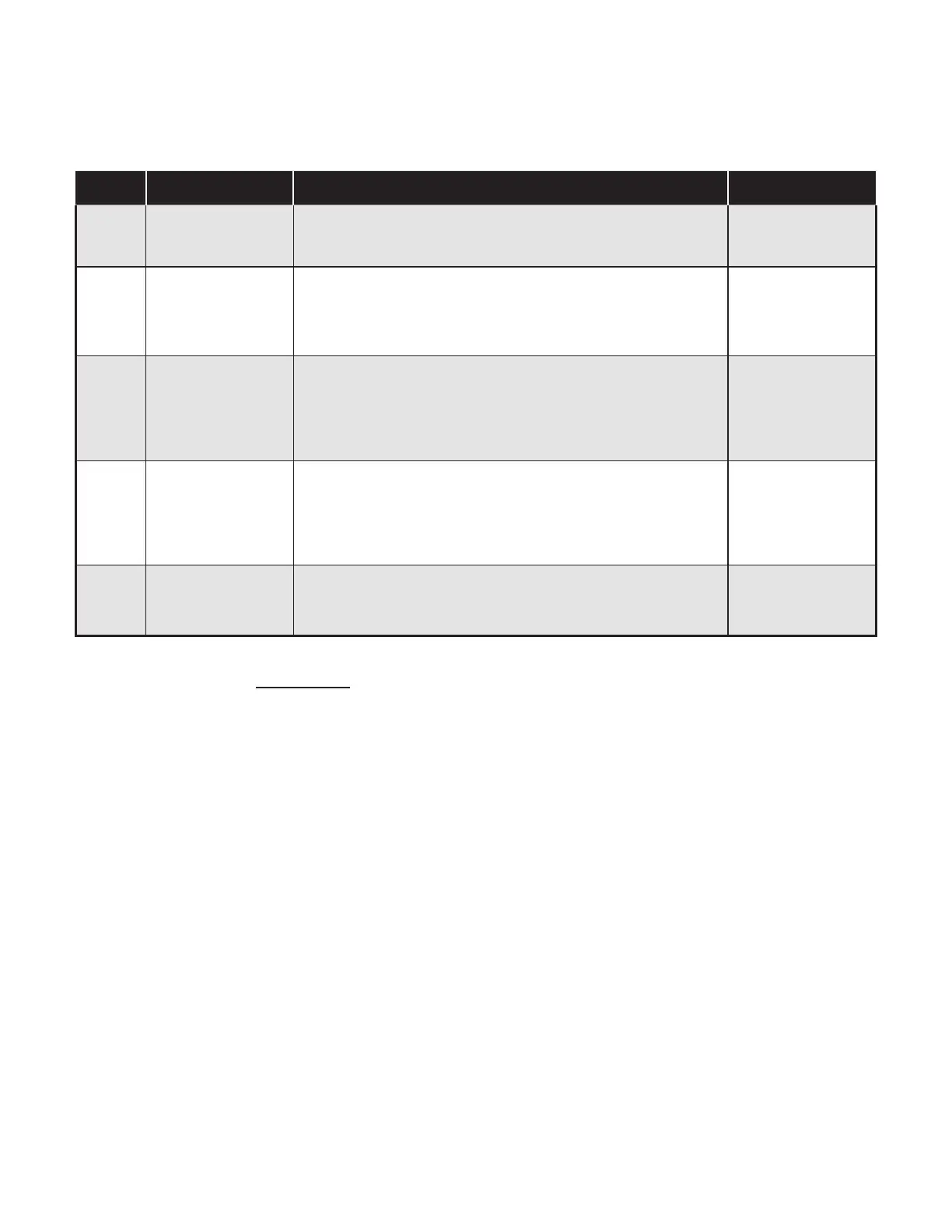
Code Denition Description Displayed
Id
Idle
No hook signal present, PMA is not running, and no fault
codes present
When Pump is idle
(i.e. no hook signal
is present)
xx : yy Software revision
Software version of EcoVFC where numeric value xx
displays and then value yy to form the revision xx.yy
Note: If the display stops on yy, there may be an issue of
low incoming voltage or loose input power connections.
Immediately after
the EcoVFC has
been reset or
turned ON
Pr : NN Pressure regulate
Pr is the pressure setting of NN psi that the EcoVFC is set to
maintain. Pr and the numeric value NN of the set pressure
will ash alternately on the display when running
EcoVFC is running
and operating
within pressure
regulate setting
PL
Power Limit Displayed when EcoVFC is operating at its power limit
EcoVFC is running
and operating
beyond pressure
regulate setting
Sr
Slave running
Displayed when a slave in a Master-Slave conguration is
running
On slave pump
only when
operating
Table 6: Status Codes
Note: The above codes are Status Codes and do not indicate an alarm condition.
See Troubleshooting section for Alarm Codes.


 To Next Page