PP SERIES | PP-9745W – User Guide
16 FEC ITALIA
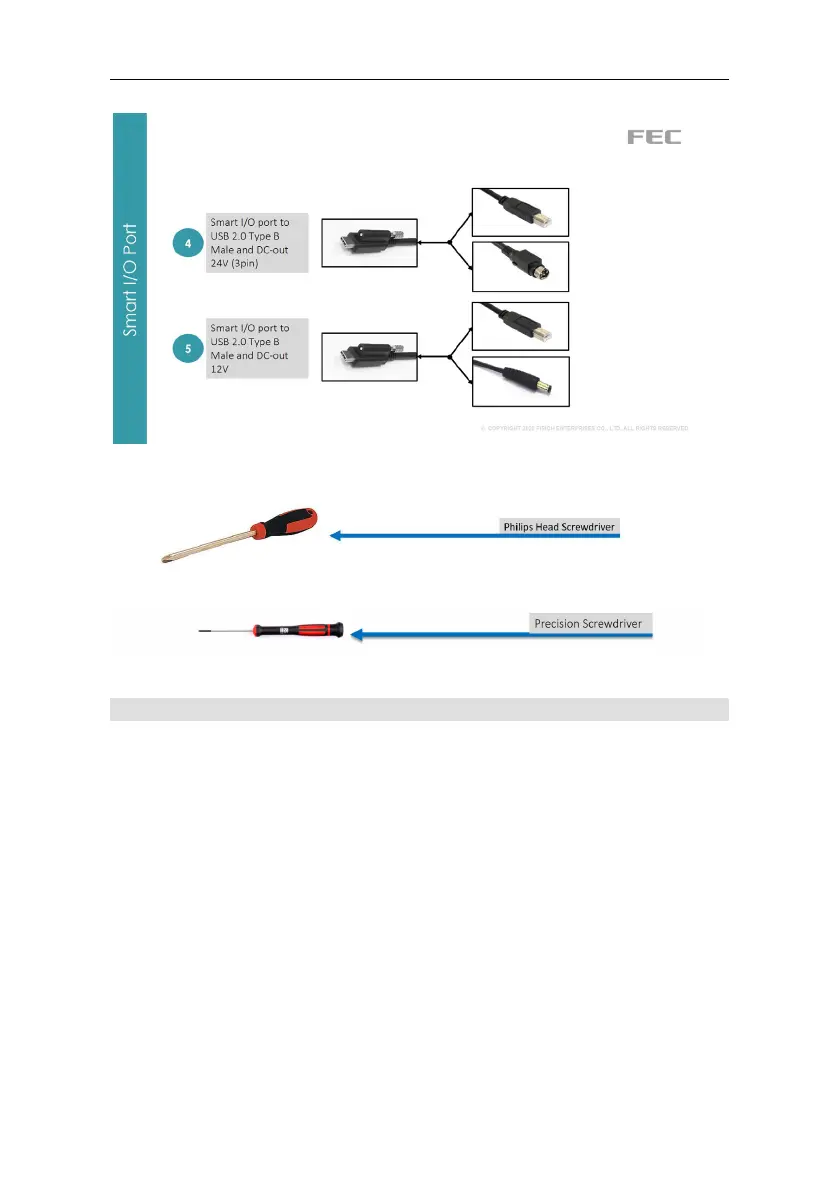
For assembly, you may need these tools:
Stand – double hinge
Note: This is a general reference assembly guide, the actual display
back cover may not match your product. It will not matter to the
assembly.
Tools Needed: You will need to prepare a screwdriver in order to
assemble the stand.
Items Included:
Panel PC with Part A of the stand attached.
Part B of the stand
Screw x 4pcs in the accessory box.
STEP 1: Lay items on a flat surface.
STEP 2: Remove the stand cable cover by sliding it down (left
image) then lift it away (right image).



 To Next Page