Installation and Settings
FEC ITALIA 43
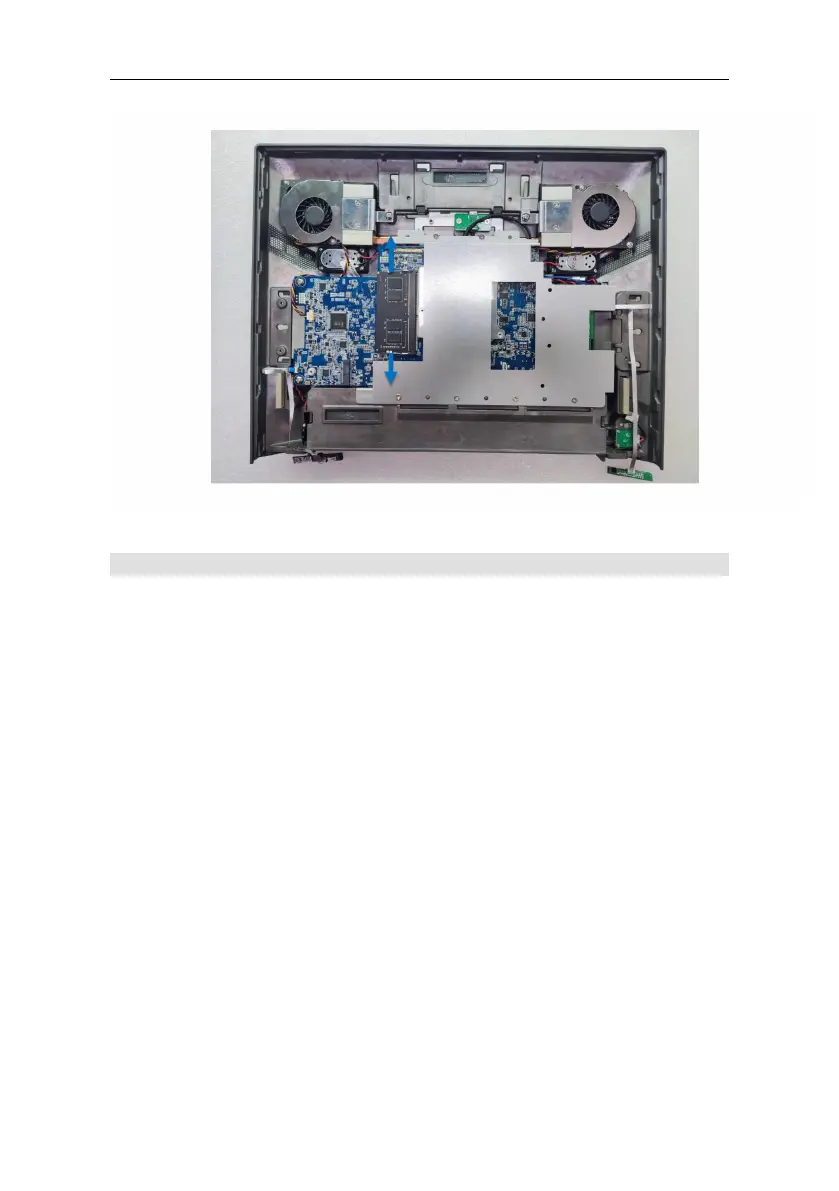
Add M.2 from the tray
Note: This is a general reference assembly guide, the actual display
back cover may not match your product. It will not matter to the
assembly. Make sure the system is off before removing or installing
the M.2 tray from the system. This system does not support hot plug
of the storage device.
Tools Needed: You will need to prepare a precision screwdriver in
order to assemble the M.2.
Items Included:
Thermal pad in the accessory box.
M.2 Tray with Screw x 1
M.2 (PCIe Gen III) x 1 (This can be purchased from FEC or
otherwise)
STEP 1: Get thermal pad from the accessory box. Remove the
plastic and place the thermal pad on to the controller.
STEP 2: Slide the M.2 into the tray.



 To Next Page