Installation and Settings
FEC ITALIA 41
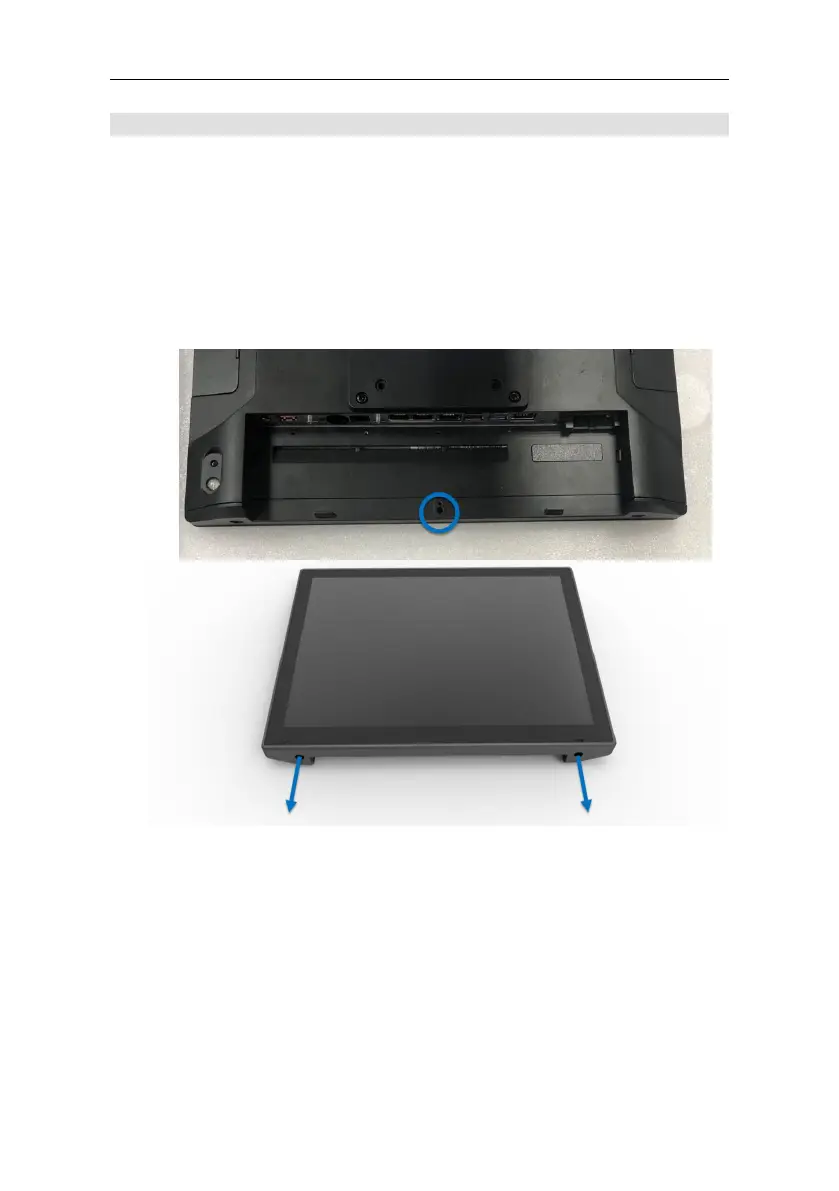
RAM Access
Note: This is a reference assembly guide, actual display dimensions
may vary; however, they won't affect assembly. Make sure the
product is turned off.
Tools Needed: Prepare a screwdriver.
STEP 1: Place the Panel PC face down on a flat surface. Using a
precision screwdriver, unscrew the screw.
STEP 2: Remove back cover



 To Next Page