PP SERIES | PP-9745W – User Guide
34 FEC ITALIA
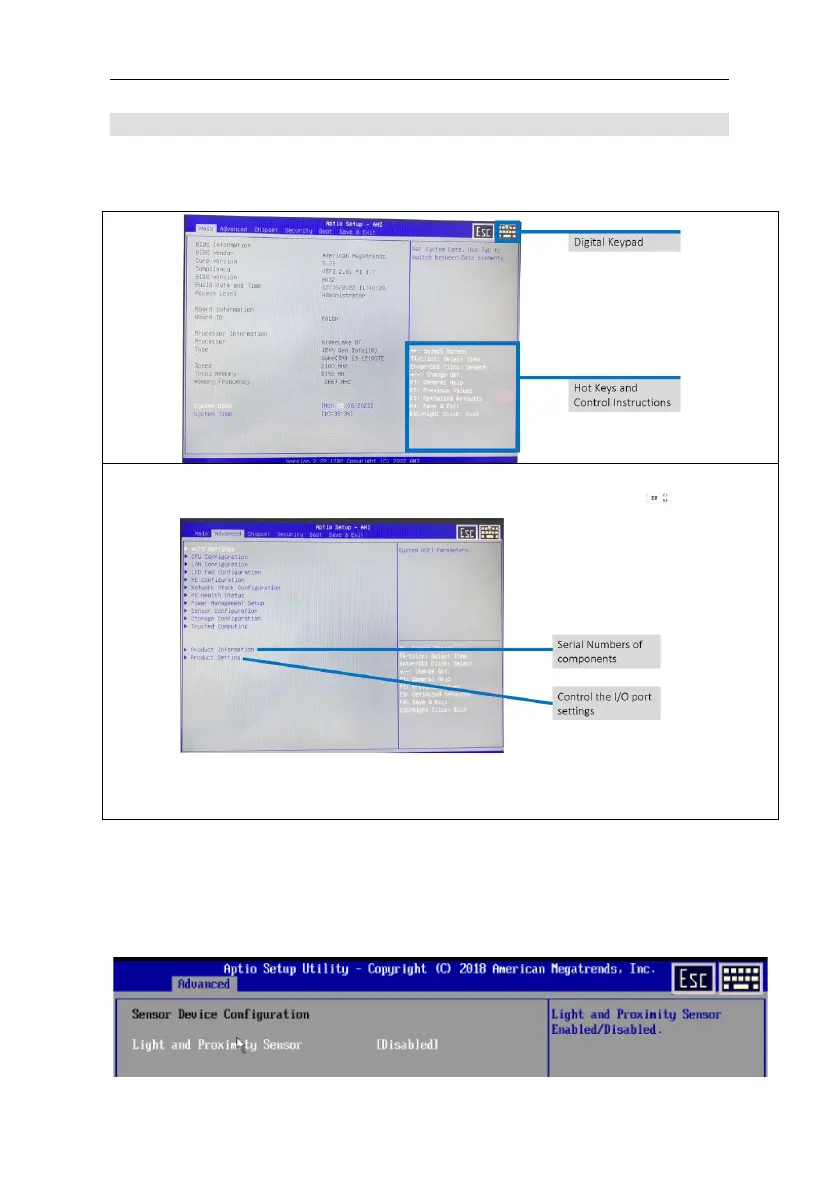
Enable/Disable ambient light and proximity sensor on the BIOS
To use the BIOS, you can use the touch panel.
Step 1: Boot the system
Step 2: Press the <DEL> key during boot to enter the BIOS
Step 3: On Advanced > Sensor Configuration click Disabled to turn it
off, Sensor 1 to activate the proximity and ambient light sensor.



 To Next Page