PP SERIES | PP-9745W – User Guide
54 FEC ITALIA
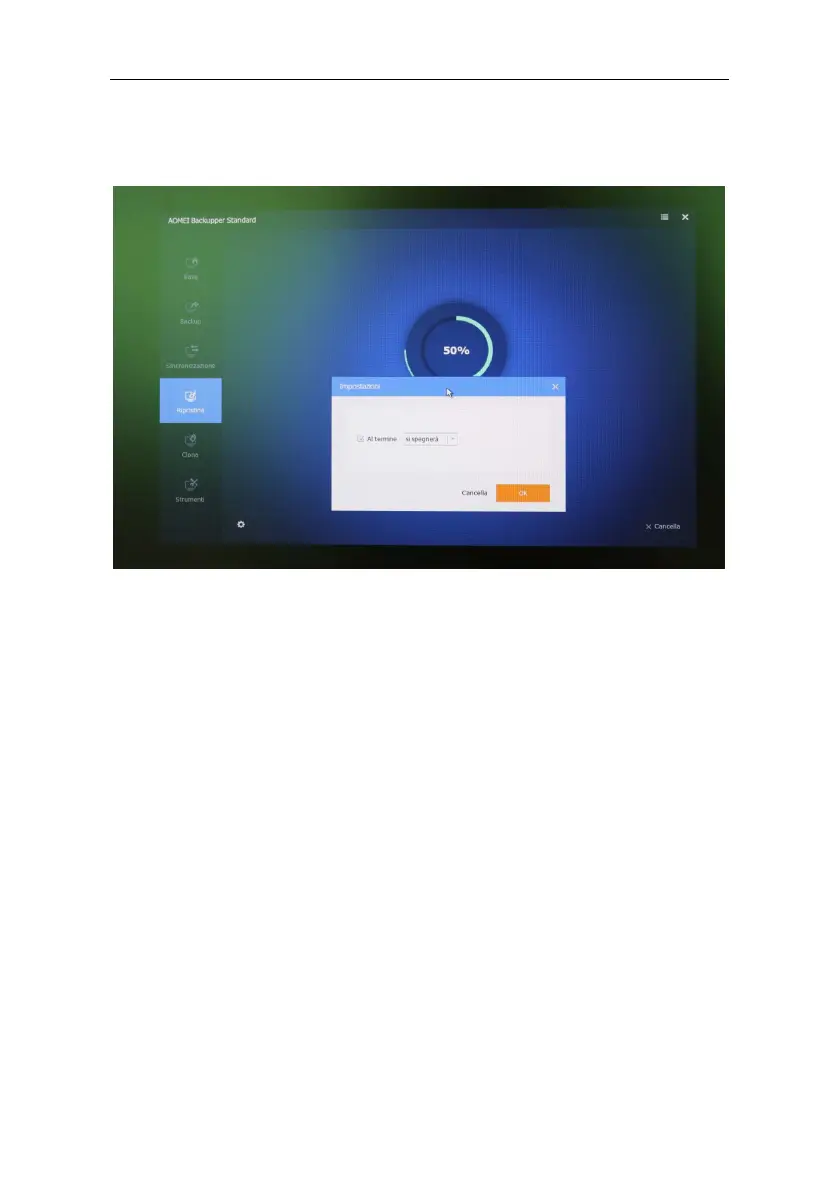
With the restore operation in progress, click on the cogwheel and
check When finished (it will go out), confirm with OK.
Once the activity is finished, the PC will turn off. (disconnect external
USB drives)
End of Procedure
When you turn it back on, the system will start with the initial
Windows configuration, with the request to select country - language,
etc...



 To Next Page