Installation
MOBELE gNSTALLAT ON
I_Cooling Through a Window Application
u k]
If_ -- I
I I
B
F
h
I I
13
Window Adapter Application
For use in air conditioning settings "Cool" and "Fan" only.
When using the air conditioner in "Cool" mode, the heat from
the room will need to be vented to the outside. Do not vent
the air to the outside when using "Dehumidify" or "Heat"
modes.
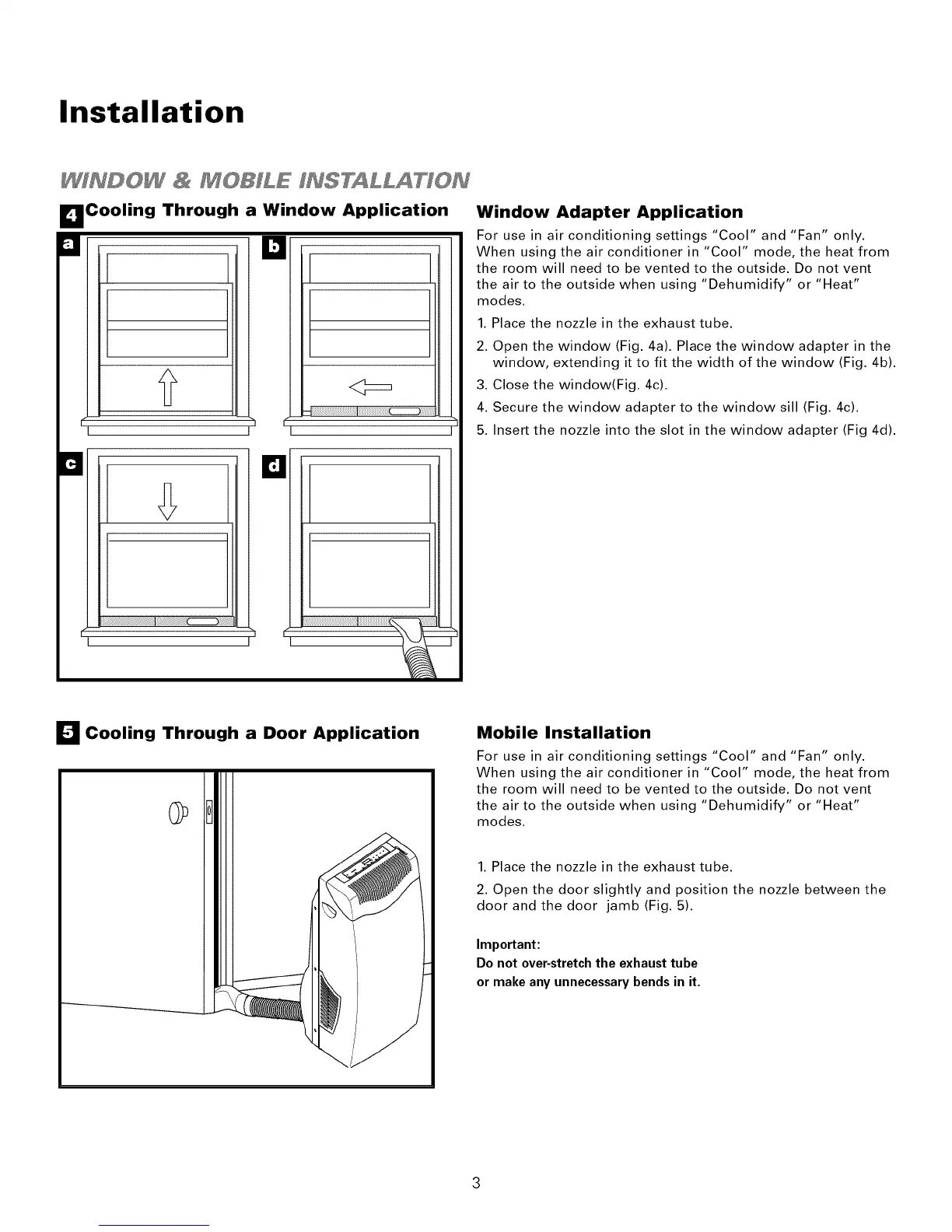
1. Place the nozzle in the exhaust tube.
2. Open the window (Fig. 4a). Place the window adapter in the
window, extending it to fit the width of the window (Fig. 4b).
3. Close the window(Fig. 4c).
4. Secure the window adapter to the window sill (Fig. 4c).
5. Insert the nozzle into the slot in the window adapter (Fig 4d).
I_1 Cooling Through a Door Application
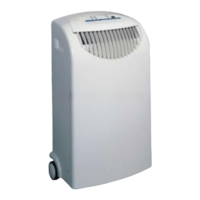
Mobile Installation
For use in air conditioning settings "Cool" and "Fan" only.
When using the air conditioner in "Cool" mode, the heat from
the room will need to be vented to the outside. Do not vent
the air to the outside when using "Dehumidify" or "Heat"
modes.
1. Place the nozzle in the exhaust tube.
2. Open the door slightly and position the nozzle between the
door and the door jamb (Fig. 5).
Important:
Do not over-stretch the exhaust tube
or make any unnecessary bends in it.



 To Next Page