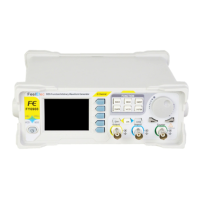
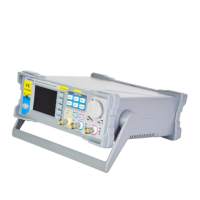
FeelElec
FY6900 Series User’s Manual 9
— Can sweep frequency, amplitude, offset and phase.
— 2 sweep types: Linear, Logarithm.
— VCO voltage controls parameters of signal output
available (for example: voltage controlled oscillator).
— Auxiliary functions and system configuration setting.
— Can save 20 sets waveform parameters including
frequency, amplitude, offset, phase and so on.
— System Language has English and Chinese for
user’s option.
— Buzzer can be turned on/off in this manu.
— Set multimachine uplink.
— Switch Master-Slave status
— Set default status of dual channels at start-up.
— Trigger and modulation function button
— Set definite amount of pulse string to output.
— Set modulation mode: ASK, FSK, PSK
— VCO function can be set
— Frequency, Amplitude, Bias and Duty of
VCO Voltage Control Signal Generator
— Output function of various parameters such as VCO.
4
Arrows
Press Arrow buttons to select figure which you want to
edit when setting values of each parameter.
5
ADJ Knob
Press the knob as confirmation (OK button).
— Rotate the ADJ Knob to increase or reduce the current value
indicated by the cursor.
— Frequency unit can be changed by Press ADJ Knob under
Frequency value setting status.
— Press ADJ Knob to Start/Stop sweep under Sweep interface.
6
Power
Button
The power indicator keeps illuminating when power on.
Press the power button and the indicator change to notifylight status
and the signal output terminates.
7
CH1 channel
output
connector
CH1 connector, output impedance is 50Ω.
When CH1 channel activates (indicator illuminates), CH1 outputs
signal with parameters set.
8
Output
Channels
Control CH1 output. Press it to switch to CH1 parameter
setting interface.
— Press it to turn on CH1 output with current
configuration. The indicator will illuminate.
— Press it again to turn off CH1 output and the indicator
will extinguish.


 To Next Page
 Loading...